
10 best project manager tools for 2026

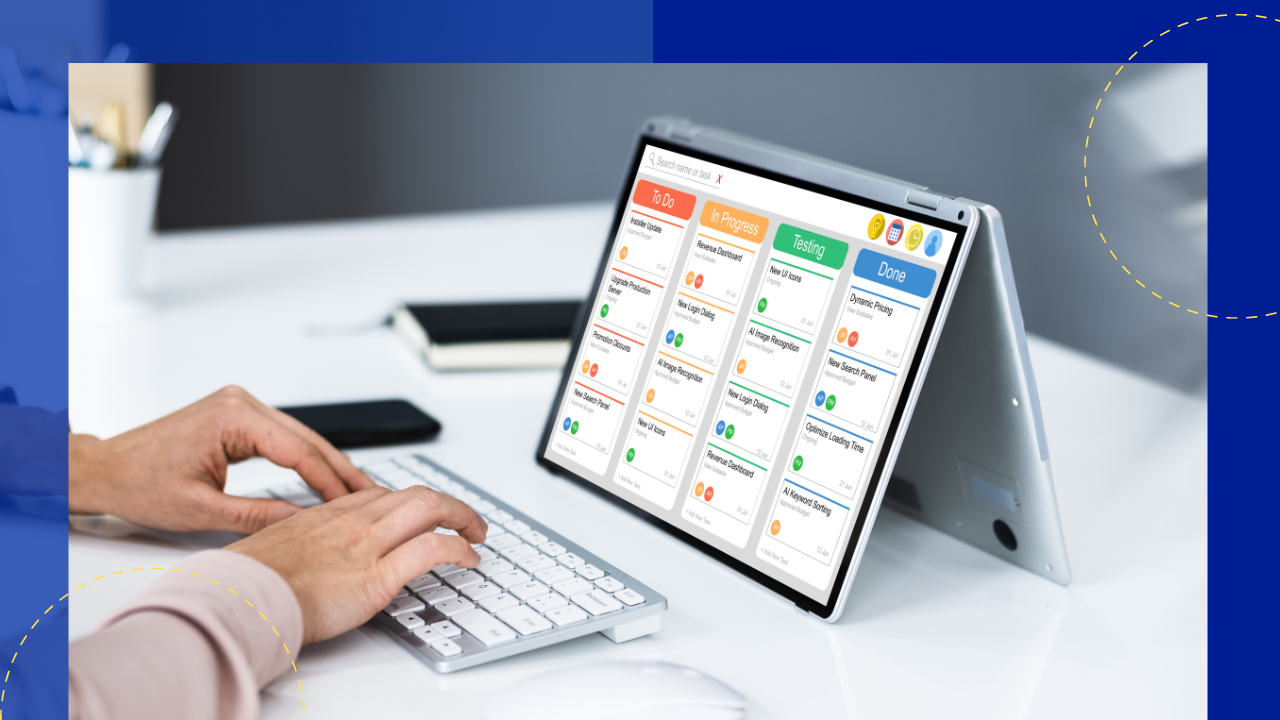
What are the best project manager tools?
The best project manager tools help teams plan work, track tasks, and hit deadlines in one shared place.
- Top picks include Monday.com, Wrike, Trello, Asana, and ClickUp.
- Good project manager tools cover task management, scheduling, reporting, and easy team chat.
- The right choice depends on your team size, budget, and daily workflow.
List of project manager tools
Good project management depends on smooth teamwork across tasks, people, and resources. As a result, project manager tools have become a must for busy teams.
These tools help you plan work, boost output, and keep projects on track. However, there are so many options that picking the right one can feel hard. So this guide breaks down what to look for and shows the top choices.
First, we explain what these tools do and which features matter most. Next, we walk through ten strong picks. Whether you are a seasoned manager or just starting out, this guide helps you choose with confidence. For more ideas, you can also review these proven project management techniques.
What tools do project managers use?
Project management tools are software programs that help you run projects and tasks. People, small teams, and large firms all use them. In short, these tools track what needs doing, who owns it, when it is due, and what it costs.
Most project management tools fall into three groups:
- Project management software. These products mix features from all three groups below. As a result, larger firms and freelancers often rely on them.
- Time tracking software. These products are built to track time spent on projects. So managers can bill clients or see how teams spend each day.
- Task management software. Individuals or small teams use these to track work. However, they skip the weight of a full project system.

Essential features of project manager tools
Project manager tools sit at the heart of the work. They help you plan, watch, and control schedule, cost, quality, and risk. So a good tool makes success far more likely.
Here are the features that set strong project manager tools apart:
- Task management – This lets you create, assign, and track tasks across the whole project. As a result, nothing slips through the cracks.
- Collaboration and communication – Clear teamwork among staff and stakeholders drives project success. Good remote work tools make this easy from anywhere.
- Scheduling and time management – A good tool helps you set milestones and share out resources. So deadlines feel realistic, not rushed.
- Document management – You get file storage, version control, and quick access to files. Because of this, teams stop hunting for the latest draft.
- Reporting and analytics – Live project data helps you watch progress and make smart calls. For example, you can spot a slow task early.
- Integration capabilities – The tool should link up with the other software your team already uses.
- Customization options – A flexible tool allows customization to fit your own way of working.
- Mobile accessibility – A mobile app lets you check project data on the go.
Smooth workflow management ties all these features together. As a result, work moves from idea to done with less friction.
Top 10 project manager tools
Now let us explore the best project manager tools on the market today.
Monday.com
Pricing:
- Free
- Basic: $8/seat/month
- Standard: $10/seat/month
- Pro: $16/seat/month
- Enterprise: Contact sales
Monday.com pulls all your work into one clear solution. So teams can focus on tasks, projects, and steps that move shared goals forward.
Its features help you build strong workflows for your own needs. For example, you can use custom views, live dashboards, and over 200 ready-made automation recipes.
The app has also built a strong name. Clients report a 29% rise in candidates, a 95% OKR adoption rate, and more than 3,500 hours saved each year.
Wrike
Pricing:
- Free
- Team: $9.80/user/month
- Business: $24.80/user/month
- Enterprise: Contact sales
- Pinnacle: Contact sales
With Wrike, users can manage projects in real time. So planning, doing, and finishing work all happen in one place.
Its advanced features make project pain a thing of the past. For example, managers can automate tasks, predict risks, and fine-tune resources.
You can also take control of resources with live data and dashboards. As a result, your team gets used where it is needed most.
Trello
Pricing:
- Free
- Standard: $5/user/month
- Premium: $10/user/month
- Enterprise: $17.50/user/month
Trello calls itself a productivity powerhouse. It uses three simple parts to show what needs doing:
- Boards – Keep tasks tidy and moving by sorting them onto the right board.
- Lists – Map out each step and build a custom flow for your team.
- Cards – Hold the details you need to finish a job. As you work, move cards across lists for a live view.
Its custom fields save time and meet the needs of any project. This works best when you pair it with automation. So Trello tracks every stage from start to finish.
Asana
Pricing:
- Basic: Free
- Premium: $10.99/user/month
- Business: $24.99/user/month
With Asana, you can run projects well even when priorities shift. As a result, it is easy to stay on track and hit your goals.
Asana shines by cutting the gaps between teams and tools. So your key work still flows across different groups.
You can also see all your work in one view, from launches to deployments. Because of this, you spot roadblocks early and still deliver.
ClickUp
Pricing:
- Free
- Unlimited: $9/month
- Business: $19/month
- Business Plus: $29/month
- Enterprise: Contact sales
ClickUp brings all your teams together to plan, track, and work as one. So you can organize projects at a glance and make the most of your people.
The software ships with custom templates that save time. It also adds handy, productivity-boosting tools. For example, you can speed up work with its ClickUp AI tool.
ClickUp gives you views such as List, Gantt, and Board. As a result, you turn ideas into action and never miss a beat.
Teamwork
Pricing:
- Free
- Starter: $5.99/user/month
- Deliver: $9.99/user/month
- Grow: $19.99/user/month
- Scale: Request a demo
Teamwork comes with trusted task tools that help you hit targets. So you can plan your workload, track progress, and tune reports with real detail.
It also brings many templates that help all kinds of teams save time. In addition, a mobile app lets you work from anywhere.
The software gives you a full view of its time tracking feature too. As a result, you can plan time far better.
ProofHub
Pricing:
- Essential: $45/month
- Ultimate Control: $89/month
ProofHub is a solid task and project tool. It uses Kanban boards and a strong table view to split work into clear stages.
It keeps projects on course with simple controls. For example, this tool lets you do the following:
- Set project goals
- Estimate project scope
- Get regular feedback and updates
- Streamline communication
- Design a schedule
- Assign tasks
- Deliver value to clients
You can also build custom workflows and see progress at a glance. So you plan each step with ease.
Basecamp
Pricing:
- Basecamp: $15/user/month
- Basecamp Pro Unlimited: $299/month, unlimited users
Both plans come with 30-day free trials.
Basecamp offers refreshingly simple project management. The team has refined it over two decades to cut complexity. As a result, project work feels less of a chore.
Basecamp keeps everything in one central place. So you skip the mess of many separate tools.
You can also drop long email threads for its message board. In addition, the Campfire chat and Card Table give the whole team a clear view.
Airtable
Pricing:
- Free
- Plus: $10/seat/month
- Pro: $20/seat/month
- Enterprise: Contact sales
Airtable is a platform for building connected apps. So teams can create their own apps to link work across the whole firm.
Preconfigured apps help your teams get results faster. In addition, this approach ends silos and unites your data.
Airtable also comes with its own AI. For example, it lets you do the following:
- Generate product specs
- Sort user feedback quickly
- Close the loop with customers
- Speed up work with automation
Smartsheet
Pricing:
- Free
- Pro: $7/user/month
- Business: $25/user/month
- Enterprise: Contact sales
Smartsheet delivers strong project management that puts people first. So your teams work better with the right people, steps, and data in one place.
Client reviews credit Smartsheet with 60x faster setup, a 70% rise in output, and more than 4,000 hours saved each year. In addition, its rich features stay simple and easy to use.
With Smartsheet, everyone works together in real time. As a result, the whole team sees progress and knows how to help.
Key takeaways
- Project manager tools help teams plan work, track tasks, and hit deadlines in one place.
- Look for task management, scheduling, reporting, integrations, and mobile access.
- Monday.com, Wrike, Trello, Asana, and ClickUp lead the field for most teams.
- The best pick fits your team size, budget, and workflow, so test a free plan first.
Frequently asked questions
What are project manager tools?
They are software programs that help you plan, track, and finish projects. So people, teams, and firms use them to see who owns each task and when it is due.
Which project manager tool is best for small teams?
Small teams often like Trello, Asana, or ClickUp because they are simple and cheap. Each also has a free plan, so you can try before you buy.
Are free project manager tools any good?
Yes, free plans work well for small projects and small teams. However, growing teams may need paid plans for more users, storage, and reports.
What features should I look for in project manager tools?
Start with task management, scheduling, and reporting. In addition, check for integrations, easy team chat, and a good mobile app. For a bigger team, you may also want productivity tools for your remote staff.
Do project managers need these tools to do their job?
Most do, because the tools keep work clear and on time. They also support the skills that shape a strong career and a fair project manager salary.






 Independent





