
Online collaboration made easy: Top 40 picks for online tools


What are the best online collaboration tools for remote teams?
The best online collaboration tools cover communication, project management, monitoring, file sharing, and scheduling, so remote teams can work as one from anywhere.
- Communication tools keep chats, calls, and meetings in one place.
- Project and monitoring tools track tasks, time, and progress.
- Storage, design, and scheduling tools round out the daily workflow.
Remote and hybrid work is now a normal part of how businesses run. As a result, many teams look for ways to cut costs on labour and resources while keeping work on track. Luckily, building a remote team is one strong option.
Business process outsourcing firms in the Philippines and India run large remote teams for their clients. Some have done this for years, so they hold an edge. But what about teams that are new to it?
Good thing there are remote tools that make operations easier and more flexible. The right work from home software can also help new teams get set up fast.
Remote teams as a strategy
A distributed workforce gives a business a real edge in the global market. For example, it opens access to global talent, 24/7 support, and easy scaling for busy periods. Outsourced teams often fill these offshore roles.
Remote teams can also be a smart move in different situations, such as:
- Scarcity of local talent. Western firms often struggle to hire local staff due to high demand and pay.
- Business rebuilding. Some firms hire remote staff to keep costs low while they bounce back.
- Force majeure conditions. Local offices may close during calamities, so an in-house team cannot operate.
First-time managers may worry about how to work with and track remote staff. However, many collaboration tools now exist for exactly this. A strong remote work culture makes these tools work even better.
Here are some of the best online collaboration tools, from communication and documentation to project management and monitoring.
Communication
Slack
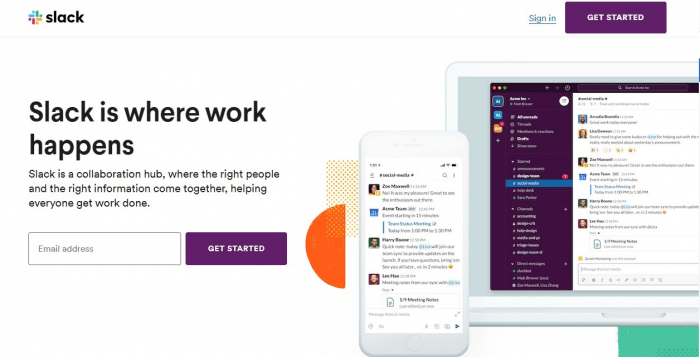
Slack is a leading business chat tool for internal teams. It sorts talks into channels, so people find what they need fast.
The platform is free for a set number of recent messages, a few app integrations, and one-on-one video calls.
Zoom
Zoom is a top platform for online meetings, video calls, and webinars. Users can host audio and video meetings, share screens, and chat. As a result, it stays popular with remote teams.
The free version lets you invite many participants and record sessions.
Skype

Skype offers a flexible way to talk with colleagues. Besides voice and video calls, screen sharing, and recording, it also supports calls to landlines and mobiles abroad.
The platform is free for Skype to Skype calls. For extra features, users can buy credits or a subscription.
Hangouts
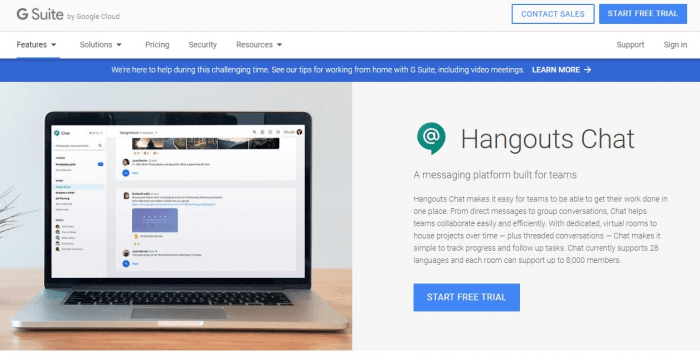
Part of Google Workspace, Hangouts is a messaging service by Google. Like other chat tools, it supports chats, voice and video calls, and screen sharing. So Gmail and Workspace users can talk over web and mobile.
It is free for anyone with a Google account.
RingCentral
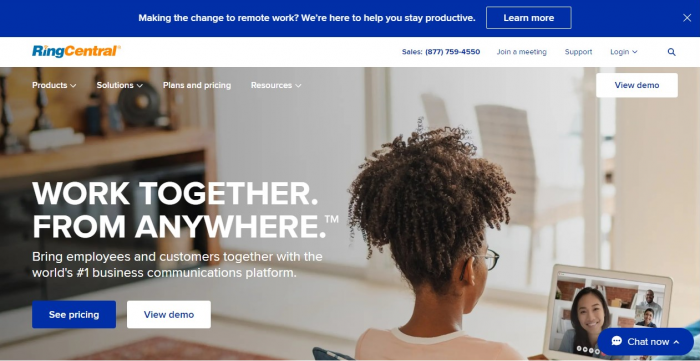
RingCentral is used for business chats, voice calls, and video calls. Its companion app works as a meeting and collaboration tool for small and mid-size teams.
A free tier is available, and paid plans add more users and minutes.
GoToMeeting

Businesses use GoToMeeting for online meetings, web conferences, and webinars. It offers video and audio calls, screen sharing, and a whiteboard. In addition, users can join by desktop, web, or mobile.
It offers a free trial, plus paid plans for larger meetings.
Cisco Webex
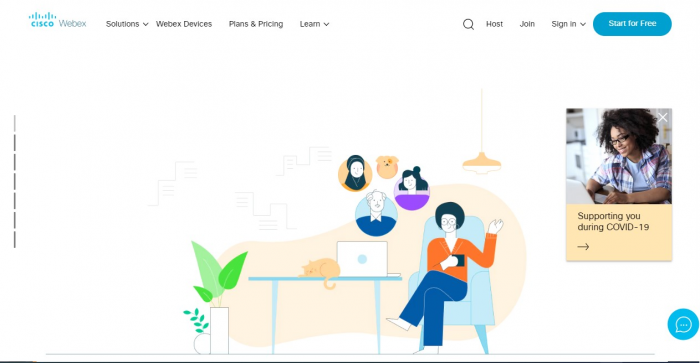
Cisco Webex suits online meetings, webinars, and cloud calls for IT teams. Besides meetings, it also offers IP phones for video and voice calls abroad.
A basic account is free, while paid tiers unlock more features.
Flock
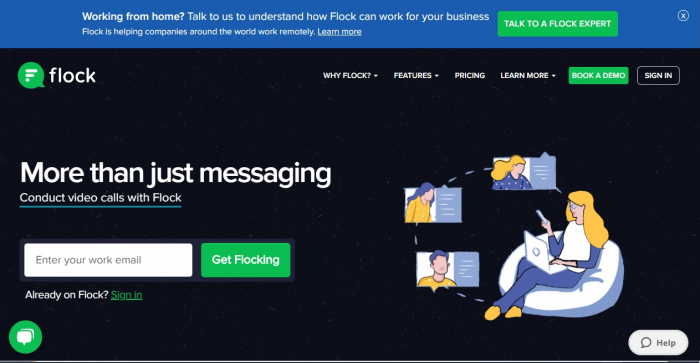
Like Slack, Flock sorts team talks into channels for a clean flow. Meanwhile, it is popular with sales, marketing, HR, and support teams.
Flock is free for unlimited group messages and a set number of channels.
Project management
These tools help teams plan work, assign tasks, and track progress. If you are new to this, it helps to know the main types of project management first.
Asana
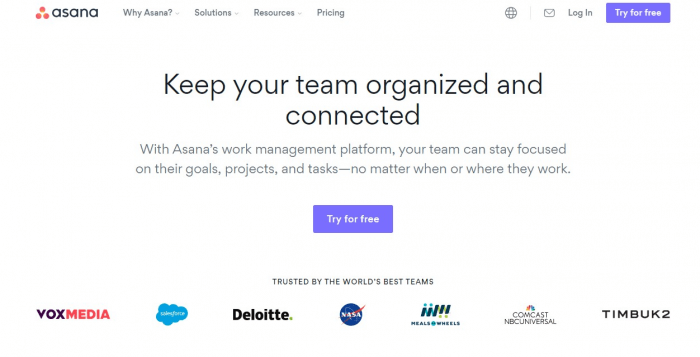
Asana is one of the simplest project tools around. It lets you assign tasks and share checklists. So tracking work is quick and easy.
A free account covers tasks, subtasks, due dates, and comments.
Trello

Trello is great for people who like to organize tasks visually. It uses a Kanban style, grouping tasks into cards. In addition, you can add due dates, statuses, and details.
The free version covers unlimited personal cards and a set number of team boards.
Process Street
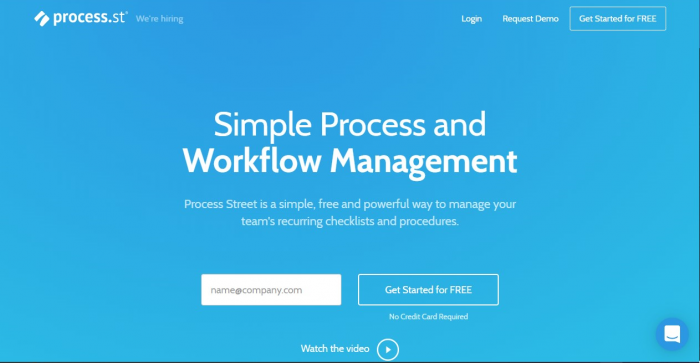
Process Street helps teams organize processes and workflows. It offers checklist templates for SOPs and compliance. What is more, it runs in the cloud, so you can access it anywhere.
It offers a free trial, plus paid and limited free plans.
Basecamp
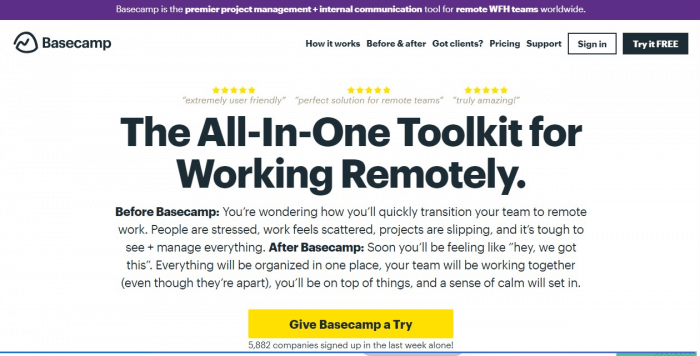
Great for first-time remote teams, Basecamp centralizes sign-ins, task delegation, and progress reports. It also cuts clutter by keeping messaging and scheduling in one place.
It offers a free trial, plus a lighter personal plan.
Airtable
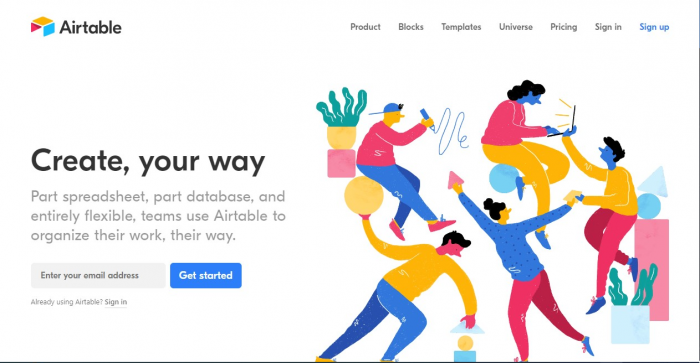
One of the more unique tools, Airtable gives users flexible databases they can shape to their needs. For example, it suits CRM setups, inventory, and social media strategies.
Each database can also be saved as a .csv file. A free account covers basic features.
Zoho Projects
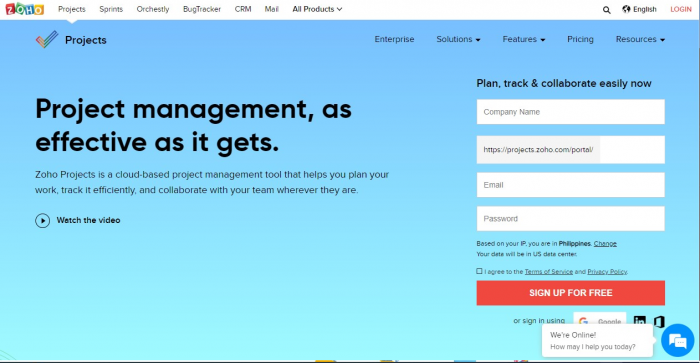
Since Zoho Projects is cloud-based, there is nothing to install. So you can manage projects from any device. It also has a mobile app for tasks on the go.
It offers a free plan for small teams, plus low-cost paid tiers.
Bitrix24
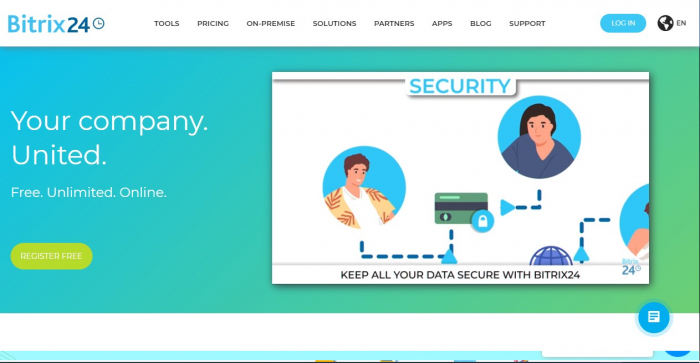
Good for sales and support teams, Bitrix24 offers free cloud tools for project management. For example, it includes internal chat, CRM, task delegation, and simple site building.
Most features are free, and paid plans add more.
ProofHub
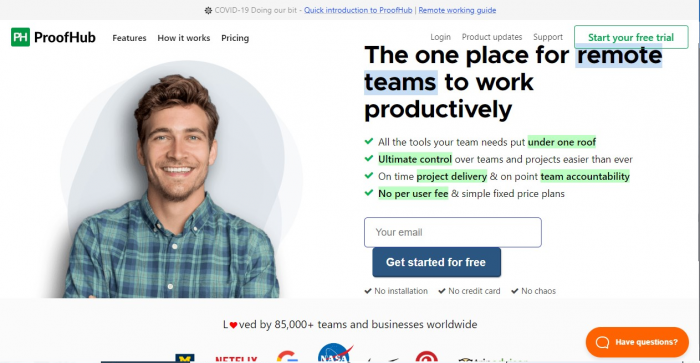
ProofHub lets teams, managers, and clients customize project work. For instance, managers can control access, set agendas, and pull reports. So it helps avoid bottlenecks.
It offers a free trial, plus flat monthly plans.
Podio

Another all-in-one tool, Podio suits creative, design, and dev teams. It lets users manage CRM, run SCRUM processes, and organize events.
Basic task management is free for small teams, plus paid plans for more.
Wrike
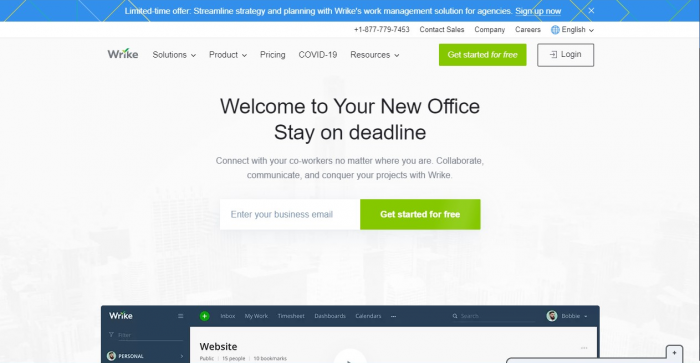
Among project tools, Wrike offers a business continuity template to keep teams on track. It also serves creative, design, dev, and management teams.
A free account covers task management, file sharing, and activity streams.
Screen monitoring
These tools track time and activity so managers can support remote staff fairly. For deeper needs, compare dedicated time tracking software and employee monitoring software.
Time Doctor
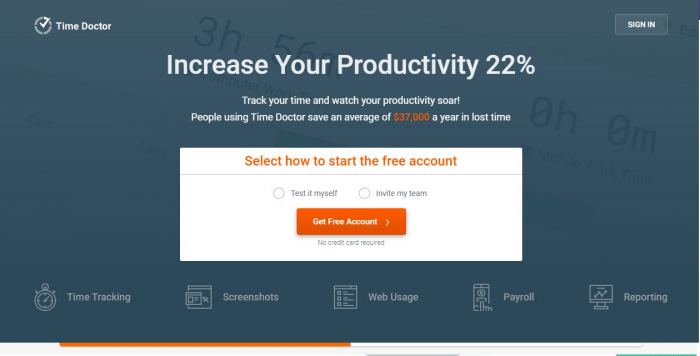
Time Doctor is a leading screen monitoring tool. It helps managers track attendance, website logs, and screenshots as proof of work.
It offers a free trial, plus a flat monthly rate per user.
Timecamp
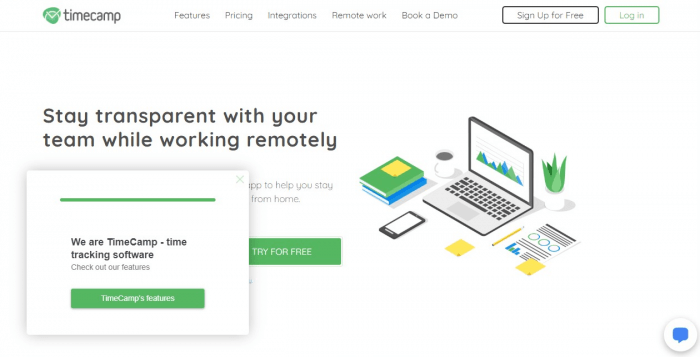
Timecamp suits one-time and output-based projects. Work that needs light tracking can be logged in the app. As a result, quality and profit are easier to watch.
A free account covers one user, and paid plans add more.
Harvest
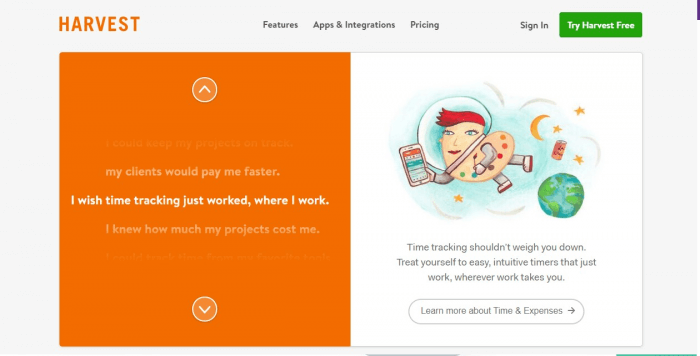
A neat thing about Harvest is how it tracks productivity. It works well with Asana. Besides billable hours, it also tracks non-billable time to prevent burnout.
It offers a free plan for one person, plus a trial of paid plans.
ActivTrak
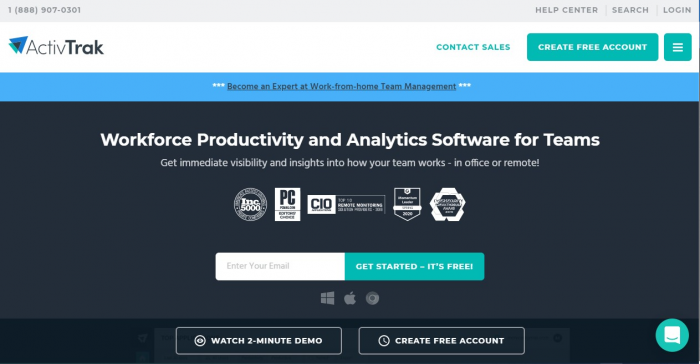
Running in the background, ActivTrak lets managers monitor activity discreetly. It logs idle time and tracks mouse and keyboard use. So teams can spot and cut wasteful habits.
A free account is available for a single user.
KickIdler
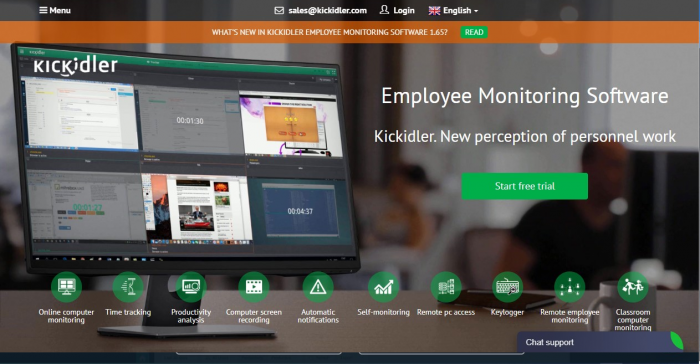
KickIdler is a premier employee monitoring tool. For example, it tracks productivity through online monitoring, keylogging, and screen recording.
Users can try full features free for a set period, then move to a paid license.
File storage and sharing
Google Drive
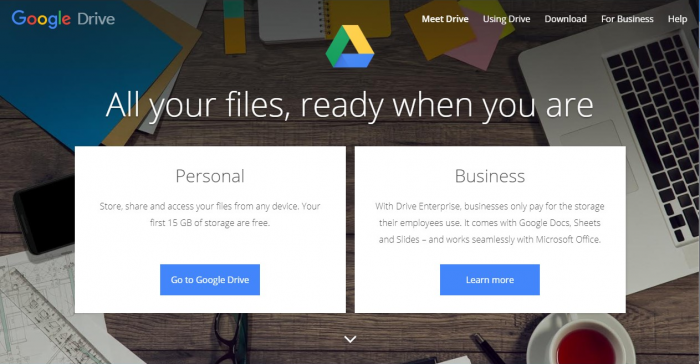
Part of Google Workspace, Google Drive is one of the most accessible cloud storages around. With a Google account, users get space for file sharing, document collaboration, and app integration.
A free tier is available, plus paid plans for more storage.
Dropbox
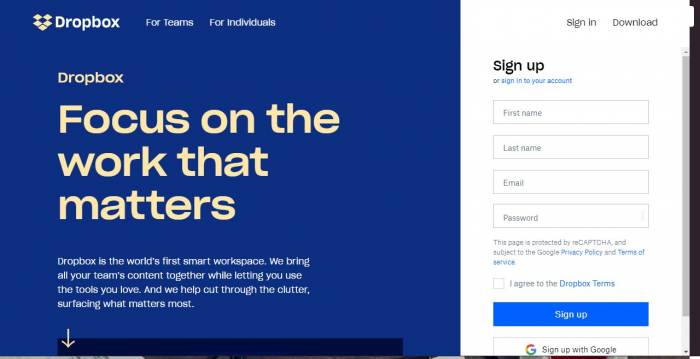
Dropbox suits document sharing and storage for teams. Through its app, users can back up files, control access, and link with Microsoft Office tools for editing.
A small free tier is available, plus paid business plans.
Onedrive
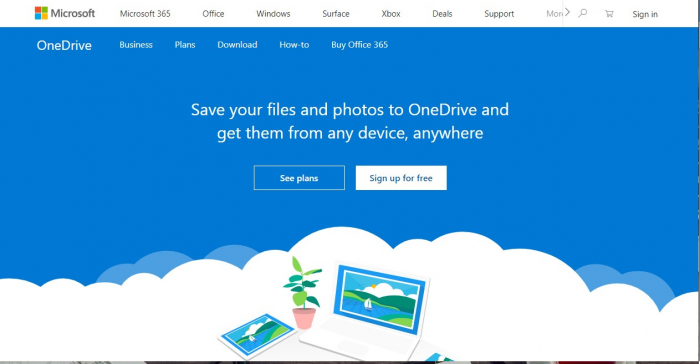
Along with Microsoft Office tools, Onedrive works as cloud storage for Outlook users. The latest Office autosaves your work to your drive. So you can open it on the web or share it.
It offers free storage, plus a Personal Vault for private files.
Box
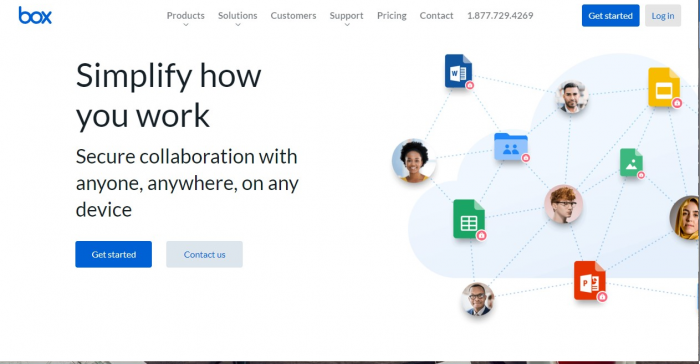
For more secure sharing, users can try Box. It offers end-to-end data protection and cloud management. In addition, it links with Zoom for smoother file sharing.
It offers a free trial, plus paid plans by storage need.
WeTransfer
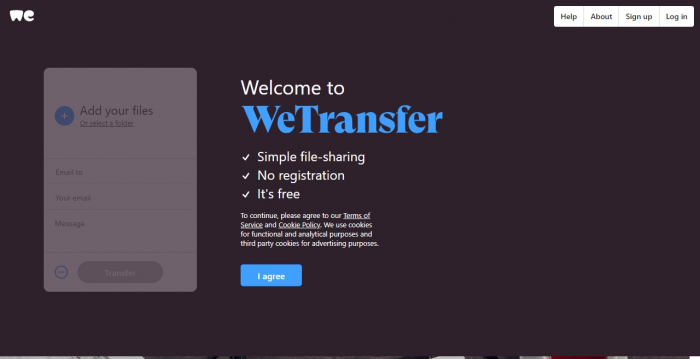
Unlike the others, WeTransfer stores files only for a short time. Still, it works well for sending large files when you lack cloud storage.
The free version gives short-term access, while the paid version lasts longer.
Graphic design
Canva
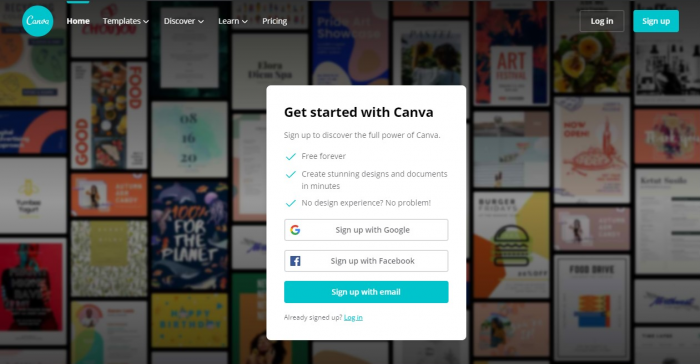
Canva is often called graphic design for non-designers. With it, users can make pro graphics for social media, sites, and covers. They can also build custom templates.
Canva is free with limited features, plus paid plans for more.
InVision
InVision helps teams make designs that improve user experience. For example, it offers inspiration boards, a digital whiteboard, and prototyping.
Photopea
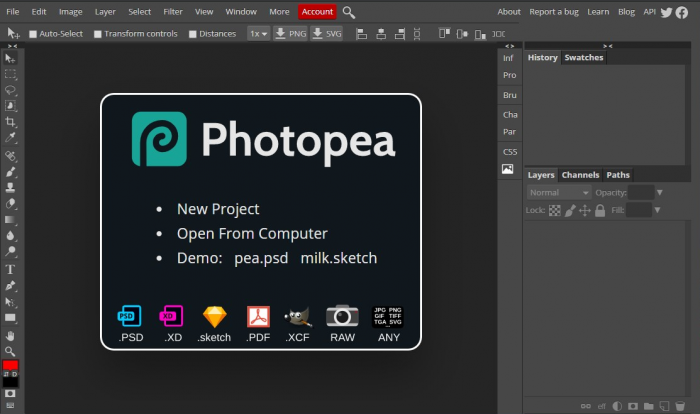
For those without Photoshop, Photopea can do the trick. It is an online photo editor with much of the same power. With it, users can erase a photo’s background, add layers, and clean up cutouts.
Its full features are free with an account. It also saves in .psd and exports to .jpeg or .png.
Software development
GitHub
GitHub offers a full range of tools for software development and workflow. For example, it covers private hosting, CI/CD, code review, and team management.
Free accounts cover the basics, plus paid team plans for more.
GitLab
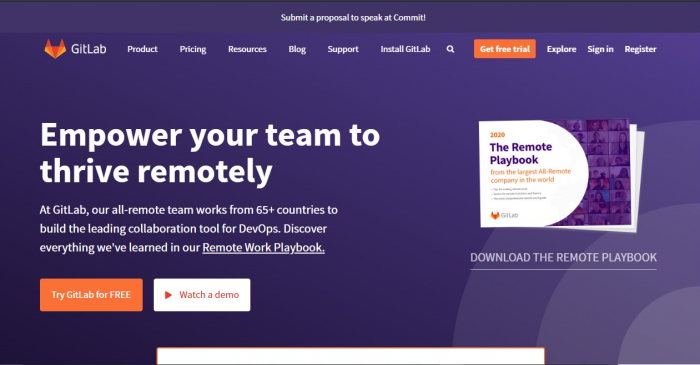
Unlike GitHub, GitLab offers free unlimited repositories. It also promises a full DevOps lifecycle in one app. As a result, teams can cut costs and ship faster.
Documentation
Google Docs
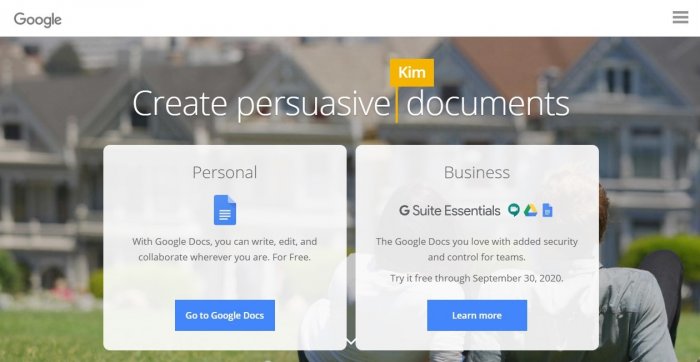
Google Docs comes with Google Workspace. It works much like Word for letters and manuscripts. However, it saves to Google Drive in real time, so you never lose input.
It is free with full features, though fonts are limited.
Microsoft Office Online
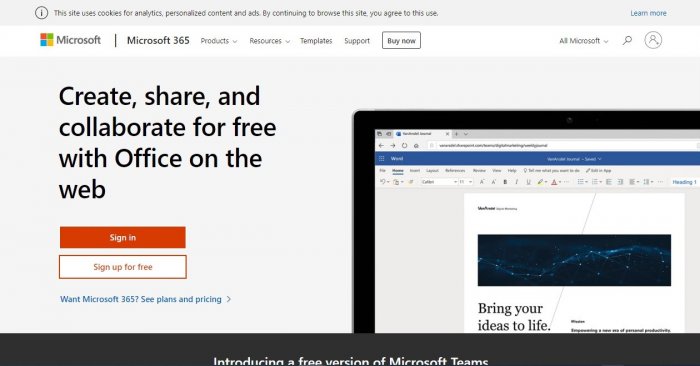
Similar to Google Docs, Microsoft Office Online is the web version of Office. Without installing the full suite, it opens files saved in Onedrive for editing and comments.
Full features come with a Microsoft 365 subscription or a free trial.
OpenOffice
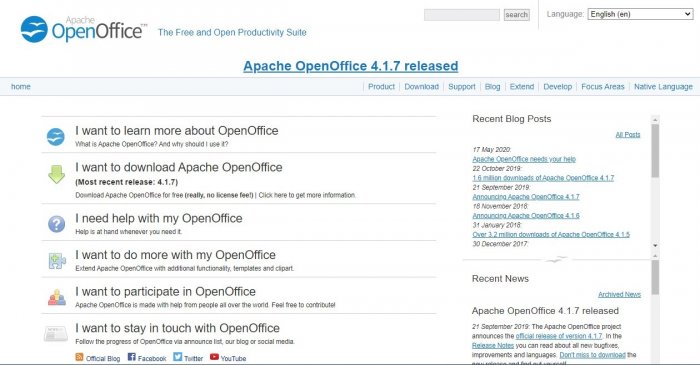
OpenOffice is a solid open-source option instead of Office. It lets users make slides, sheets, docs, graphics, and databases in one place. So it is popular with nonprofits, schools, and agencies.
The platform is free under the Apache 2.0 license.
Scheduling
Deputy
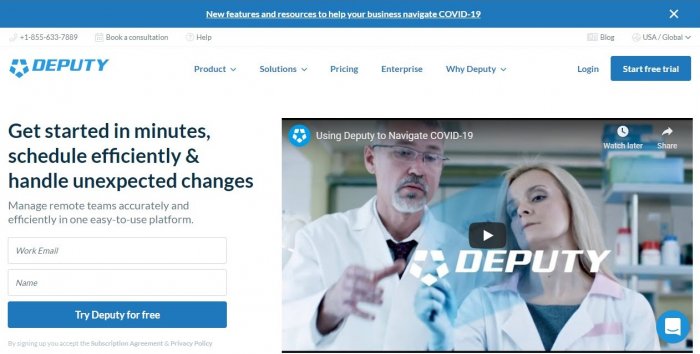
Deputy offers scheduling for support, healthcare, and logistics teams. Managers can view shifts, track leave, swap shifts, and bill by schedule. In addition, it links with payroll and HR tools.
Users can start with a free trial, then pick a custom plan.
Baluu
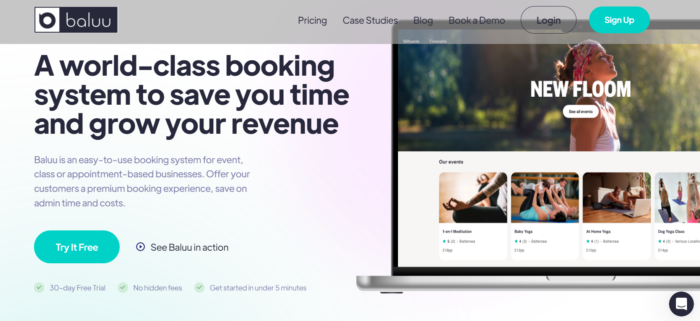
Baluu is booking software that helps you manage your team with ease. It lets staff know where to be and when.
It also controls access to your timetable and CRM. Plus, you can assign events straight to your team. The free plan has a monthly booking limit, so heavy users move to paid plans.
Calendly
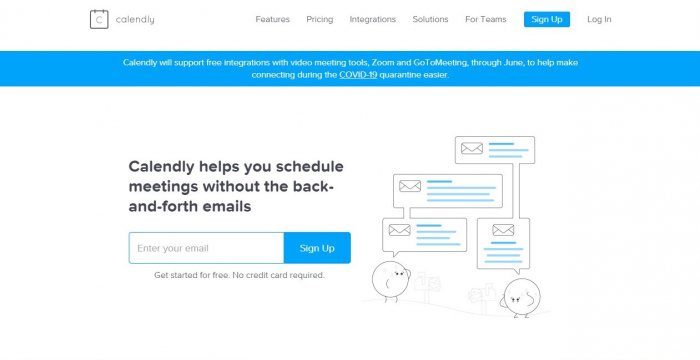
Calendly helps with scheduling for internal teams and client meetings. For example, it allows free integrations with Zoom and GoToMeeting for online events.
It offers a free basic account, plus a trial of full features.
Google Calendar
Also part of Google Workspace, Google Calendar lets users schedule activities and invite others by email. There is no need for extra integration. So the host just adds invitees’ emails for instant alerts.
It is free for Gmail account holders, for personal or business use.
Expense management
Fyle
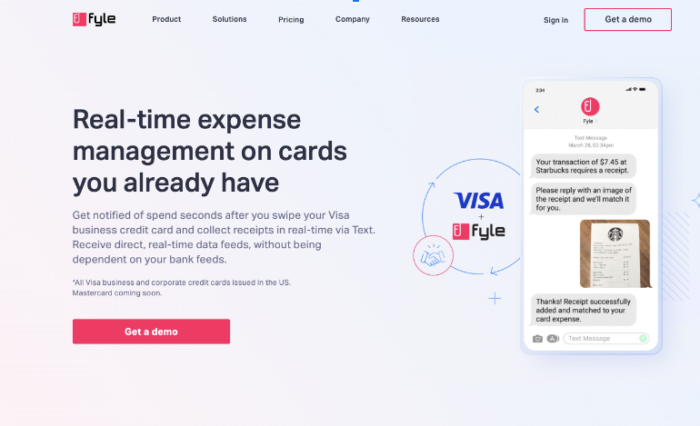
Fyle is a spend management tool that gives real-time control on cards you already own. It alerts finance teams seconds after a business card is swiped.
Teams can also collect receipts by text and reconcile in real time. As a result, you do not have to wait on bank feeds.
Frequently asked questions
What are online collaboration tools?
They are apps that help remote teams work together. For example, they cover chat, meetings, tasks, files, and scheduling.
Are free online collaboration tools good enough?
For small teams, yes. Many tools offer solid free tiers. However, larger teams often need paid plans for more users and storage.
Which tools are best for communication?
Slack and Zoom are popular picks. Slack handles chat, while Zoom handles video meetings. So many teams use both.
How do these tools help outsourced teams?
They keep offshore staff connected to the core team. As a result, work, files, and updates stay in sync across time zones.
Do I need a separate tool for each task?
Not always. Some tools bundle chat, tasks, and files together. Still, most teams mix a few tools to cover every need.
Key takeaways
- Online collaboration tools help remote teams work as one.
- They cover communication, project management, monitoring, storage, design, and scheduling.
- Most tools offer a free tier, plus paid plans for growing teams.
- Mixing a few tools usually covers every daily need.
- The right stack keeps outsourced and in-house staff in sync.






 Independent





