Computer monitoring at work

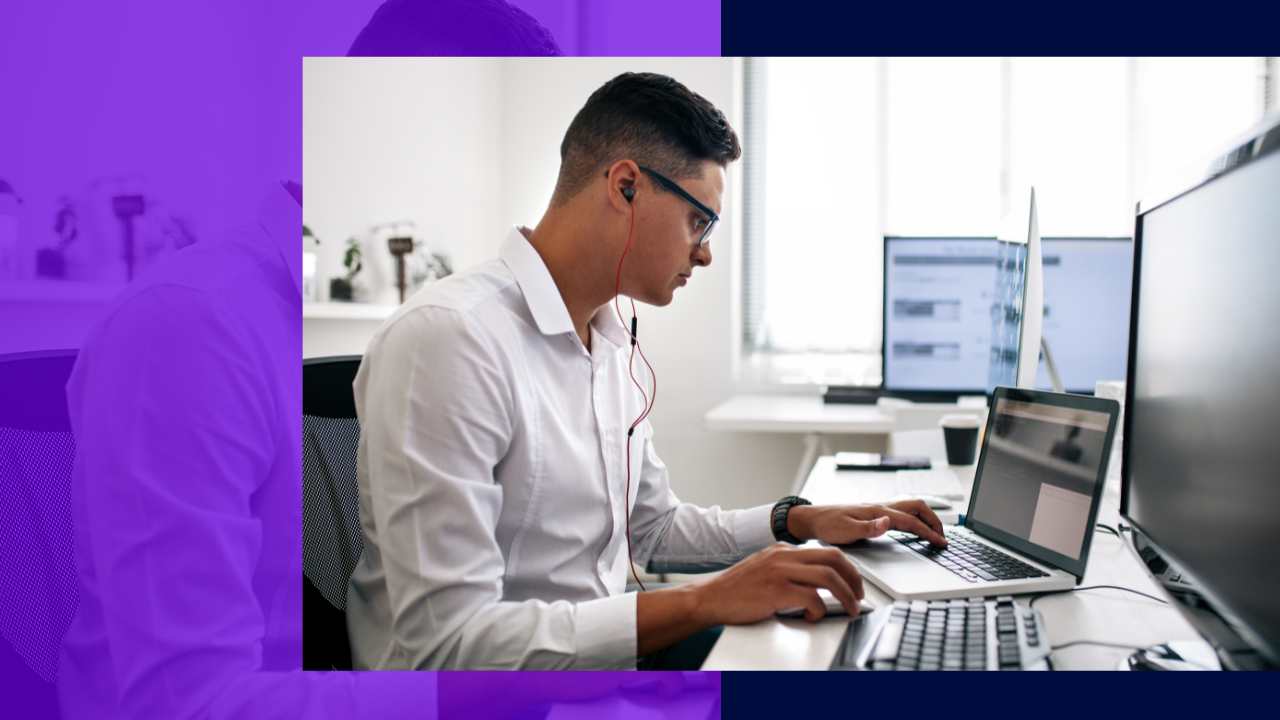
What is computer monitoring at work?
Computer monitoring is the use of software to watch employee activity on work computers, so employers can protect data, meet compliance rules, and support productivity.
- It tracks things like app use, time on task, and file transfers.
- It helps guard systems against security threats and data loss.
- It works best when employers stay open and honest with staff.
Today, almost every company runs on a computer system. Valuable data sits in these databases, and most business talk flows over networks. As a result, computer monitoring has become a core task for many firms.
Computer systems help businesses move fast, share information, and stay competitive. However, they also open the door to security attacks. In addition, systems may not be used to their full potential.
There was a time when security cameras marked the peak of surveillance technology.[1] Today, many firms add computer monitoring for a fuller view. This way, staff and systems get safe oversight on several levels. So the tool now helps both IT teams and managers.
What is computer monitoring?
Computer monitoring is the process of watching a computer user’s activity. Usually, employers use it to track output, conduct, and rule-following at work. Its role as a security tool has grown too.
Most staff sit at a computer all day, so these systems need steady oversight. Over time, the need for capable software has only grown. As a result, there is now a whole industry built around computer monitoring software. Many of these tools overlap with employee monitoring software used by remote teams.
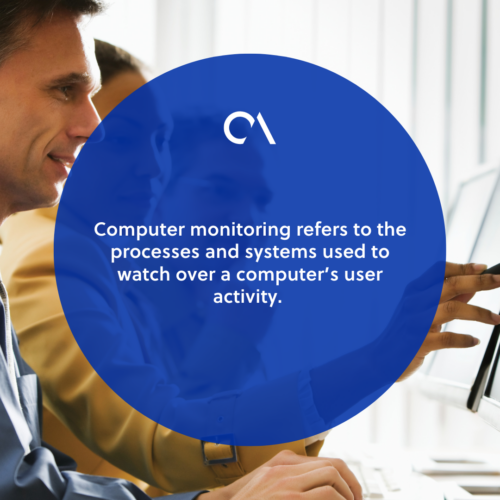
Here are common features that computer monitoring software covers:
- Employee usernames
- User activity like keystrokes, internet use, and file transfers
- Time spent per task
- Applications used
- Internal and external communications
- Storage and other peripheral devices
- Location and IP addresses (for remote teams)
How computer monitoring works
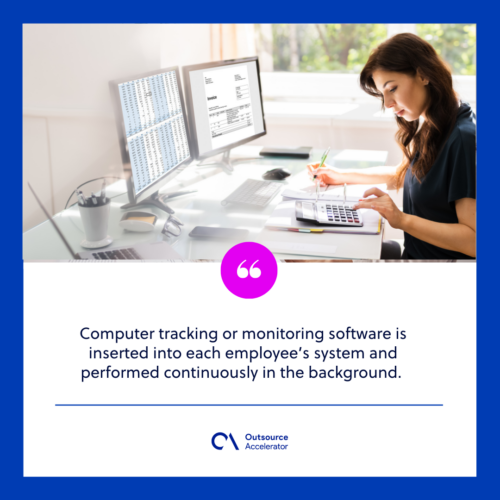
These tools range from a simple time tracker to a full workforce suite. Typically, the software sits on each employee’s system and runs in the background. So it works without stopping daily tasks.
Generally, the software checks browser history and time spent on sites and apps. It also takes regular records. Because it runs on its own, work is not interrupted. In addition, many tools work across any app, so the records stay accurate.
Employers can then use this data to run analytics. For example, they can spot patterns in behavior. In turn, these insights can guide ways to lift workplace productivity. Computer monitoring software often adds these features too:
- Multi-level sign-in to prevent data and time theft
- Screen capture, if needed, as part of its records
- User behavior analytics to flag possible risks
- GPS tracking to oversee remote staff
For remote teams, some firms pair this with screen monitoring software for a clearer view of daily work.
Advantages of computer monitoring in your workplace
Computer monitoring can review many areas for a clear gain. Here are the main benefits for your business.
Improved employee productivity
When staff know they are watched, the pull to drift drops. So the use of distracting sites and apps falls, which lifts productivity.[2] In addition, managers can spot errors in real time. As a result, they can see where a struggling worker needs help. This also supports steady remote employee productivity across offsite teams.
Prevention of unethical practices
By accident or on purpose, staff may put company data at risk. After all, insider threats can be willful or accidental. However, computer monitoring scans for odd behavior all the time. In addition, AI and machine learning can flag risk factors early.
Compliance management
Depending on the work, firms may need to follow federal laws and standards. For this reason, computer monitoring software can be set to meet local rules. In turn, it helps enforce compliance and protect sensitive records. Strong oversight also supports better data security in outsourcing.
Attendance logs
Many tools include time and attendance tracking. So staff tend to stick to work hours and schedules. In addition, this helps a lot at payroll time, when input hours matter.
Computer system well-being
On the technical side, monitoring also flags key system events. For example, it warns you when a hard drive fills up or RAM runs high. As a result, you can plan for growth based on real usage reports.
Computer monitoring considerations
Computer monitoring software can be costly. So research products and services well before you invest. Also, surveillance can unnerve staff who may see it as micro-managing.
For this reason, employers must tell staff before they roll it out. After all, a positive employee experience helps the whole company. A group demo of the software’s features can also ease fears. In short, transparency should come first, and the same is expected from staff.
Be open about how you will use the software. Namely, use it to track systems and lift output. In addition, map your business and compliance needs to pick the right tool.
First-time buyers may prefer non-invasive software that guards privacy. These tools do not record personal data or passwords. Remember, the main goal is to improve your operations. So check the records often. Then use what you learn to make real changes to workflow and engagement.
References:
- Surveillance technology. Moore, A.D., 2000. Employee monitoring and computer technology: evaluative surveillance v. privacy. Business Ethics Quarterly, 10(3), pp.697-709.
- Productivity. Pierce, L., Snow, D.C. and McAfee, A., 2015. Cleaning house: The impact of information technology monitoring on employee theft and productivity. Management Science, 61(10), pp.2299-2319.
Computer monitoring FAQs
Is computer monitoring at work legal?
In most places, yes, on company-owned devices. Still, rules vary by country and state. For this reason, firms should check local laws first. In addition, many laws expect clear notice to staff before monitoring starts.
Do employees have to be told about computer monitoring?
Usually, yes. Many regions require notice, and honesty builds trust. So most experts advise a clear written policy. Then staff know what is tracked and why.
Does computer monitoring hurt morale?
It can, if it feels like spying. However, open communication softens that risk. For example, a group demo and a clear policy help. As a result, staff are more likely to accept the tools.
What is the difference between computer monitoring and time tracking?
Time tracking logs hours worked. Computer monitoring goes wider, since it also watches apps, sites, and security events. Many tools, though, combine both in one platform.
How do you choose computer monitoring software?
First, list your business and compliance needs. Next, compare features, cost, and privacy controls. Also, favor tools that protect personal data. Finally, pick software that gives clear reports you will actually use.






 Independent