
Why use time tracking software for remote employees

Why use time tracking software for remote employees?
You use time tracking software for remote employees to see real work hours, run accurate payroll, and keep scattered teams aligned in one place.
- It gives clear, real-time insight into how each person works.
- It makes payroll, invoicing, and timesheets fast and correct.
- It builds trust through open reports, not surveillance.
Remote work is now a mainstream way to work, according to statistics. However, remote teams are often spread across a city or the globe. So how do you manage them well? The simple answer is time tracking software.
Using time tracking software for remote employees brings many gains. In fact, many project managers use time tracking software to run a remote team. Here are the biggest benefits of using time tracking software for remote employees. There are plenty, so let us get right to it.
Flexible business model
Today, you can find many skilled pros among freelancers. They work from home, from shared offices, or as digital nomads. With time tracking software, you can add such people to your team with ease. As a result, you track their work wherever they are.
As proof, some top companies run fully remote teams, including time tracking software firms. In addition, such software your company uses can track budgets and projects. So you can weigh strong and weak points with ease.
This helps you learn what works best. Because of this, you can adapt fast, both in the market and in your business model.
Visibility and alignment across different states and countries
When staff work from many cities or countries, you need to see how each person works. That way, you can align the whole team so work flows well. A platform like Hubstaff knows this. So pairing its features with best practices gives global leaders a full handle on their remote teams.
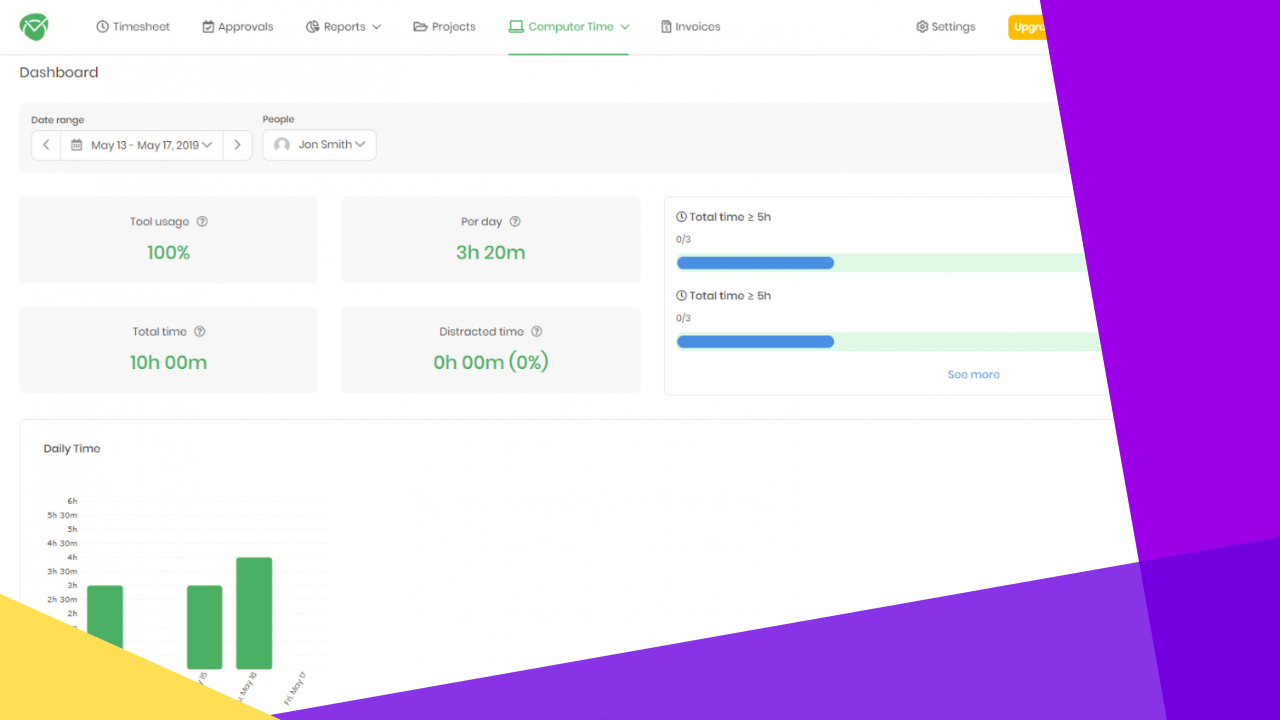
Time tracking software also works as a time and attendance app. Meanwhile, it doubles as a scheduling and planning tool. As a result, it gives clear insight into your team’s activity in real time. For deeper visibility, many leaders pair it with employee monitoring software.
Accurate payroll
You may pay remote staff a fixed hourly rate or a set project fee. Either way, you need to keep track of billable time. After all, not every task is work-related. In addition, staff may not notice when they waste time on tasks that do not pay.
So time tracking software keeps payroll under control and lifts profit. It gives you accurate reports and payroll data. Because of this, you can avoid debt through the budgeting feature that keeps you on track.
Centralized hub for project management
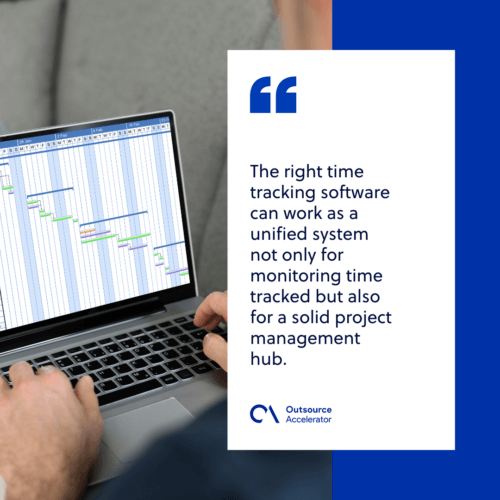
The right time tracking software can act as one unified system. It tracks time, but it also works as a solid project management hub. This is true above all when you link it with other tools.
You can then shape the system around your needs. So you get time and budget tracking, attendance and leave management, invoicing, and clear timesheets. In addition, you get task and project management plus payroll control. To round it out, plenty of teams add work from home software for chat and file sharing.
Smooth & quick timesheet approval process
Nobody likes timesheets. Filling them in takes time and invites mistakes. In addition, making the numbers add up is hard with a remote team.
Luckily, time tracking software fixes this. How? First, the tool gathers all the data on its own. Next, it builds the timesheets for you. So the approver can scan the data and then approve or reject with one click. As a result, the whole task feels easy.
Work automation
No more wasted time on micromanagement. Time tracking software automates the busywork. Here is how it helps:
- Automatic time tracking removes the need to fill in timesheets by hand.
- The right tool can generate invoices for you, so you save time and avoid errors.
- Integrations make it easy to work across many apps.
- You can drop tedious paperwork and just watch the figures in the app.
- All work is logged in detailed reports and timesheets.
- As a result, your team can focus on real work and get more done.
Better communication with team and clients
Time tracking software can greatly improve how you talk with clients. This helps a lot when you manage remote staff who cannot always update you. So you can share timesheets and activity reports with clients. That way, they always know how the project moves along.
As a result, client communication stays strong. After all, they always know what happens with their money and time. Clear reporting also lifts trust and boosts workplace productivity across the team.
How to use time tracking software: The best practices
Now you know the benefits, so it is time to make the tool work. It seems easy, but a few things need care. Let us look at the best practices.
Laws and regulations
Every state and country has its own labor laws on work hours. So you need law-compliant time tracking software. However, do not worry. Most tools follow global laws, so you stay on the right side of the rules.
Privacy
There is a lot of debate around time tracking. For some, it feels like spying on staff. In reality, though, it is a great way to lift productivity. All you need to do is pick the right tool and treat people with respect.
After all, time tracking software is there to help staff, not spy on them. Some tools offer screenshots, but that is not always the best way to track work. If you only want to watch people, sure, go ahead. Still, in the real world, this often hurts morale and drags down remote staff performance.
Of course, screenshots can help in some cases. For example, a client may want proof of work, or the feature may motivate your team. Other than that, though, it is best to skip it.
👉 PRO TIP: Every team is different. So you can turn on screenshots and let your remote team see how it feels. Do not make it a rule. Instead, treat it as a productivity experiment.
Technical requirements
It also helps to weigh the technical side of the software:
- Will it work well on all devices?
- Will it integrate with other apps and tools you use?
- Will it be easy to use?
- Is it available as a desktop app, a mobile app, and a cloud version?
Some software looks nice and packs neat features. Still, it may not fit your real needs. Luckily, there are plenty of tools to choose from.
The ultimate reason
Before you roll out time tracking software, ask yourself a few key questions:
- Why do I want to use time tracking software?
- Do I really need it?
- Does time tracking fit my business strategy?
- How will it help my business?
So make sure you know why you want the tool for your remote team. Using it just to look modern will do more harm than good.
The human factor
Time tracking software is technology. Still, remember that your remote team members are people first. So make them feel part of the team and value their work. In addition, stay respectful and keep good communication at the core. These habits drive remote employee satisfaction over the long run.
Frequently asked questions
Is time tracking software worth it for a small remote team?
Yes, it is. Even a small team gains clear payroll and better focus. So the tool pays for itself fast.
Does time tracking hurt employee trust?
Not when you use it well. Be open about why you track time. As a result, staff see it as support, not spying.
Can time tracking software handle payroll?
Yes. It logs billable hours and builds reports. So payroll stays accurate and on time.
How do you keep remote staff engaged while tracking time?
Focus on results, not surveillance. In addition, recognize good work and keep clear channels open. This supports remote employee retention over time.
Key takeaways
- Time tracking software gives real-time visibility across remote teams.
- It makes payroll, invoicing, and timesheets fast and correct.
- Used with respect, it builds trust and lifts productivity.
- The right tool works on all devices and links with your other apps.
Conclusion
Now you know how time tracking software helps remote employees. So it is time to put it to work in your company. As a result, your team will stay productive, your profits will grow, and you will always be on the clock.






 Independent





