
15 best web scraping tools in 2026

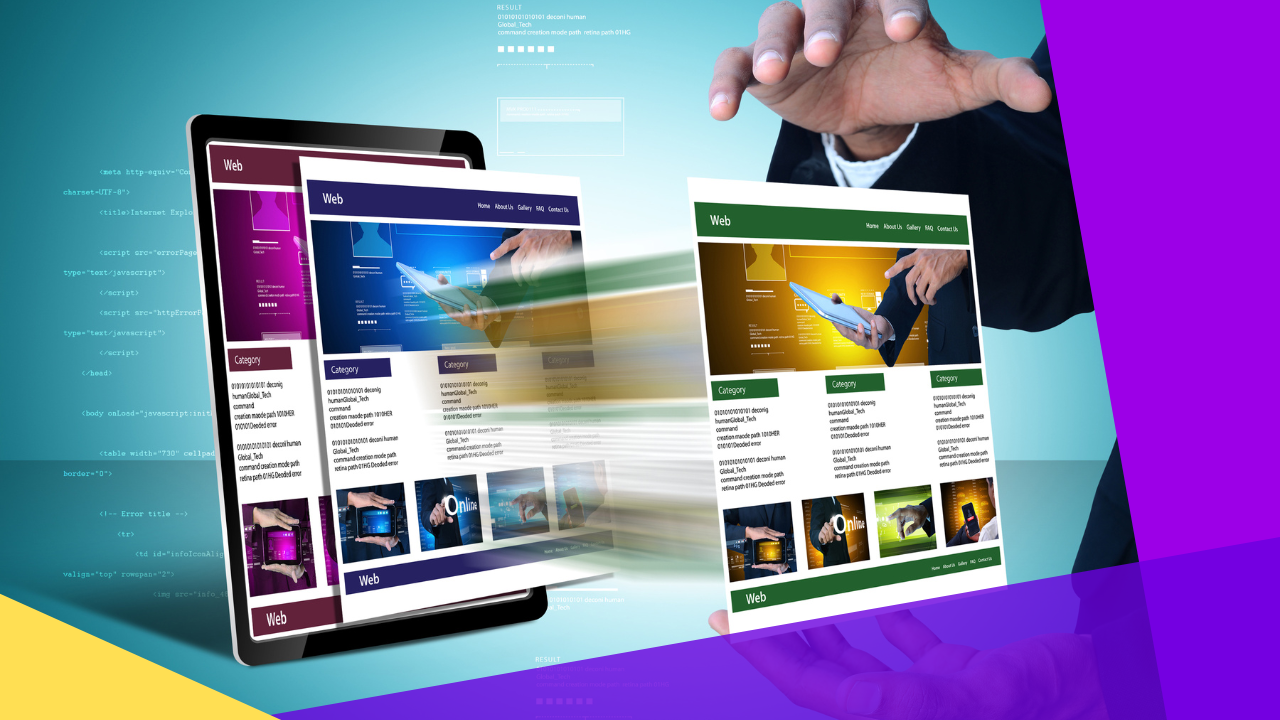
What are the best web scraping tools?
The best web scraping tools let you pull large volumes of website data fast, then organize it into clean formats for research, pricing, and lead work.
- Top picks include ParseHub, ScraperAPI, Scrapy, Octoparse, and Bright Data.
- As a result, you gather insights without manual copy and paste.
- For example, many tools offer a free trial so you can test them first.
List of web scraping tools
- ParseHub
- ScraperAPI
- Scrapy
- Octoparse
- Bright Data
- Diffbot
- ScrapingBee
- Common Crawl
- Scrape-It.Cloud
- Scrapingdog
- Apify
- Mozenda
- Import.io
- Grepsr
- Smartproxy
Access to accurate, up-to-date information is vital for businesses and people alike. This is where web scraping tools come in. As a result, they change how we pull data from websites.
Web scraping tools can gather and organize huge amounts of data in minutes. So they have become key for competitive analysis, market research, and lead generation. In fact, this scale of data can also power big data consulting projects.
When you look for web scraping tools, choose options with a free trial. So you can test the features before you buy. These tools help you access data with ease. As a result, you gather insights for research, analysis, and content curation.
In this article, we list the top web scraping tools you can explore. So you can harness the power of data extraction.
What is web scraping?
Web scraping is the technique of pulling web data from many websites. It uses automated tools or bots to do the job.
It is a powerful method for many purposes. However, it is most useful when a site owner does not want to share their information. For example, web scraping is often used to gather product prices or stock data.
Data scraping is a core part of web scraping. As a result, it lets professionals gather large amounts of information fast. It can also build lists of links to pages on a site, or even map a site’s structure and content.
Web scraping is especially effective for marketers. So it lets them pull useful insights about customers, even without direct access to their data.
For example, say your business runs an e-commerce store. If you want to know what products people search for, web scraping can help. As a result, you can improve your offerings and optimize your site, even without a customer database.
What does a web scraping tool do?
A web scraping tool is software built for web data extraction. So it retrieves information from websites in a fast, accurate way.
Web scraping tools use various algorithms to move through websites and index information. As a result, they are sometimes called crawlers.
Once data is gathered, the tool arranges it into an easy format. For example, this suits market research, price tracking, or trend analysis.
Web scraping tools usually read each page in order, then pull the material they need before the next page. They use regular expressions, or “regex,” to pull out specific tags marked as relevant.
Top 15 web scraping tools
Here are the best web scraping tools for 2026.
1. ParseHub
Pricing:
- Free
- Standard: $189/month
- Professional: $599/month
- ParseHub Plus: Contact sales
ParseHub is a strong web scraping tool for businesses and people. It has a user-friendly interface and powerful features. As a result, it takes the complexity out of web scraping.
ParseHub moves through web pages and pulls data with ease. Then it organizes the data into CSV, Excel, or JSON. So whether you need product info, reviews, or pricing data, ParseHub can help.
2. ScraperAPI
Pricing:
- Hobby: $49/month
- Startup: $149/month
- Business: $299/month
- Professional: $999/month
- Enterprise: Custom pricing
ScraperAPI is built for scale and reliability. So it handles the hard parts of web scraping for you. As a result, you can focus on extracting insights and speeding up your data work.
Whether you are a small startup or a large firm, ScraperAPI fits your needs. In addition, it can bypass CAPTCHAs, JavaScript rendering, and IP blocking. So your scraping stays smooth and hard to detect.
3. Scrapy
Pricing: No pricing plans available
Scrapy is an advanced web scraping tool and framework. So it gives developers the flexibility to extract data at scale.
Built on Python, Scrapy offers a full ecosystem for web spiders that navigate sites and store data. As a result, it handles both small projects and large data work with ease. In addition, it supports concurrency, so you can scrape many sites at once and cut scraping time.
4. Octoparse
Pricing:
- Free
- Standard: $89/month
- Professional: $249/month
- Enterprise: Contact sales
Octoparse is a full web scraping tool. So it lets businesses and people extract data with no code. With its visual feature, you just click and drag to select data. As a result, Octoparse handles the rest and gives you data in a format that suits your analysis.
5. Bright Data
Pricing:
- Pay As You Go
- Growth: $500/month
- Business: $1000/month
- Enterprise: Get a quote
Bright Data Web Scraper helps you pull useful information from the web. So it gives you a competitive edge and better decisions.
It moves through websites and collects key data for your growth. So whether you need market insights, competitor analysis, product details, or reviews, this tool helps you gather data fast and well.
6. Diffbot
Pricing:
- Startup: $299/month
- Plus: $899/month
- Enterprise: Custom pricing
Diffbot is a smart web scraping tool. So it changes how you collect and use web data. It lets both businesses and people extract structured data with ease.
Diffbot uses advanced AI and machine learning to extract data well. As a result, you can skip the slow, error-prone manual process. So you can pull data from articles, product pages, forums, and more with high precision.
7. ScrapingBee
Pricing:
- Freelance: $49/month
- Startup: $99/month
- Business: $249/month
- Business+: $599+/month
ScrapingBee lets businesses and people extract data at scale. So you can skip the complexity, since ScrapingBee handles the heavy lifting. In addition, it can bypass common blocks. For example, it handles CAPTCHAs, JavaScript rendering, and IP blocking with ease.
8. Common Crawl
Pricing: None
Common Crawl is a web scraping tool like no other. With its vast archive of web data, it lets businesses, researchers, and developers explore and extract insights.
Whether you are a seasoned developer or new to scraping, Common Crawl is easy to use. For example, you just send API requests to get the data you want. So you skip complex crawling setups. In addition, its web crawl archive is open for public use.
9. Scrape-It.Cloud
Pricing:
- Individual: $30/month
- Startup: $45/month
- Business: $90/month
- Enterprise: $200/month
Scrape-It.Cloud is a cloud-based web scraping tool. So you do not worry about infrastructure, upkeep, or setup. You just log in to the web interface and start your tasks. In addition, its visual feature lets you point and click to select data. As a result, you skip complex coding.
10. Scrapingdog
Pricing:
- Lite: $40/month
- Standard: $90/month
- Pro: $200/month
- Premium: $350/month
Scrapingdog is a strong, user-friendly web scraping API. So it makes data extraction simple from any website. It uses headless Chrome browsers to render JavaScript-heavy sites. In addition, it uses over 40 million rotating proxies to avoid blocks and keep success rates high.
Scrapingdog also offers APIs for Google, Amazon, and Walmart. As a result, it gives clean JSON data for price tracking, SEO, lead generation, and AI training. So its reliable setup suits businesses that need scalable web scraping.
11. Apify
Pricing:
- Free
- Starter: $49/month
- Scale: $499/month
- Business: $999/month
- Enterprise: Custom pricing
Apify’s scraping engine gives accurate, reliable data, even from complex sites. So you can extract data from HTML, PDFs, or other web formats. Then it turns the data into a structured format for your needs. In addition, its library of pre-built scrapers helps you start fast and save time.
12. Mozenda
Pricing: Pricing plans available upon request
With Mozenda, your scraping tasks are stored and processed in the cloud. As a result, you can access your data anytime and scale as you grow. In addition, it offers scheduling and automation features to streamline your work. So you can set agents to run at set times and keep your data fresh.
13. Import.io
Pricing:
- Starter: $199/month
- Standard: $599/month
- Advanced: $1099/month
- Custom: Get a quote
Import.io offers many powerful features for data extraction. So it handles complex sites with ease. For example, it navigates pagination and interacts with dynamic elements. As a result, you can gather comprehensive, accurate data from many sites.
14. Grepsr
Pricing: Custom pricing
With Grepsr’s scheduling and automation, you can set tasks to run at set times. So you always have up-to-date data when you need it. In addition, you can monitor and manage your projects with ease. As a result, you can focus on analysis and insights.
15. Smartproxy
Pricing: $50/month
Smartproxy offers a powerful proxy network. With millions of high-quality proxies worldwide, it lets you scrape sites without limits. In addition, it rotates IP addresses and spreads your requests. As a result, you can bypass anti-scraping measures and extract data at scale.
Factors to consider when choosing web scraping tools
Consider the following factors when you choose web scraping tools. A clear competitive intelligence goal also helps you pick the right one.
- Feature set. Common features include async requests, multiple languages, multiple threads, and proxy support.
- Ease of use. The interface should be simple, especially for non-technical users.
- Speed. Scraping can take a long time, based on the number of pages. So the tool should handle parallel tasks to work faster.
- Accuracy. You want reliable data, so your tool should not give false results.
- Documentation. Many situations can come up during scraping. As a result, good documentation gives you a reference for problem-solving.
- Support. A good support system and community help you fix issues fast.
- Data type. The tool you need depends on the type of data you want.
- Data format. Also consider how the tool turns extracted data into a usable format.
Once you gather data at scale, you still need to keep it safe. So review these tips to ensure data security in outsourcing. If the workload grows too large, you can also look at data management outsourcing or data entry outsourcing to handle it.
Frequently asked questions about web scraping tools
Are web scraping tools legal?
Web scraping is legal in many cases. However, it depends on the site’s terms and the data type. So always check a site’s rules and local laws first.
Do I need coding skills to use web scraping tools?
Not always. For example, tools like Octoparse and ParseHub use a no-code, point-and-click setup. Meanwhile, tools like Scrapy suit developers who want more control.
What is the best free web scraping tool?
Several tools offer free tiers. For example, ParseHub, Octoparse, and Apify all have free plans. So you can test them before you pay.
What data formats do web scraping tools export?
Most tools export common formats. For example, these include CSV, Excel, and JSON. As a result, you can load the data into your own systems with ease.
How do web scraping tools avoid getting blocked?
Many tools rotate proxies and IP addresses. In addition, they can handle CAPTCHAs and JavaScript. As a result, your scraping stays smooth and hard to detect.
Key takeaways
- Web scraping tools pull and organize large volumes of website data fast.
- Top options range from no-code tools like Octoparse to developer frameworks like Scrapy.
- As a result, they support market research, price tracking, and lead generation.
- When you choose a tool, weigh features, ease of use, speed, and support.
- So test a free trial first, then scale to a paid plan as your needs grow.






 Independent





