
A beginner’s guide to understanding web analytics

What is web analytics?
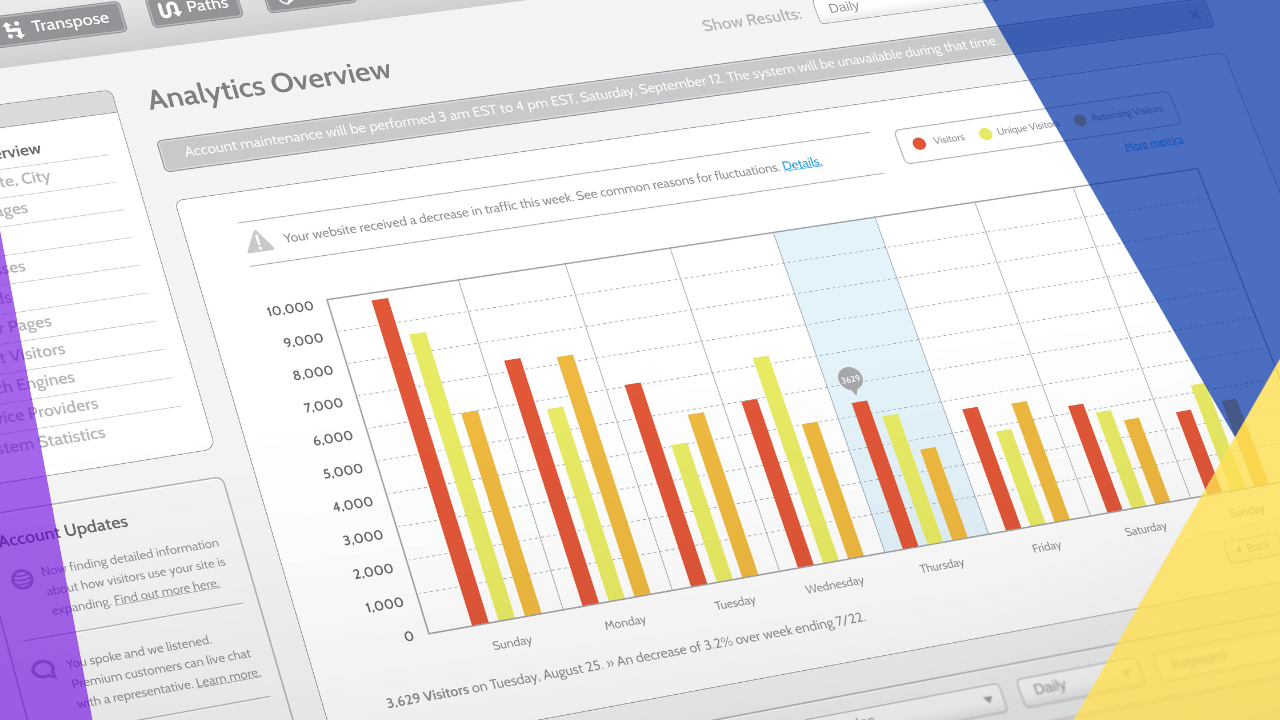
Web analytics is the practice of collecting and studying website data to learn how visitors behave and act.
In short, web analytics helps you:
- See where your visitors come from and what they do
- Find which pages and content perform best
- Turn those insights into more traffic, leads, and sales
Today, most businesses have an online presence. Web use grows every day, so a strong digital strategy matters more than ever. However, the volume of data and traffic can feel overwhelming. As a result, it is hard to understand how visitors behave.
A solid online presence can drive growth. So it brings more exposure and better contact with future customers. Still, presence alone is not enough without a clear plan. This is where web analytics comes in. The data helps you decide what to improve and what already works. So you can learn how the website acts and what the customers say about your products or services.
What is web analytics and why is it important?
Web analytics sets measures based on your business and user goals. Then it uses past data to judge the success or failure of those goals. As a result, it drives strategy to create a holistic customer experience. In short, it reports on how visitors browse once they land on your site.
So you can collect data to see how people use your website. As a result, you can spot chances to improve the customer journey. Beyond basics like age, gender, and location, other useful data includes:
- How visitors landed on the site (traffic source)
- Most popular content on the company website
- Total conversions
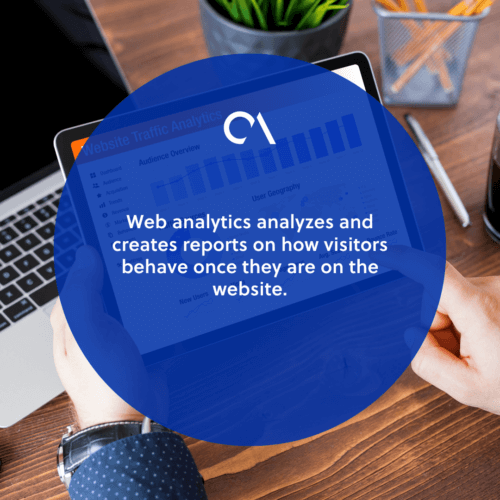
The volume of data can feel like a lot. So it helps to pick which metrics to measure, especially at the start.
Web analytics is crucial to your success. It gives you a deeper view of website users. As a result, you can use those insights to improve their experience. For example, you might add more call-to-action (CTA) buttons or buy links to top pages. So conversions can rise.
You might also update landing pages with fresh content. Or you might redesign the layout to keep things current. In addition, web analytics can shape your content writeups and SEO strategy. So by reviewing top-viewed posts, your content team learns which topics land best with the audience. A skilled SEO specialist can turn those findings into a clear plan.
Benefits of web analytics
Web analytics offers more help than it first seems. So let us look closely at how it supports your overall strategy.
Track bounce rate
Web analytics can measure the bounce rate. That is the share of visitors who leave after seeing only one page. You can view it site-wide or at the page level. At the page level, it is the share of sessions that started there and went nowhere else.
Measure traffic
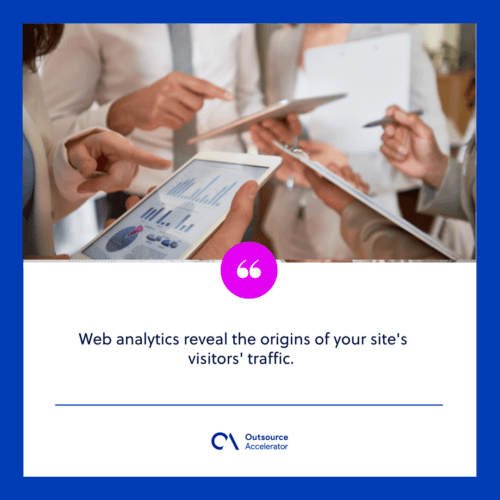
Web analytics reveals where your visitors come from. Like visitor data, this comes from your site’s tracking code. However, the number of traffic sources you can track depends on the tool. So here are some categories that many tools measure:
- Email marketing
- Paid search
- Direct traffic
- Organic search
Optimize marketing campaigns
Web analytics can measure single marketing campaigns. So by tracking which ads do well and which fall flat, you learn a lot. As a result, web analytics can find potentially high-returning campaigns that bring more profit. To go further, review the latest digital marketing trends and adjust your spend.
Target the right audience
Web analytics helps you build and find the right target audience. So you can run relevant campaigns for the right people. As a result, sales and conversions rise, and your website improves. In addition, sharper targeting can lift your lead generation techniques.
Improve web services
Web analytics can flag problems on your site and with your services. For example, if an online store has a weak sales funnel, purchases fall. So income drops as a result. Visitors must find the right content at the right time. In addition, clear landing pages for each goal can help. Strong user experience keeps people moving through the site.
3 main web analytics tools
Now that we have covered the basics, let us look at three main tools. So your company can use them to grow traffic, leads, and revenue.
1. Google Analytics
Google Analytics is the most popular web analytics tool. So it lets you monitor bounce rate, unique pageviews, traffic channels, user retention, and average session duration. Google Analytics 4 (GA4) is now the standard version. As a result, tracking is smoother across sites and apps. If you want more, you can export GA4 to Google Sheets and boost your tracking and reporting.
2. Crazy Egg
Crazy Egg is a one-of-a-kind web analytics tool. So it can build heatmaps, scroll maps, and other visual reports. As a result, it shows exactly how visitors engage with your website.
3. Google Website Optimizer
Google Website Optimizer, later known as Google Optimize, was a testing and marketing tool by Google. It helped raise conversion rates through on-site experiments. However, Google has since retired Optimize. So its testing features now live inside GA4 and partner platforms. As a result, you can still run experiments, just through the newer Google Analytics setup.
Enhance your website through web analytics
Web analytics can help any website grow. So it works by collecting, reporting, and studying data. As a result, you improve the user experience and meet wider goals, such as more online sales.
Web analytics also helps you keep customers and attract more visits. In addition, it can raise how much each client spends. There are still many metrics to explore. However, weigh the time each tool takes before you dive in. In short, learning about web analytics is the first step to growing your business.
Frequently asked questions about web analytics
What is the difference between web analytics and web analytics tools?
Web analytics is the practice of studying website data. Web analytics tools are the software that collects and reports that data. For example, Google Analytics is a tool. So the tool does the work, and analytics is the wider goal.
Is web analytics free to use?
Many strong tools are free. For example, Google Analytics offers a free plan. However, advanced tools and features often carry a fee. So you can start free and scale up later.
What metrics should beginners track first?
Start small and simple. So track traffic sources, top pages, bounce rate, and conversions first. As a result, you get clear insights without feeling overwhelmed.
How does web analytics improve SEO?
Web analytics shows which content and keywords bring visitors. So your team can double down on what works. As a result, your SEO strategy gets sharper over time.
How often should you review web analytics data?
Most businesses review data weekly or monthly. However, active campaigns may need daily checks. So set a schedule that matches your goals.
Key takeaways
- Web analytics collects and studies website data to reveal how visitors behave.
- It tracks bounce rate, traffic sources, campaigns, and conversions.
- Insights help you improve content, SEO, and the customer journey.
- Popular tools include Google Analytics (GA4) and Crazy Egg.
- Regular reviews turn data into more traffic, leads, and sales.






 Independent





