
Setting up a cost-efficient transcribing equipment

What transcribing equipment do you actually need?
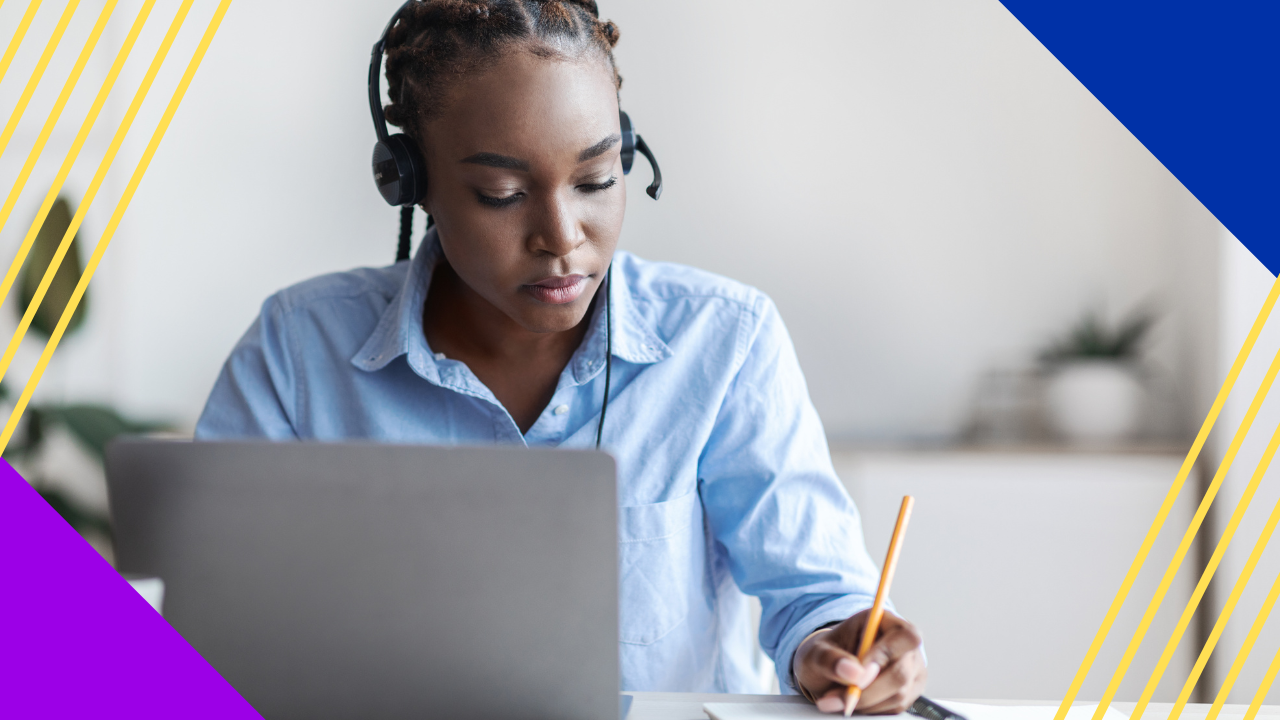
Basic transcribing equipment comes down to three things: a computer, high-quality headphones, and reliable transcription software.
- You do not need a big budget to start.
- A simple setup works well for most new transcribers.
- You can upgrade later with a foot pedal or text expander.
Transcribing equipment does not have to be costly or dent your budget. For the basics, you need just three items. First, a computer. Next, a good pair of headphones. Finally, reliable transcription software.
Are you starting solo, or joining a larger team? Either way, the right gear helps you transcribe faster. So a smart setup pays off from day one.
Why online transcribing is in demand right now
Online transcription services have been in demand for years. In fact, every industry has its mix of pro and rookie transcribers.
Also, transcription is a fairly simple task. It is easy to learn and to do, even without fancy transcribing equipment. So most freelancers start small and build up over time.
Demand is broad because so many fields need clean records. For example, media, research, and business all use transcripts. Many firms even choose outsourcing transcription to keep costs low and quality high.
In the medical field
Medical transcriptionists organize and reformat patient files, doctors’ notes, and recordings. So they work closely with sensitive data every day.
In this role, they use sharp skills and pay close attention to detail. Most work through outsourcing agencies. In addition, many hold at least a degree in a medical field. To see how this niche works, read more on medical transcription services.
In the legal sector
Legal transcribers handle case files, reports, and court records. So their work supports a lot of key paperwork.
From the outside, legal paperwork looks intense and detailed. Still, lawyers and paralegals are used to this load. For a closer look, see this overview of legal transcription services.
The basics of setting up transcribing equipment
Setting up transcribing equipment does not have to be pricey. Most transcribers skip fancy computers or peripherals at first. As a result, it is easy to upgrade once you learn the ropes.
Computer
Any transcriptionist needs a computer. Most modern models can run the programs for this work.
Some people like a desktop. Others prefer a laptop. So the choice is yours. What matters most is a processor that runs your programs with no lag.
macOS versus Windows
These two systems are clear crowd favorites. Aside from Linux and other options, macOS and Windows both run the apps you need.
A recent study shows that creative professionals usually lean towards the Mac environment instead of Windows. Meanwhile, most office workers know Windows and its many versions. So either one can do the job well.
High-quality headphones
If you splurge on one item, make it your headphones. So buy the best pair you can afford.
For example, the best transcribers rely on clear, crisp audio. As a result, they grasp what they hear the first time. It is much easier to work when you are not replaying the same garbled clip again and again.
Transcription software
Are you just starting out as a freelance transcriber? Good news. There are many free transcription tools you can try. Some transcribers also handle call transcription for businesses, which uses the same core setup.
OTranscribe
OTranscribe is a web app you open right in your browser. So you do not need to download or install anything.
The team built OTranscribe to be simple and friendly. Users can control it all with the keyboard. As a result, the shortcuts speed up your daily flow.
The FTW Transcriber
The FTW Transcriber is a downloadable tool for Windows. It also runs on Android devices now.
It is small and light, so it sits next to your other open apps. At first glance, it shows a little orange window with your controls.
Optional: Foot pedal
Upgrading to a pro setup? Then consider a foot pedal to control your software. Medical and legal transcribers use foot pedals to make their load easier.
Also, a pedal frees your hands to type and navigate. So you skip the pause key most of the time. The simplest version has two buttons, one for play and one for pause. Meanwhile, a complex one has three pedals for experienced users.
Optional: Text expander
Text expanders work much like autocorrect on your phone. When you transcribe, small errors are bound to slip in. So a text expander helps you catch spelling mistakes as you work.
Starting out as a transcriber
When you start out, work can be hard to find at times. Maybe the audio is too poor to follow. Or maybe the workload feels heavy.
Still, keep this in mind. Every career path has a learning curve. So stick with it, and your speed and skill will grow. If you want a clear roadmap, see this guide on how to become a medical transcriptionist.
Frequently asked questions about transcribing equipment
How much does basic transcribing equipment cost?
You can start cheap. A working computer, decent headphones, and free software may cost little. So most beginners spend money only on better headphones first.
Do I need special transcription software to start?
No. Free tools like OTranscribe work well for new transcribers. Later, you can move to paid software with more features.
Is a foot pedal worth it for transcribing?
For pros, yes. A foot pedal frees your hands and speeds up your work. Still, beginners can skip it until they are ready.
What headphones are best for transcription?
So pick a closed pair with clear, crisp sound. Good audio helps you catch every word. As a result, you spend less time replaying clips.
Can I transcribe on a laptop or do I need a desktop?
Either one works fine. What matters is a processor that runs your apps smoothly. So choose the model that fits your budget and space.
Key takeaways
- Basic transcribing equipment is a computer, headphones, and software.
- You can start cheap and upgrade as your skills grow.
- Clear headphones matter most, so invest there first.
- A foot pedal and text expander help pro transcribers work faster.
- Both macOS and Windows can handle transcription work well.






 Independent





