
Top 10 features of EMR software

This article is a submission by Healthray. Healthray is a leading software development company based in India.
What are the most important EMR software features?
The most important EMR software features include patient scheduling, patient portals, history recording, medical billing, and e-prescribing.
- They store patient data in one safe, digital place.
- They cut manual work and reduce billing errors.
- They help doctors give faster, better care.
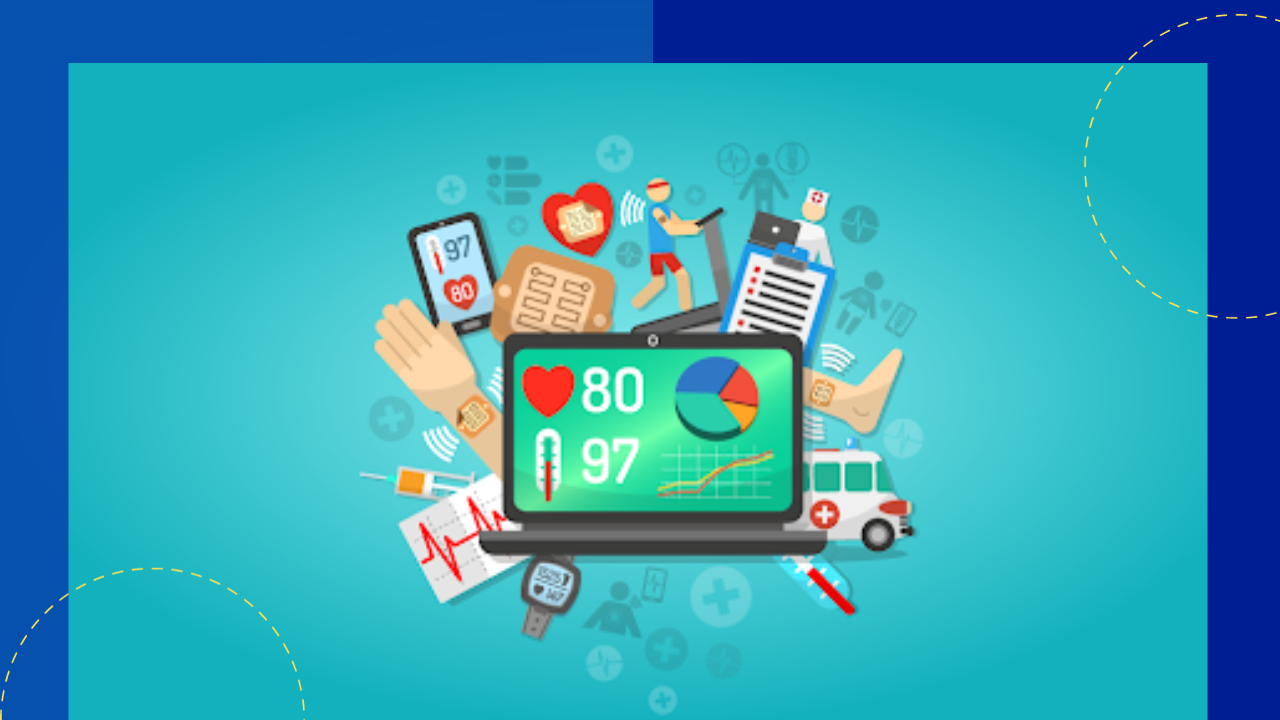
An electronic medical record, or EMR, is a digital version of a patient’s paper chart. It matters a lot to hospitals, because it keeps all patient records in one place. So doctors can create, save, and open patient details whenever they need them. This article covers the top 10 EMR software features that hospitals and healthcare teams should know. For a wider view, see how electronic health records support modern care.
Top 10 features of EMR software
In this section, we walk through the ten must-have EMR software features. This also shows the main benefits of using an electronic medical record.
1. Patient scheduling
The first feature to look for is patient scheduling. It holds each patient’s details and the reason for the visit. Sometimes, patients are unsure of a doctor’s specialty. So the stored details help them pick the right one. The system can also send automatic reminders about a visit. If the doctor is not free on a date, patients can reschedule with ease.
2. Patient portals
A patient portal is a must-have part of any EMR system. It helps patients and doctors open reports made by other departments. Other tools, like insurance reimbursement inside hospital management software, also help both sides. On top of that, patients reach key details fast, with no manual delays.
3. Patient history recording
EMR software must be able to save patient history. Every patient has a health record on file. When the system stores this data well, doctors can diagnose and treat faster. Sometimes patients skip visits for a long time. As a result, they may forget past prescriptions. Still, when all records sit inside the software, the details are easy to reach. So doctors need not guess from symptoms alone. Instead, they can open the report and treat with care. Strong medical records management keeps this data accurate.
4. Medical billing
Medical billing is a feature you cannot overlook. Many compliance rules apply when you create a bill. Tracking all of them by hand is not realistic. However, an EMR can produce accurate, error-free bills. Some taxes apply to certain cases only. So the EMR you pick should have billing built in. The best tools also autofill data, which saves staff time.
5. E-prescribing
E-prescribing lets doctors send prescriptions to patients online. They can also print them when needed. This feature warns about drug allergies too. As a result, doctors can pick the right medicine with full context.
6. Order entry
When you review an EMR system, check the order entry feature. It is also known as computerized physician order. It lets providers track patient details, reports, and past prescriptions. It also helps catch errors in electronic orders.
7. Lab integration
Many multispecialty hospitals run several labs for patients. Visiting each department again and again wastes time. So make sure your EMR software links to lab results. With this feature, doctors can track samples and results in one place. They can also open notes recorded during collection and analysis.
8. Document management
The EMR system you choose must stay well organized. It should manage the documents with ease. Data can be sorted by each patient’s condition. It should also track medications and any allergies. Doctors need these details to tailor care.
9. Centralized communication
Your EMR system should act as one hub for communication. This improves contact between patients, doctors, and departments. So make sure the software lets doctors and patients message each other with ease.
10. Mobile functionality
Last but not least, mobile access matters a great deal. Make sure the EMR works on both mobile and desktop. Some tools run on desktops and laptops only. However, a mobile-ready option lets staff check patient details anytime, anywhere. In short, these EMR software features can greatly improve daily hospital work. Many teams pair them with wider healthcare software for full coverage.
Choosing the right EMR software
Good EMR software packs many advanced features that streamline hospital work. So the tool you choose should include all the features above. Check it closely, and make sure it fits your current systems. Your EMR software provider must also grasp your needs. You can talk through training and setup to learn the use cases fast. If you need extra tools, tell your provider early. A reliable partner has experts who can meet your needs and answer your questions. Many hospitals also lean on healthcare outsourcing and better patient care coordination to get more from these systems.
Frequently asked questions
What is EMR software?
EMR software stores a patient’s medical records in digital form. It replaces paper charts. So doctors can open and update records fast.
What are the must-have EMR software features?
Key features include patient scheduling, portals, and history recording. Medical billing, e-prescribing, and lab integration also matter. Mobile access rounds out the list.
How does EMR software help doctors?
It keeps patient data in one place. As a result, doctors diagnose faster and cut errors. It also speeds up billing and prescriptions.
How do I choose the right EMR software?
Pick a tool with all the core features built in. Make sure it fits your systems. Also choose a provider who grasps your needs.
Key takeaways
- EMR software replaces paper charts with one secure digital record.
- Core EMR software features cover scheduling, portals, billing, and e-prescribing.
- Lab integration, document management, and mobile access add more value.
- Choose a tool that fits your systems and a provider who knows your needs.






 Independent





