
10 offline time tracking software to increase productivity

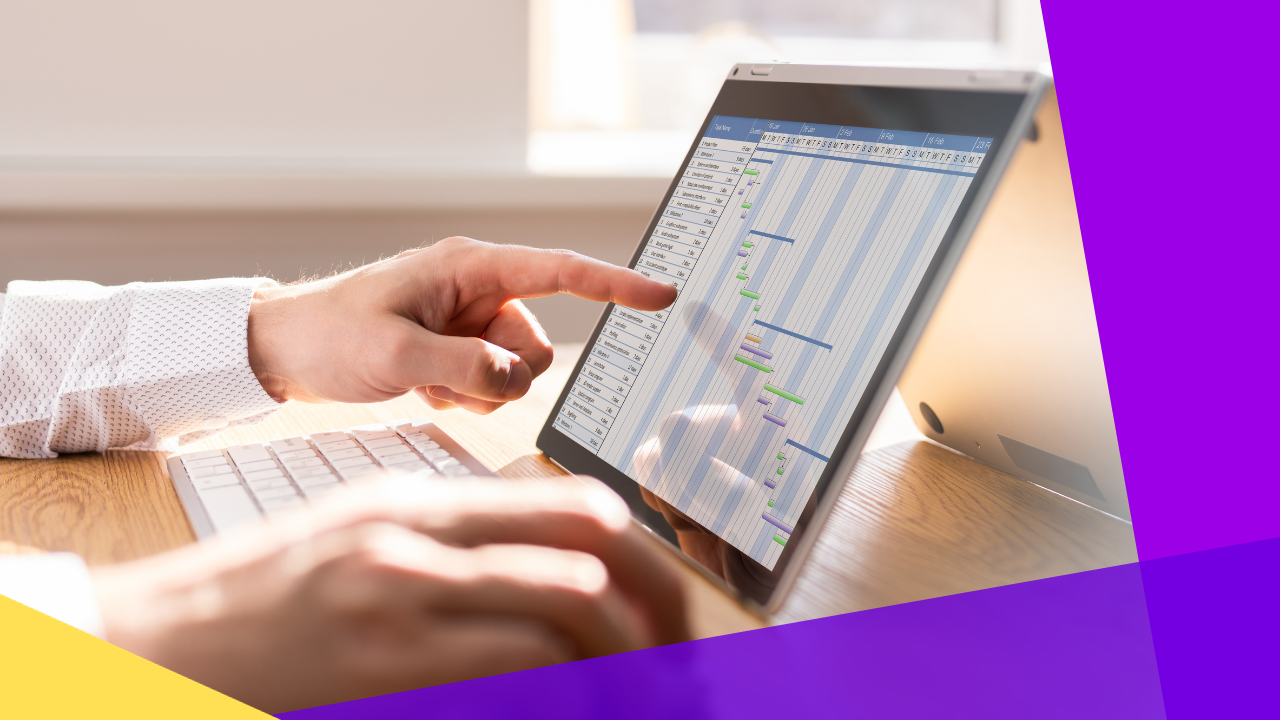
What is the best offline time tracking software?
The best offline time tracking software lets teams log work hours without the internet, then syncs the data once they reconnect. Clockify, Time Doctor, and Jibble lead the pack for most teams. Here is what to look for:
- It records hours, breaks, and tasks even with no signal.
- It syncs your logs to the cloud once you are back online.
- It fits remote, hybrid, and field teams across many devices.
List of offline time tracking software
Today we work in a fast digital world. Keeping track of work hours and output can be hard. So flexible and reliable time tracking tools matter more than ever.
Many time tracking tools live online. However, some people prefer offline options to limit distractions from the web. Offline time tracking software helps people work smoothly, even with no internet connection.
For example, you may work in a remote spot with weak signal. In that case, you can rest easy because your hours still get logged. This guide runs through the top ten offline time tracking software options. Next, we cover their key features, user notes, and the value they bring.
What is offline time tracking?
Offline time tracking means recording the time spent on tasks and projects without a steady internet connection. It works much like the time tracking software for remote teams you already know, just without the need to stay online.
Traditional time tracking systems are online. They rely on web apps to run. However, offline time tracking software works on its own, so users can log hours and tasks in places with little or no signal.
As a result, this feature lifts output and adds flexibility across many work settings. It helps remote teams with shaky internet the most. You still need a connection to submit data. Still, teams no longer worry about accountability during work hours.
10 best offline time tracking software
Let’s take a look at the top offline time tracking software for teams of every size.
1. Clockify
Clockify is a popular free time tracking tool for teams. With its offline mode, you can track time and manage projects with no internet. It offers a wide range of features, such as:
- Timer functionality
- Timesheet entry
- Calendar visualization
- App and website tracking
Clockify also uses strong reporting and admin tools to manage team members and export tracked time. So whether you work remotely or on the move, it gives a simple way to track time offline and boost output.
2. Time Doctor
Time Doctor is a trusted employee monitoring software and productivity tool. It offers many features that help you measure and improve output.
It is mainly web-based. However, Time Doctor also works offline. So you can watch employee activity with no internet. Its mobile app lets you log all time worked on the go. Because of this, it suits many industries and team types. It works well for fully remote teams, hybrid setups, and in-office crews. As a result, it also builds more trust, accountability, and teamwork.
3. Jibble
Jibble calls itself the new standard of time tracking. Besides its offline mode, its other big draw is that it is free. With Jibble, you can track and record time offline with ease. Both the mobile app and desktop version let you log time on any device. Jibble has many features, including:
- GPS time tracking
- Facial recognition attendance
- Advanced reporting
In web mode, you can switch between tasks, projects, and clients with no need to clock out. Jibble also fits many industries, from small firms to large ones. Plus, it links with tools like Slack and Microsoft Teams. So teams can track time and attendance right from those apps. Users rate it highly for ease of use and strong support. In short, it stands out as a top pick for offline time tracking software.
4. Harvest
Harvest is trusted by many teams across different industries. It gives an easy way to track time across projects and handle invoicing and payments. It is mainly online. However, it also works offline. As a result, all records sync to your account once you reconnect. It offers features that speed up the tracking process, such as:
- Intuitive timers
- Manual entry options
- Automatic reminders
You can use Harvest on phones, tablets, and desktops. So it suits workers on the go. It also links with many project and teamwork tools. For example, it fits neatly with Asana, Slack, or Trello.
5. Toggl Track
Toggl Track offers time tracking for your output and profit needs. It is an efficient online and offline tool built to save time. Toggl Track covers all the key parts of time tracking, with features like:
- Employee time tracking
- Billing to invoicing
- Project budgeting
- Reporting
- Payroll management
One standout trait is its ability to sync across many platforms. So data stays easy to reach. The tool also gives teams knowledge instead of micromanaging them. As a result, it lifts employee buy-in and output. Many case studies show its clear impact on profit and time savings.
6. DeskTime
DeskTime is an all-in-one time tracker for your business. With it, you can build a high-performing team that hits goals often. DeskTime lets you see who works on what and their progress. So you gain clear insight into projects and can place resources well. It also helps prevent burnout with break reminders and private time. Because it is a universal platform, it suits both small and large firms. Its customization feature lets you tailor the tool to your needs.
7. Atto
Atto keeps time tracking simple. It is an all-in-one tool that tracks employee time and automates timesheets. Atto records all employee time, including work hours, breaks, and time off. It also has a GPS feature. So managers can track job routes, work history, and staff locations in real time. Regardless of the industry, Atto serves all types of businesses worldwide.
8. TMetric
Empower your team with TMetric’s offline time tracking software. It has a simple interface and many strong features. So it makes time tracking and workflow easy for any industry. You can capture and control every task you work on. For example, you can create projects, set rates and budgets, and track hours. TMetric also links with tools like Jira, Asana, Todoist, MS Office, GitHub, and Freshdesk. As a result, this flexibility lifts your project management and output.
9. timeTracko
timeTracko is an offline time tracking tool built to streamline work through workforce analytics. It has many features, including:
- Automatic time tracking
- Productivity analysis
- Employee screen monitoring
- App and website monitoring
timeTracko also gives an easy dashboard. It shows employee computer usage, real-time reports, and tips to improve. So employers can review daily, weekly, and monthly work hours. The tool suits many pros, such as remote support teams, law firms, marketing agencies, and retail stores.
10. ClockShark
ClockShark calls itself the industry’s #1 time tracking app. It has what you need to finish jobs fast and get paid sooner. Its job management feature keeps all job details in one place. So you can manage jobs from start to finish, assign tasks, and bring in the right team members. Overall, it offers a reliable way to manage your workforce and lift profit.
How to choose the best offline time tracking software
Your best pick depends on your needs and goals. So here is a guide to the main things to weigh before you decide.
Features and capabilities
First, list the features you need, which may include:
- Task management
- Project tracking
- Customization
- Reporting
- Invoicing
- Expense tracking
- Integration capabilities
Many teams pair these tools with employee productivity apps to get a fuller view of their day.
User-friendly interface
Next, look for a simple, clear interface that speeds up time tracking. You want a clean design that is easy to learn and adopt.
Platform compatibility
Also, make sure the tool works with your operating system. Then check for cross-platform support so you can switch between work devices with ease.
Security and privacy
Security matters a lot with any time tracking tool. This is true if it holds client data or financial records. So look for data encryption, regular backups, compliance, and secure servers to keep your info safe.
Customer support
Check the support the vendor offers. Look for quick channels like live chat, email, or phone. User reviews also help you gauge how fast and helpful their support is.
Cost and subscription models
Finally, review the pricing and plans to make sure they fit your budget. Compare plans across a few options. Some tools offer free or trial versions so you can test them. Others need a subscription or one-time payment. By weighing these factors, you can find the tool that fits best. The right choice will boost your output and help you boost workplace productivity over time. It also supports the wider benefits of remote work that many teams now enjoy.
Frequently asked questions
What is offline time tracking software?
It is a tool that logs work hours without the internet. It stores your entries on the device. Then it syncs them to the cloud once you reconnect.
Do I still need the internet to use it?
You can track time with no signal. However, you need a connection to submit and sync the data. So your logs stay safe until you are back online.
Which offline time tracking software is free?
Clockify and Jibble both offer free plans with offline features. So they are a good place to start for small teams on a budget.
Who benefits most from offline time tracking?
Remote teams, field crews, and travelers gain the most. For example, they often work in spots with weak signal. So offline logging keeps their hours accurate.
How do I pick the right tool?
First, list your must-have features. Next, check platform support, security, and price. Then test a free trial before you commit.






 Independent





