
10 most reliable iOS and Android messaging apps

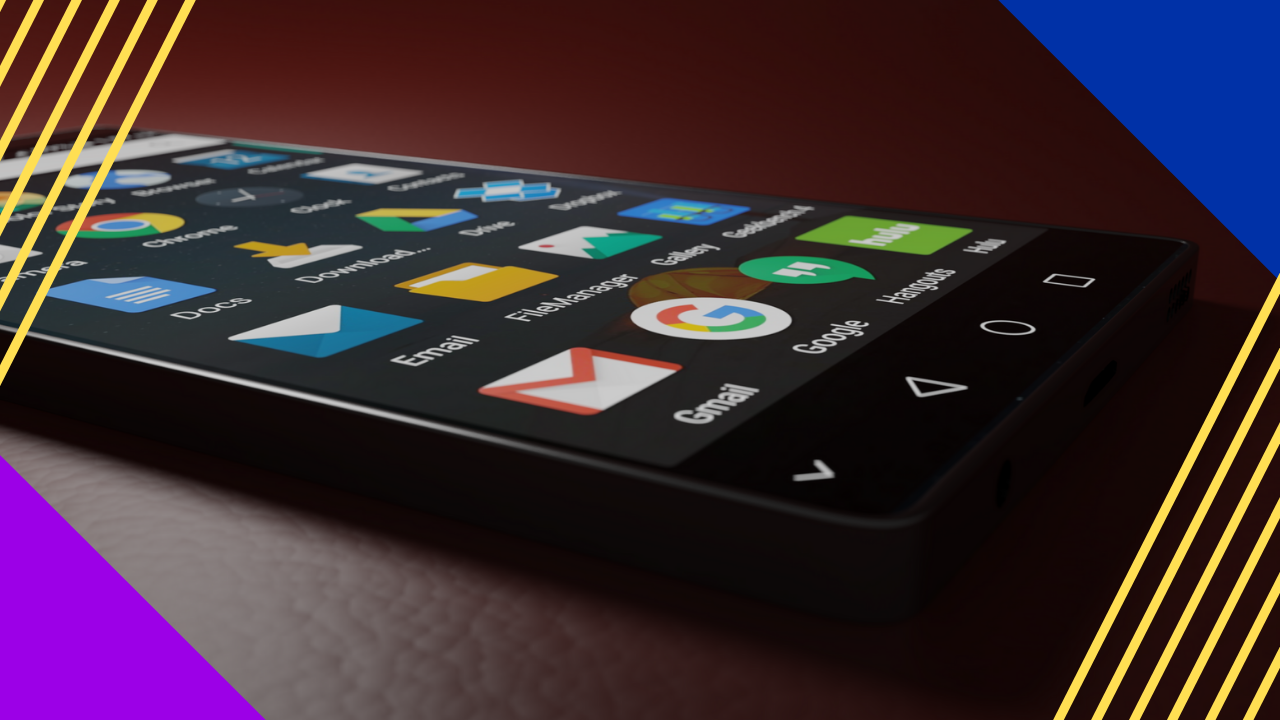
What are the best iOS and Android messaging apps for business?
The most reliable iOS and Android messaging apps for business include Telegram, WhatsApp, Facebook Messenger, Viber, and Discord, which offer fast, secure, and low-cost communication.
- They speed up team communication in real time.
- Most are free and easy to set up.
- As a result, they help remote teams stay connected.
The demand for messaging apps has grown fast, much like social media. People no longer use iOS and Android messaging apps just to reach friends and family. Even organizations now reap the benefits of these tools.
Good communication is key to daily work and client service. Mobile tools, such as iOS and Android messaging apps, play a big part in this. In fact, 66% of consumers prefer messaging apps when they reach out to brands. So these apps have become vital for every business. They matter even more for teams in digital marketing.
In this article, you will learn the uses and benefits of iOS and Android messaging apps for business. In addition, we will share the 10 apps that made our top list.
Benefits and uses of iOS and Android messaging apps
Communication and collaboration are key to a strong work culture. Mobile messaging apps help streamline daily communication. So they matter most in a remote work setup.
Below are five uses and benefits of iOS and Android messaging apps for business.
They speed up communication within the organization
First, these apps let remote teams connect in real time. People can talk at once, skim key messages, and reply fast. Compared to email, messaging apps have no gatekeepers. So staff can see who gets the message right away. As a result, they can replace long email chains and lift productivity.
They democratize the working environment
Next, mobile chat apps support a fair work culture. So they help unite remote workers from many parts of the world. They build trust, loyalty, and accountability. As a result, they spark teamwork across all levels of seniority.
iOS and Android messaging apps are convenient
These apps are also very handy. Smartphones are now a must-have tool, and these apps fit them well. For example, any staff member can send a quick private message during a call or meeting. Because of this, business leaders now use communication tools to bring their teams together.
They bring teams closer together
With remote work, casual chats are harder than in an office. Simple talks after a meeting are not as easy in remote work. Luckily, iOS and Android messaging apps help fix this. So remote workers can share ideas and have quick, informal chats. Even a simple emoji or GIF can boost morale and build good ties.
iOS and Android messaging apps are free
Besides instant messages, these apps also cut costs on international calls. Most apps on iOS and Android are free and need only internet and a phone. Still, businesses must follow data privacy laws like GDPR and CCPA.
10 most reliable iOS and Android messaging apps
Now, let us look at our list of the top 10 iOS and Android messaging apps.
Telegram
With millions of active users, Telegram is one of the fastest messaging apps around. Users can store chat histories on iCloud, with unlimited file sharing. Its group chat supports up to 200,000 members. Other features include:
- Photo and video editing
- Stickers, animation, GIFs
- Scheduled voice chats
- Chatbots
- Secret Chat feature
For security, chats use 256-bit symmetric AES encryption, 2048-bit RSA encryption, and Diffie-Helman key exchange. The app also has an encrypted Secret Chat that auto-deletes messages on a timer. Telegram is free and ad-free. It works on phones, tablets, and desktops too.
WhatsApp is one of the most popular messaging apps in the world. It is free and easy to set up. Besides instant messaging, its features include:
- Location sharing
- Photo, video, file, sticker, GIF, and contact sharing
- Individual or group voice and video calls (for up to 32 people)
- Customizable chat wallpapers
- Snapchat-like editing features
- Disappearing messages
WhatsApp is owned by Meta. This app is built with end-to-end encryption for privacy and security.
Facebook Messenger
Facebook makes it easy to chat or call friends, family, or colleagues. Its separate app captures all contacts saved in Facebook. Users can also add contacts by scanning a code. Its other features are:
- Voice and video calls
- Location, file, document, video, and photo sharing
- GIF and animated sticker sharing
- Sending money in several online marketplaces
- Secret Conversations and Vanish Mode
Messenger also offers Messenger Rooms, which can host over 50 people. So users can create a link and share it with others, even those not on Facebook.
KakaoTalk
KakaoTalk is the go-to messaging app in South Korea. It is also available in the US. It claims to be one of the fastest apps on any network. What sets it apart is its e-commerce feature. So it offers deals and coupons from many brands, which users can share with friends. Its other features are:
- Video chat
- Appointment scheduling
- Calendar organizing feature
- Kakao Pay
Since it is popular for online payments, KakaoTalk now offers branded credit cards that work with virtual currencies.
Viber
Viber has over 1 billion users worldwide. So it ranks among the most popular messaging apps today. It adds users’ mobile contacts within the app. It also has Viber Communities, where users can join or create group chats around shared interests. Viber’s other features include:
- Group chats (up to 250 recipients)
- Free Viber-to-Viber calls
- Encrypted color-coded messaging
- Shorts (short story feature)
- Create-your-own-GIF
- Self-destructing chats
- Cheap non-Viber worldwide phone calls
Line
Line is a famous messaging app from Japan, with hundreds of millions of users. It has a timeline feature much like Facebook. So users can post updates and friends can comment. Line also offers other features like:
- Free Line-to-Line voice and video calls
- Paid landline calls
- Exclusive stickers with Line characters
- Group chats that support up to 500 users
- Line Pay
Many brands and artists have profiles on Line. So users can follow and interact with them. The app also offers ads and promo features in-app.
WeCom
WeCom, also known as WeChat Work, comes from the makers of WeChat. It offers a similar feel, yet it is built for office management. WeCom’s features include:
- Corporate directory management
- Video conference
- Group live streaming
- Message exchange with WeChat
This app can also work with Mac and Windows.
GroupMe
GroupMe is another messaging app, built and managed by Microsoft. The one downside is that it still lacks end-to-end encryption. So privacy is not assured. Still, GroupMe offers features such as:
- Create group chats for up to 500 recipients
- Send GIFs, images, videos, or custom emojis
- Share files, documents, or voice memos
Through GroupMe, people can also contact others in the US, even if they do not use the app.
Discord
Discord first launched in 2015 for gamers to chat while they play. Since then, it has grown popular with professionals too. So it now serves as a smooth option for voice, video, and screen sharing. Today, Discord has more than 200 million monthly active users. Its notable features are:
- Group chats for up to 10 participants
- Hands-free voice chat feature
- Chat messaging with end-to-end encryption
WickrMe
WickrMe protects privacy with end-to-end encryption. Users can send private messages, voice notes, videos, or photos that self-destruct. It also has a Shredder feature that deletes files securely. Other features include:
- Group chats for up to 10 participants
- Conference calls
- Pinning specific messages or groups on top of conversations
Unlike other apps, WickrMe does not need an email or phone number to sign up.
iOS and Android messaging apps FAQs
Which messaging app is most secure?
Apps with end-to-end encryption offer the best privacy. WhatsApp, Telegram’s Secret Chat, and WickrMe all fit here. So pick one that matches your privacy needs.
Are messaging apps free to use?
Yes. Most iOS and Android messaging apps are free. They need only internet and a phone. As a result, they cut costs on calls and texts.
Can businesses use messaging apps for work?
Yes. Many teams use them for fast, daily communication. In addition, they help remote workers stay in sync.
Do messaging apps work across iOS and Android?
Yes. The apps on this list work on both systems. Many also work on desktop. So teams can chat from any device.
Key takeaways
- iOS and Android messaging apps speed up team communication in real time.
- Most are free and need only internet and a phone.
- Top picks include Telegram, WhatsApp, Messenger, Viber, and Discord.
- For privacy, choose apps with end-to-end encryption.
- Businesses must still follow laws like GDPR and CCPA.






 Independent





