
7 simple and effective best practices for virtual meetings


What are the best practices for virtual meetings?
The best practices for virtual meetings are to set an agenda, pick the right tool, test the tech, respect time zones, keep people engaged, let everyone speak, and follow up fast.
Follow these habits and your remote meetings run smoothly. In short, here is what they help you do:
- Save time and avoid common tech hiccups.
- Keep remote teams engaged and involved.
- End each meeting with clear next steps.
Virtual meetings help teams stay in touch and keep work moving. Yet when they go wrong, they can be tough. So they bring common challenges, and many of them waste time. For example:
- Technological barriers
- Low remote team engagement
- Incoherent meeting flows
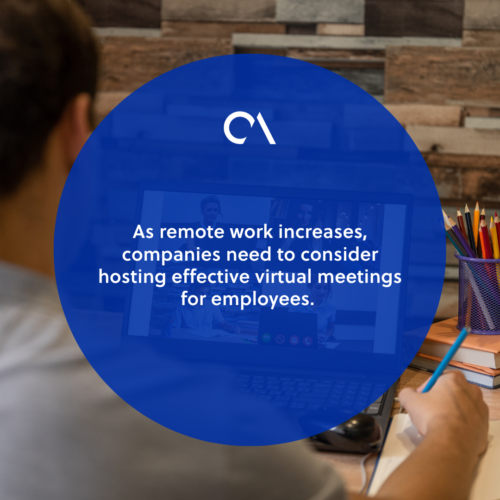
As remote work grows, companies need to host better virtual meetings. So it helps to learn the best practices for virtual meetings and beat these challenges. In this article, we share simple, effective best practices for virtual meetings that leaders can use today.
The rise of virtual meetings
There are more virtual meetings than ever. In today’s business world, virtual meetings has grown in demand. As a result, they now serve as a go-to for remote teams.
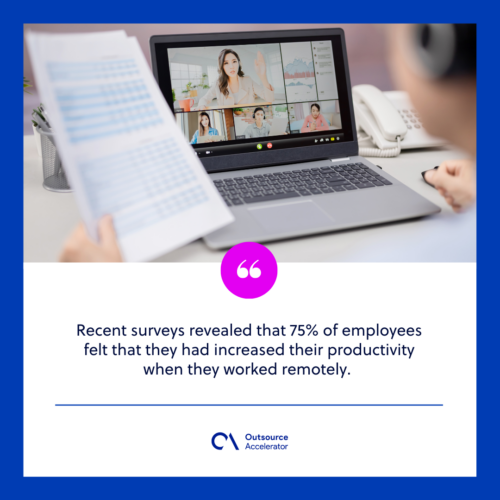
Businesses have learned that virtual meetings bridge the gap well. So employees still collaborate closely from anywhere. With many platforms on hand, teams keep talking and stay connected. In fact, Recent surveys revealed that 75% of employees felt more productive when they worked remotely. Because of this, virtual meetings have become part of daily work. For more on this shift, see the benefits of remote work.
Challenges faced in virtual meetings
Even prepared teams hit snags. Several issues can break the flow of a virtual meeting. Here are some of the most common ones.
- Technological challenges. Laptop lags, weak connections, and other tech faults can interrupt a meeting.
- Distractions. Social media, urgent tasks, and side chatter pull attention away.
- Time zone constraints. Without good scheduling, time zone gaps make meetings hard to set.
Remote work will not thrive without the best practices for virtual meetings. So you must master this skill when you work with offshore teams. For example, when you tap top talent from firms like Remote Employee, clear communication takes you far.
7 effective best practices for virtual meetings
Things can go wrong when a meeting lacks structure. So leaders should use proven best practices for virtual meetings. As a result, teams communicate and work well together. To make your next meeting a win, follow these seven steps.
1. Plan and set an agenda
Leaders should have a clear reason to gather the team. Like in-person meetings, set goals first. For example, decide if the meeting needs new ideas or a set task.
So plan and share an agenda beforehand. This keeps the key points in focus. As a result, the meeting flows well and avoids running over time.
2. Choose the best virtual meeting tool
Technology sits at the heart of a virtual meeting. So your platform choice shapes the outcome. Talking with a remote team does not come naturally. Because of this, pick a tool the team finds easy and comfortable.
The best tool also shows non-verbal cues clearly. There are many video conferencing tools on the market today. So choose wisely and pick the one that runs your meeting best. If you are torn between options, this Microsoft Teams versus Zoom comparison can help.
3. Test the tech ahead of time
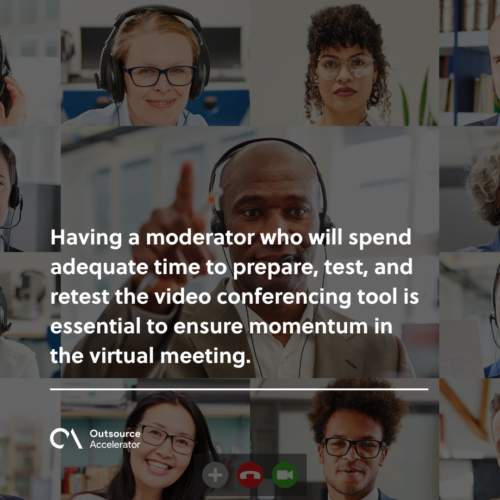
Always expect technical trouble. So testing the tool beforehand is a key best practice. A moderator should prepare, test, and retest the video tool. As a result, the meeting keeps its momentum.
Also make sure the platform is easy to join. For example, choose one that needs no installs or downloads.
4. Consider time zone differences
Take account of each team’s time zone. When teams are spread out, they often adjust to each other’s hours. So these long hours can lead to burnout.
Meanwhile, Addressing time zone differences is a core part of good virtual meetings. So keep the team on a clear schedule. Also weigh everyone’s working hours to keep people involved.
5. Keep the meeting interactive and the team engaged
When teams interact less, they engage less. As a result, productivity can drop. So start with light, fun small talk to warm people up. For example, the Forbes Business Council found that an informal mood, with jokes and fun, lifts morale.
Leaders can also add energizing activities. For example, try virtual icebreakers or other warm-up games. As a result, engagement rises and people join in next time. For more ideas, see these tips on boosting remote employee engagement.
6. Give everyone a chance to speak
Unwanted noise distracts the speaker. So give each person a turn, and keep mics on mute otherwise. Think of it as virtual meeting etiquette.
This habit blocks background noise and side sounds. As a result, the speaker stays clear. So it counts as a top best practice that streamlines the whole meeting.
7. Follow up after the meeting immediately
Right after the meeting, the team should summarize what counts. So everyone debriefs and recaps the key points. Then close by restating what the team decided. Finally, remind everyone of action items and notes, so they know what comes next.
The best practices for virtual meetings
Virtual meetings can be tough. They need the right tools and real team commitment. Still, working apart does not have to hurt results.
Poor planning leads to messy, unfocused meetings. So leaders should use all the best practices for virtual meetings above. As a result, teams stay aligned and productive. Strong remote team management habits make these gains last.
Frequently asked questions about virtual meetings
How long should a virtual meeting last?
Keep most virtual meetings under 45 minutes. Attention drops fast on screens. So a tight agenda and a hard stop keep energy high.
How can you reduce video call fatigue?
Add short breaks and allow camera-off moments. Also keep group sizes small. For more tips, see this guide on easing video call fatigue.
Should cameras always be on in virtual meetings?
Not always. Cameras help build trust and read cues. However, forcing them on can tire people out. So set a flexible rule that fits the meeting type.
What makes a virtual meeting fail?
Most failures trace back to poor prep. For example, no agenda, weak tech, or one person doing all the talking. So planning and clear roles fix most problems.
How do you keep remote attendees accountable?
Assign clear owners and deadlines for each action. Then share the recap in writing. As a result, everyone knows their next step.






 Independent





