
What are telehealth technology solutions?

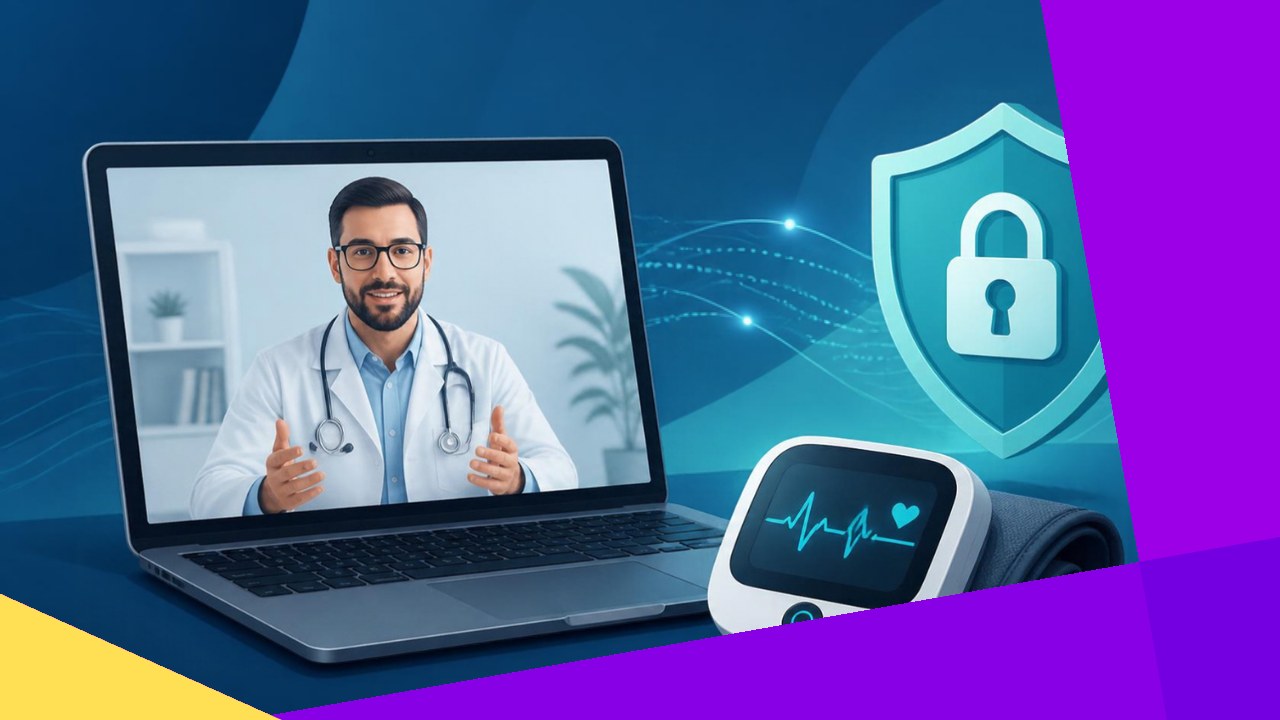
- Telehealth technology solutions are the tools that make virtual care work: video visit platforms, remote monitoring devices, and the software that ties them to your records.
- The four main categories are live video, remote patient monitoring, store-and-forward, and mobile health apps.
- Good technology connects to your EHR, meets HIPAA security rules, and fits the way your clinic already works.
When people picture a video appointment, they see the doctor on the screen. Behind that screen sits a stack of telehealth technology solutions that capture the visit, protect the data, and push it into the patient’s chart. These are the platforms, devices, and integrations that turn a phone or laptop into a clinical tool.
This guide covers the technology side only. It explains the main categories, how they connect to your other systems, and what to check for security. If you want the staffing and operations side instead, that is a separate topic. Here, the focus is the tech.
What are telehealth technology solutions?
Telehealth technology solutions are the hardware and software that let patients and clinicians connect without being in the same room. The category is broad. It includes the video platform for a live visit, the blood pressure cuff that sends readings from a patient’s home, and the secure messaging inside a patient portal.
These tools sit on top of your existing systems. Medicare, for example, defines telehealth services as care furnished through interactive telecommunications technology that connects a patient at one site with a provider at another. The technology is the bridge. Good tools make that bridge feel invisible to the patient.
The main categories of telehealth technology
Most solutions fall into four groups. Many clinics use a mix, depending on the type of care they deliver.
1. Live video platforms
This is synchronous care, meaning it happens in real time. The patient and clinician talk over a secure video link. A good platform handles waiting rooms, screen sharing, and multiple participants, such as a family member or an interpreter. It should run in a browser so patients avoid a clunky download.
2. Remote patient monitoring (RPM)
RPM devices track health data at home and send it back to the care team. Common examples include blood pressure cuffs, glucose meters, pulse oximeters, and connected scales. The readings flow into a dashboard where staff can spot problems early. This helps with chronic conditions like diabetes and heart failure.
3. Store-and-forward
This is asynchronous care, so it does not happen live. A provider captures images, video, or test results and sends them to a specialist to review later. Dermatology and radiology use this often. The patient does not wait on a call, and the specialist reviews the case when ready.
4. Mobile health (mHealth) apps
These are patient-facing apps for phones and tablets. They cover reminders, symptom check-ins, medication tracking, and secure messaging. mHealth tools keep patients engaged between visits and feed useful data back to the clinic.
| Category | Timing | Common use |
|---|---|---|
| Live video | Real time | Follow-ups, urgent care, behavioral health |
| Remote monitoring | Ongoing | Chronic disease management |
| Store-and-forward | Delayed | Dermatology, radiology, specialist reviews |
| mHealth apps | Between visits | Reminders, messaging, self-tracking |
How the technology connects to your systems
A telehealth tool that sits alone creates extra work. Staff end up copying notes by hand into the chart. The value comes when the platform links directly to your other software.
Start with the electronic health record. When the video platform writes visit notes straight into the chart, clinicians save time and avoid errors. If you are still weighing the move to digital records, understanding how electronic health record systems work is a useful first step. Scheduling matters too. The best setups let a patient book a visit, get a link, and join without help from the front desk.
Interoperability is the bigger goal. It means different systems can share data cleanly. As one federal health IT resource on health data interoperability explains, the aim is the “secure … exchange of electronic health information among authorized users.” Ask any vendor how their tool shares data, and whether it supports common standards like FHIR.
Security, privacy, and HIPAA
Telehealth moves protected health information across networks. That raises the stakes. Any tool you pick must meet HIPAA rules for privacy and security.
Look for a few basics. The connection should use end-to-end encryption. The vendor should sign a business associate agreement, which makes them legally responsible for protecting your data. Access should require strong logins, ideally with two-factor authentication. Audit logs should record who viewed each record.
Consumer video apps rarely meet these standards on their own. A purpose-built clinical platform does. Remote devices add more entry points, so device security deserves the same scrutiny as the software.
Choosing and running the technology
The right stack depends on your specialties, your patients, and your budget. A behavioral health practice may need little more than solid live video, while a cardiology group leans on remote monitoring. Match the tools to the care you actually deliver.
Rollout also takes work. Staff need training, patients need simple instructions, and someone must handle the technical support calls. Many clinics lean on an outsourcing provider for this setup and day-to-day help, which frees clinical staff to focus on patients. You can read more about the benefits of outsourcing virtual care if that model interests you. Whatever route you choose, test the technology with a small group before you go wide.
Frequently asked questions
Do telehealth platforms work on any device?
Most modern platforms run on phones, tablets, and computers through a browser. That said, video quality depends on the patient’s internet speed and camera. Clinics often send a quick pre-visit test link so patients can check their setup and avoid failed connections.
How much do telehealth technology solutions cost?
Pricing usually follows one of two models: a flat monthly subscription per provider, or a per-visit fee. Remote monitoring adds device costs, and EHR integration can carry a one-time setup charge. Confirm whether support and software updates are included before you sign.
What is the difference between telehealth and telemedicine technology?
Telemedicine refers to clinical services delivered remotely, such as a diagnosis over video. Telehealth is broader and also covers non-clinical uses like provider training and administrative meetings. In practice the technology overlaps heavily, so vendors often use the two words interchangeably.
Which services can actually be delivered by telehealth?
That varies by payer and by state law. Medicare publishes a list of covered telehealth services that it updates each year. Before you build around a service line, check that list and your state rules so the visits you plan are reimbursable.






 Independent





