
What is telehealth administration support?

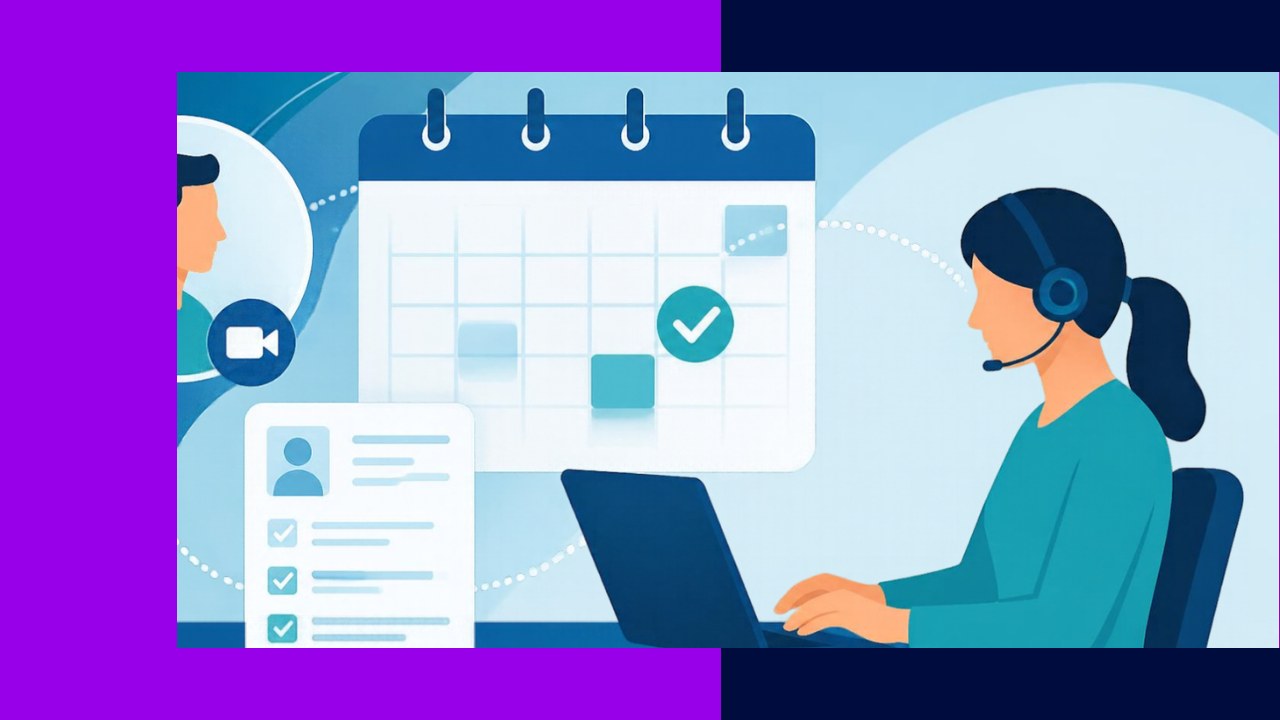
- Telehealth administration support is the non-clinical office work that keeps virtual visits running, from scheduling to billing.
- It covers appointment reminders, patient intake, insurance eligibility checks, tech onboarding, and documentation.
- Many practices outsource this work to control costs and free clinicians to focus on care, not paperwork.
Telehealth administration support is the back-office layer that makes a virtual visit actually happen. Someone has to book the appointment, confirm the insurance, send the video link, and file the notes afterward. That work is administrative, not clinical. It happens before, during, and after the visit, and it rarely involves the patient’s diagnosis at all.
Think of it as the front desk for a clinic with no front door. The visit is remote, so the usual walk-in steps move online. A missed reminder or a failed eligibility check can still cost a slot, a payment, or a frustrated patient. Good admin support keeps those problems from piling up.
This article stays on the operational side of virtual care. It does not cover the video platforms or devices that power the visit itself. That is a separate topic. Here, the focus is people and process: who does the work, and how it flows.
What telehealth administration support covers
The scope is broad, but it splits into a few clear tasks. Each one maps to a stage of the visit. Together they form the backbone of a virtual practice.
Scheduling and reminders for virtual visits
First comes the booking. Staff match a patient to the right provider, time slot, and visit type. Then they send the video link and any pre-visit instructions. Reminders follow by text, email, or call to cut no-shows. Because virtual slots are easy to forget, timely nudges matter even more than they do in a clinic.
Patient intake and eligibility checks
Next, the patient needs to be set up in the system. Intake staff collect demographics, consent forms, and history through digital forms. They also verify insurance eligibility and benefits before the visit. This step confirms that the plan covers telehealth and flags any copay. Catching a coverage gap early avoids a surprise bill later.
Tech check and patient onboarding
Virtual care fails when the patient cannot connect. So a support team often runs a quick tech check ahead of time. They confirm the device, camera, and link all work, and they walk first-time users through the steps. This onboarding is not IT support for the platform. It is patient hand-holding, and it keeps visits from starting late or dropping.
Billing and coding coordination
After the visit, the claim has to go out correctly. Telehealth billing has its own rules, modifiers, and place-of-service codes. Coordinators translate the clinician’s notes into the right codes and submit clean claims. Medicare, for example, updates its list of covered telehealth services each year through the physician fee schedule rulemaking process, so staff have to keep current. CMS also maintains an annual list of CPT and HCPCS codes that coders reference. Getting these details right protects revenue.
Documentation support
Finally, the record has to be complete. Documentation staff help draft, format, and file visit notes in the electronic health record. They also handle referrals and follow-up tasks. Accurate records support both compliance and the next appointment.
Why practices seek this support
Virtual care grew fast, and the admin load grew with it. During early 2020, CDC surveillance found telehealth visits jumped, with “the number of telehealth visits increased by 50%, compared with the same period in 2019,” per its MMWR report. Demand like that strains a small front office quickly.
There are a few clear reasons practices add or outsource this function:
- Cost control. Dedicated admin staff cost less than pulling clinicians into paperwork.
- Fewer no-shows. Consistent reminders and tech checks protect booked revenue.
- Cleaner claims. Specialists who know telehealth codes reduce denials.
- Scale. Support can flex up during busy periods without new hires.
Because these tasks are repeatable and remote by nature, they suit an outsourcing model well. Many providers hand the work to an offshore partner trained in healthcare admin and HIPAA rules. For a wider view of virtual care itself, see how practices approach outsourced telehealth services.
In-house versus outsourced telehealth admin
Neither model is automatically better. The right choice depends on volume, budget, and control needs. The table below sums up the trade-offs.
| Factor | In-house team | Outsourced partner |
|---|---|---|
| Cost | Higher fixed salaries and benefits | Lower, often variable by volume |
| Scalability | Slow; needs new hires | Fast; flex with demand |
| Telehealth coding expertise | Depends on local staff | Usually specialized |
| Direct control | Full and immediate | Managed by contract and reporting |
Some practices blend both. They keep a small onsite lead and send routine work, like reminders and eligibility checks, to a partner. This setup pairs local oversight with outside capacity. It also overlaps with broader non-clinical healthcare admin clinics already outsource.
How to set it up well
Start by mapping your current visit workflow, step by step. Note where delays or dropped visits happen now. Then decide which tasks to keep and which to hand off. Whoever does the work, insist on HIPAA training, clear reporting, and shared targets. Track no-show rates, claim denials, and wait times. Those numbers tell you fast whether the support is working.
Frequently asked questions
Is telehealth administration support the same as the video platform?
No. The platform is the software and hardware that carry the visit. Administration support is the human process around it, such as booking, intake, and billing. A practice usually needs both, but they are bought and managed separately. One is a product; the other is a service.
Does telehealth admin support handle any clinical decisions?
It does not. Support staff never diagnose, treat, or give medical advice. Their role is operational: they arrange the visit and process the records around it. A licensed clinician still owns every clinical call. This line keeps the model compliant and safe.
Can outsourced staff legally access patient data?
Yes, when the right safeguards are in place. The provider and the partner sign a business associate agreement, and the partner follows HIPAA rules on access and security. Data is limited to what each task requires. Reputable partners also run staff training and audit trails.
How quickly can a practice add this support?
Timelines vary by size, but many small practices onboard within a few weeks. The main steps are mapping workflows, granting secure access, and training on the practice’s tools. A phased start, beginning with reminders or eligibility checks, often works best. That lets both sides test the process before scaling up.






 Independent





