
Top 7 AI real-time translation tools for support teams

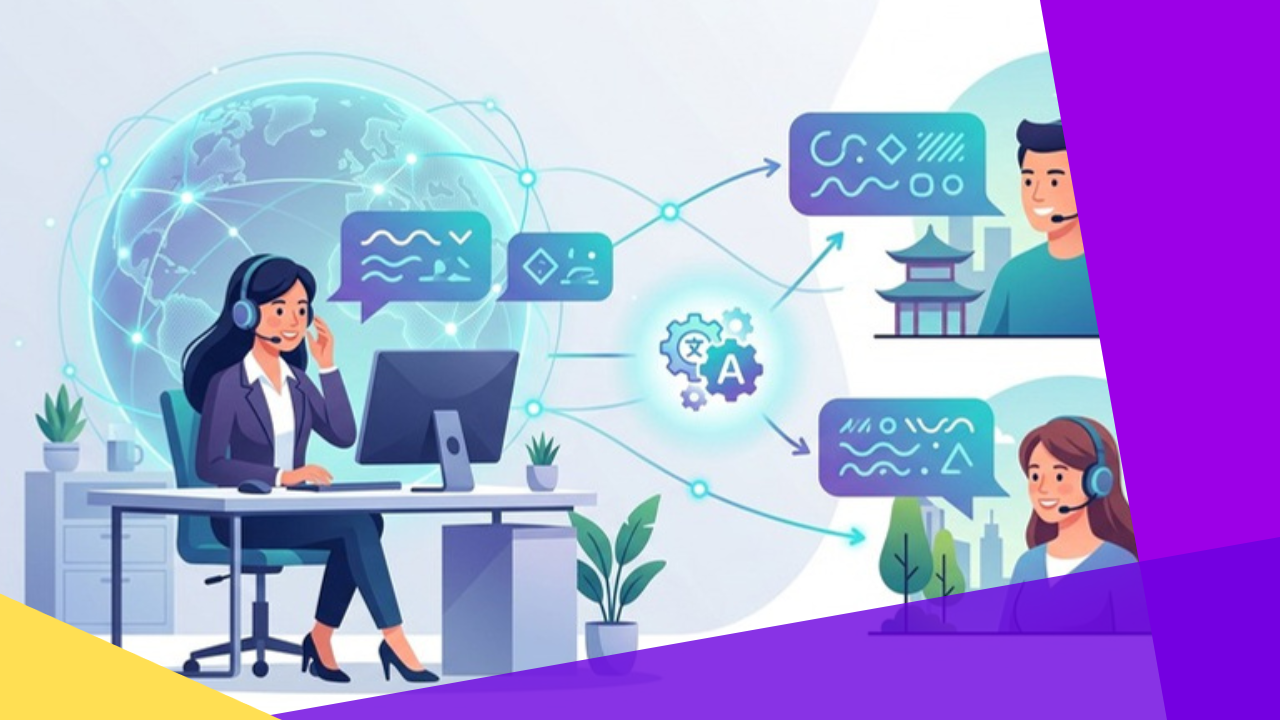
- Real-time AI translation lets a single support team answer tickets, chats, and calls across many languages without hiring a native speaker for each one.
- The seven tools below range from general-purpose machine translation engines to platforms built specifically for customer service workflows.
- Accuracy, helpdesk integrations, language coverage, and data handling matter more than raw speed when you compare options.
- Both companies exploring outsourcing and BPO providers can use these tools to widen the markets a support desk can serve.
Support queues stall when a customer writes in a language no agent on shift can read. AI translation tools solve that gap for support teams by converting incoming messages and agent replies almost instantly, so conversations keep moving.
These tools sit on top of neural machine translation, the same technology behind multilingual neural machine translation research. Modern engines handle idioms and context far better than older word-for-word systems, which makes them practical for live chat and ticket work.
The list below covers seven established options. Some are broad translation engines you plug into any system, while others are purpose-built for helpdesks. Each entry is vendor-neutral so you can weigh them against your own stack.
List of AI real-time translation tools
1. DeepL
DeepL provides neural machine translation through a web app, desktop and mobile apps, and an API. It is widely known for fluent output across many European and Asian languages.
Support teams typically use the API to translate tickets and chat messages inside their existing helpdesk. DeepL also offers glossary features so brand terms and product names stay consistent.
2. Google Cloud Translation
Google Cloud Translation is part of Google Cloud and delivers real-time text translation across a large set of languages through an API. It draws on the same lineage as Google’s early work on how neural networks learn to translate.
Teams can call it programmatically to translate high volumes of messages, and it supports custom models for domain-specific vocabulary. It suits organizations already building on Google Cloud infrastructure.
3. Microsoft Azure AI Translator
Azure AI Translator is Microsoft’s cloud translation service, offering real-time text and document translation through an API. It covers dozens of languages and includes a custom translator for tuning output to a specific industry.
Because it lives in the Azure ecosystem, it connects cleanly with other Microsoft services many enterprises already run. That makes it a common pick for teams standardized on Microsoft tooling.
4. Amazon Translate
Amazon Translate is a neural machine translation service on Amazon Web Services. It handles both real-time and batch translation, so teams can localize live chat as well as large archives of past tickets.
It integrates with other AWS services, which helps engineering teams wire translation into existing pipelines. Custom terminology support keeps specialized wording accurate.
5. Unbabel
Unbabel blends AI machine translation with human editors for customer service use cases. Routine messages flow through the engine, while a human layer can review content that needs extra care.
The platform connects with common helpdesk software so agents work in their usual inbox. It targets teams that want machine speed with an editorial safety net for sensitive replies.
6. Language I/O
Language I/O is built specifically for multilingual customer support. It translates tickets, chats, and knowledge-base content and integrates with platforms such as Zendesk and Salesforce.
The service lets monolingual agents respond in a customer’s language from inside their existing tools. That focus on support workflows sets it apart from general translation engines.
7. Lilt
Lilt is an enterprise translation platform that pairs adaptive machine translation with a human-in-the-loop workflow. Its engine learns from corrections over time to improve future output.
Larger organizations use it for support content, documentation, and localization at scale. It fits teams that need translation quality to keep improving as usage grows.
How to choose the right AI translation tool
Start with the languages your customers actually write in, then confirm each candidate covers them well rather than only listing them. A tool that is strong in one region may be weaker in another.
Next, check how the tool fits your workflow. A general engine like a cloud API needs engineering to embed it, while a support-focused platform may drop into your helpdesk with less custom work. This matters for both in-house teams and BPO providers managing multilingual call center operations for several clients.
Finally, review accuracy on your real content, data privacy terms, and pricing model before you commit. For teams weighing broader delivery options, translation can pair well with customer service outsourcing to reach new markets faster.
| Tool | Best suited for | Delivery model |
|---|---|---|
| DeepL | Fluent output across many languages | API and apps |
| Google Cloud Translation | High-volume translation on Google Cloud | Cloud API |
| Microsoft Azure AI Translator | Teams on Microsoft and Azure | Cloud API |
| Amazon Translate | Real-time and batch on AWS | Cloud API |
| Unbabel | AI plus human editing for support | Helpdesk platform |
| Language I/O | Support-native ticket and chat translation | Helpdesk integration |
| Lilt | Adaptive enterprise translation | Managed platform |
Frequently asked questions
Support leaders new to translation technology tend to ask the same practical questions before rolling a tool out. Here are four of the most common.
Can AI translation fully replace bilingual support agents?
Not entirely. AI handles routine, high-volume messages well, but complex, emotional, or legally sensitive conversations still benefit from a fluent human. Many teams use a mix of both.
How accurate are these tools for live support?
Accuracy is strong for common language pairs and everyday phrasing, though it varies by language and topic. Testing a tool on your own tickets is the only reliable way to judge fit.
Do AI translation tools work inside my helpdesk?
Support-focused platforms often integrate directly with systems like Zendesk or Salesforce. General cloud engines usually need engineering work to connect through their API.
Is customer data safe when it passes through a translation engine?
That depends on the vendor. Review each provider’s data handling, retention, and compliance terms, and involve your security team before sending live customer messages through any service.
Key takeaways
Real-time translation has become a realistic way to run multilingual support without staffing every language separately.
- General engines such as DeepL, Google Cloud Translation, Azure AI Translator, and Amazon Translate give you flexible APIs to build on.
- Purpose-built platforms like Unbabel, Language I/O, and Lilt fit teams that want translation embedded in support workflows.
- Match the tool to your languages, your helpdesk, and your data rules rather than to speed alone.
- Both in-house teams and BPO providers can use these tools to serve more markets from one support desk.






 Independent





