How OCR technology uses AI to extract text from images

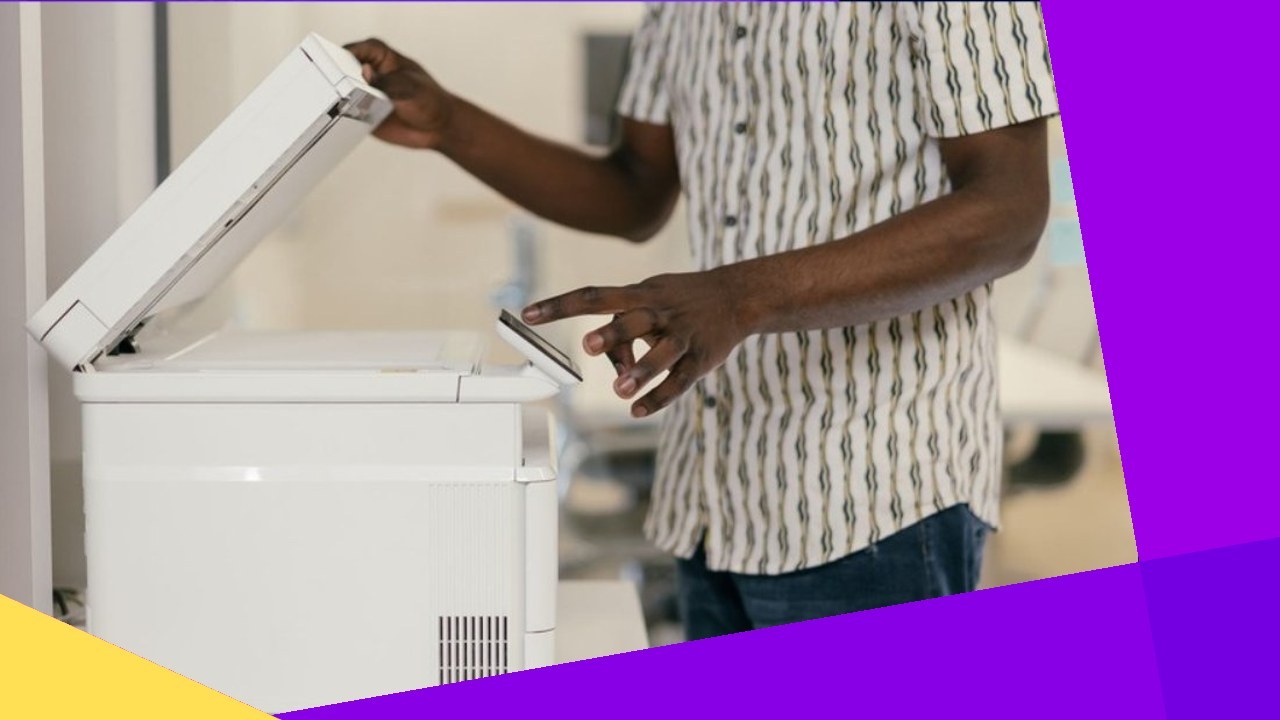
How does OCR technology use AI to extract text from images?
OCR technology uses AI to find text inside an image, read each character with trained neural networks, and turn it into editable, searchable data.
- It converts text in images, scans, and photos into machine-readable data software can search and edit.
- AI-based OCR reads messy handwriting, mixed layouts, and poor scans far better than older template matching.
- Accuracy still depends on image quality and human review, so many firms pair OCR with trained back-office teams.
Optical character recognition, or OCR technology, is how computers find text inside an image and turn it into characters a program can use. In short, the keyword here is usable: raw pixels mean nothing to software until OCR reads them.
Think of a scanned invoice, a photographed receipt, a passport, or an old contract on microfilm. To a machine, each starts as a grid of pixels with no meaning. So OCR reads those pixels, finds the letters and numbers, and outputs text you can search and edit.
The early systems were rigid and template-bound. However, the current generation leans on artificial intelligence. That shift is what makes the technology useful at scale.
How OCR technology works step by step
The pipeline is more involved than “take a picture, get text.” Each stage below cleans up the problem. As a result, the next stage has a better shot at accuracy.
1. Image preprocessing
Preprocessing prepares the raw image so the engine is not fighting noise. First, the software cuts visual speckle. Next, it converts the picture to high-contrast black and white through binarization. Then it corrects skew, so tilted text lines run straight.
2. Text detection and segmentation
Detection finds where text sits on the page before anything gets read. Layout analysis separates columns, tables, headers, and body copy. After that, segmentation breaks those areas into single lines, words, and characters the model can judge one at a time.
3. Character recognition
Recognition is where the system decides what each shape means. Legacy OCR compared each glyph against a stored font library. Modern engines, by contrast, feed the segments through neural networks trained on millions of examples. So they predict the most likely character or word. This is the same machine learning that powers many AI tools today.
4. Post-processing
Post-processing catches the mistakes recognition leaves behind. For example, spell-checks, grammar rules, and language models flag odd results. So “rn” misread as “m” or a “0” swapped for an “O” gets fixed against real word patterns.
Why AI changed OCR technology
Rule-based OCR worked when the input was clean and predictable. The real world rarely is. So AI loosened those limits in ways that matter for daily document work.
Deep learning models do not depend on a fixed font catalog. Instead, they learn the patterns of letters. As a result, they handle cursive, faded receipts, stamped forms, and pages shot at an angle. Cloud providers such as Google, Amazon, and Microsoft now run OCR on these models. So they support dozens of languages and read handwriting that template matching never could.
The second shift is context. A rule-based engine read each character alone. So a single smudge could turn a date or an account number into nonsense. Modern systems, by contrast, weigh nearby words, expected formats, and even the document type. This lets them recover the right answer when a glyph is unclear. That is also why the same model can pull a total from an invoice and a code from a medical form. It does not need a rebuild for each layout. This blend fits the wider trend of intelligent automation in back offices.
The economic pull is real. Grand View Research projects the global OCR market will reach roughly $32.9 billion by 2030. In particular, growth is driven by automation in banking, insurance, healthcare, and logistics. For a broader view of where this fits, this overview of OCR technology covers the wider business case.
OCR technology use cases across industries
Text extraction shows up anywhere paper and images still carry key information. The uses below are common. In fact, most operations teams already touch one of them.
- Finance and accounting: reading invoices, receipts, and bank statements into ledgers, a workflow that overlaps with the move toward AI in accounting.
- Healthcare: digitizing patient intake forms, prescriptions, and lab reports.
- Insurance: pulling data from claims, policy documents, and identity papers.
- Logistics: capturing bills of lading, customs forms, and shipping labels.
- Legal and government: turning archived contracts, court filings, and records into searchable databases.
What ties these cases together is volume. For example, a claims team might process tens of thousands of documents in a quarter. Each one mixes typed fields, signatures, and stamps. Keying that by hand is slow and uneven. In addition, the cost climbs with every reviewer added. So OCR shifts the labor from typing to checking. As a result, a smaller team can clear a larger queue and focus on the records the software flags as uncertain. This is why many firms route the work to data entry outsourcing teams.
The business reason is simple. Gartner estimates that poor data quality costs organizations an average of $12.9 million a year, and manual transcription is a steady source of that bad data. So automating the capture step removes a whole class of typos before they spread. Otherwise, one wrong digit can creep into reporting, billing, and compliance records, where it is far costlier to trace.
Rule-based OCR vs AI-based OCR technology
In practice, the gap between the two approaches decides whether a tool survives real documents. Here is how they compare on the factors that affect output.
| Factor | Rule-based OCR | AI-based OCR |
|---|---|---|
| Recognition method | Template and font matching | Deep learning / neural networks |
| Handwriting | Poor to none | Strong, improving |
| Messy or low-quality scans | Struggles | Handles well |
| Layout flexibility | Fixed formats | Adapts to varied layouts |
| Language support | Limited | Broad, multilingual |
| Setup effort | Manual rules per format | Pretrained, learns from data |
Where OCR technology still needs people
OCR is accurate, not perfect. Treating it as fully autonomous is how firms ship errors at scale. For instance, output quality drops on smudged ink, odd fonts, overlapping stamps, and rare languages.
A 1% error rate sounds small. Still, it adds up fast against thousands of records a day. At the record level, a single bad field can void an entire entry. So document-heavy teams route OCR output through human review rather than trusting it blind. Many hand this step to a back office outsourcing partner.
This blend of software speed and human judgment mirrors the wider pattern in AI augmentation in outsourcing. There, automation handles volume and people handle exceptions. So when firms weigh build versus buy, the choice usually comes down to volume, document variety, and how much accuracy the use case demands.
Frequently asked questions about OCR technology
A few questions come up often when teams evaluate text extraction tools. Here are short answers.
Is OCR technology the same as AI?
No. OCR is a task, while AI is a method now used to do that task. Modern OCR engines rely on AI models. Still, OCR as a concept predates deep learning by decades.
How accurate is AI-based OCR?
On clean, printed text, leading engines reach high-90s accuracy. However, performance falls on handwriting, poor scans, and rare fonts. So critical workflows keep a human review step.
Can OCR read handwriting?
Yes, within limits. AI models read print well and legible handwriting reasonably. Still, messy or stylized cursive trips them up and benefits from manual checking.
Should a business outsource OCR processing?
It depends on volume and complexity. For example, firms with high document loads or varied formats often outsource the capture-and-verify work to dedicated teams rather than staffing it in-house.





 Independent