
10 best dictation software to use for your business

What is the best dictation software?
The best dictation software turns your speech into accurate text fast, works on your devices, and supports the languages and features you need.
- It saves time because speaking is faster than typing.
- It boosts access for people with visual or motor needs.
- Top picks include Dragon, Otter.ai, and free tools like Speechnotes.
List of best dictation software
- Dragon Speech Recognition Solutions
- Apple Dictation
- Google Docs Voice Typing
- Otter.ai
- Windows Speech Recognition
- Braina Pro
- Gboard
- SpeechTexter
- Rev
- Speechnotes
Dictation software has changed how we work with our devices. Today, it is a vital tool for people across many fields. In short, the power of the spoken word is back.
Dictation software once sounded like science fiction. Now it helps drive that comeback. So whether you want more output, better access, or saved time, this technology has something to offer. This guide covers the top dictation and speech recognition tools you can use right now.
What is dictation software?
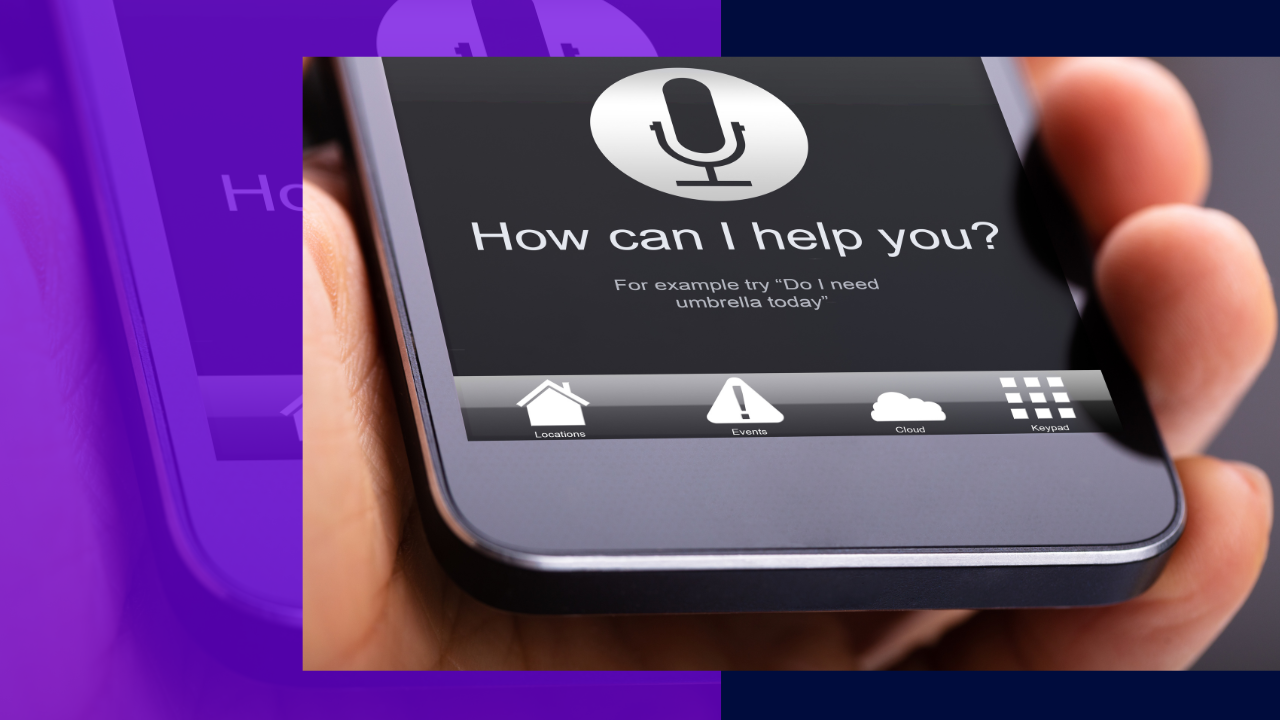
Dictation software, also called speech recognition or voice recognition software, turns spoken words into written text. Some tools also run specific actions from voice commands.
It uses smart algorithms to transcribe your speech with care. As a result, you can dictate text instead of typing it by hand. A good tool reads speech patterns, vocabulary, and punctuation well.
Dictation software has improved a lot in recent years. So it is now more accurate, more flexible, and easier to reach. Because of this, it adds real value across many industries and daily tasks.
When to use dictation software
Here are some common cases where dictation software really helps.
Language learning
Dictation software can help if you are learning a new language. It also helps you sharpen your pronunciation. For example, you speak and the tool transcribes your words. As a result, you can check your vocabulary and spot weak spots. This proves handy when you travel.
Note-taking
In lectures, meetings, or conferences, dictation software makes note-taking easy. So it acts as a fast speech-to-text tool. You speak your notes and the software writes them down. Because of this, you can focus on listening instead of scribbling.
Content creation
Dictation software helps writers, bloggers, and journalists move faster. For instance, you can speak your ideas and interviews out loud. As a result, the writing process speeds up. Still, the tool has limits, so a quick review is smart. Many teams pair it with employee productivity apps for even better output.
Why use dictation software?
There are several strong reasons to use dictation software. Each one meets a different need.
Boost in productivity and efficiency
Dictation software gives a big lift to output. Speaking is usually faster than typing. So you can input text more quickly. This helps with reports, emails, and other documents. This is also why transcription services are often outsourced.
Long typing sessions can cause strain, like carpal tunnel or tired eyes. However, dictation software cuts that fatigue. As a result, you can work longer with less stress.
Multitasking and hands-free operation
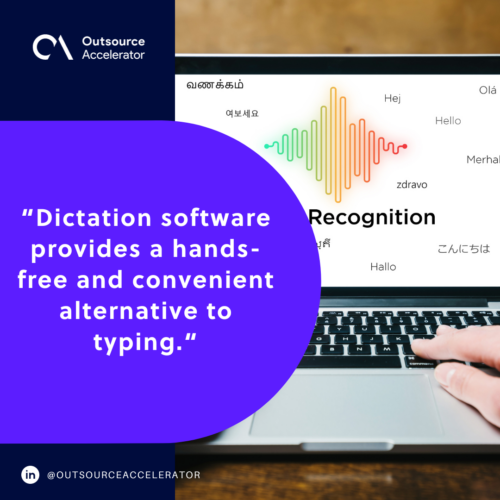
Dictation software gives you a hands-free option. So you can dictate text while you do other tasks. In addition, voice commands free up your hands for more work. This makes multitasking much easier.
Accessibility
Many speech-to-text tools have mobile versions. Since most people carry a phone, anyone can use them. So dictation is now within easy reach.
Dictation software also boosts access for people with disabilities. For example, those with visual or motor needs gain a lot from voice control. As a result, they can navigate computers and communicate with less friction. These same tools also power a wide range of voice assistants people rely on daily.
10 best dictation software to try
Check out these top dictation platforms to speed up your writing and documentation work.
1. Dragon Speech Recognition Solutions
Dragon by Nuance is a powerful dictation tool that lets you work with your voice alone. With Dragon, you can produce high-quality documents about three times faster than typing.
Dragon offers both cloud and locally installed options. So it fits many workflows. Its cloud version plugs into enterprise systems with speed and accuracy. In addition, it suits many fields, from law enforcement and finance to legal, education, and healthcare.
2. Apple Dictation
Apple offers its own dictation software on Mac. So you can dictate messages and documents almost anywhere. It supports many languages, and you can switch between them mid-session. As a result, text input feels faster and easier.
3. Google Docs Voice Typing
Google Docs includes voice typing that lets you write with your voice. It works on Chrome, Firefox, Edge, and Safari. In addition, Google offers voice commands for editing and formatting. So you can fix mistakes while you dictate. Voice commands are in English for now, yet the tool supports many languages and accents.
4. Otter.ai
Otter.ai goes beyond a basic transcription tool. With Otter.ai, you can automate meeting notes and record sessions. It even builds meeting minutes in real time. As a result, it suits busy professionals who need accurate records. In short, it makes note-taking far simpler.
5. Windows Speech Recognition
Windows Speech Recognition is Microsoft’s answer to dictation software. So you can control your computer with your voice. You can give commands, dictate text, and steer many parts of the machine. You can also train it to know your voice, which helps privacy and security.
6. Braina
Braina offers advanced speech recognition and dictation. With Braina, you can speak your ideas and turn them into text with ease. It also works as a virtual assistant, so it lifts your daily output. In addition, it supports over 100 languages, which makes it flexible.
7. Gboard
Gboard is more than a keyboard. Formerly known as Google Keyboard, it blends speed, accuracy, and handy features. For example, you can search and share right from the keyboard. It also predicts useful searches. In addition, it supports over 100 languages.
8. SpeechTexter
SpeechTexter lets you type with your voice for free. It is a multilingual speech-to-text app for transcription tasks. In fact, it supports more than 70 languages. Its site claims about 90% accuracy, so it helps users with physical challenges. As a result, it saves time and boosts access.
9. Rev
Rev offers a full solution for turning speech into text. It focuses on accuracy and speed. So it serves media, education, and legal clients well. In addition, Rev provides mobile apps and tools to improve the process. Its team also handles medical transcription and other specialized work.
10. Speechnotes
Speechnotes is a secure web-based dictation tool. So you can transcribe audio and video or dictate notes. It focuses on speed, accuracy, and ease of use. In addition, it offers voice commands for punctuation and formatting, plus easy import and export.
Things to consider when choosing dictation software
The right tool depends on a few key factors. So weigh the points below before you decide.
Accuracy and quality
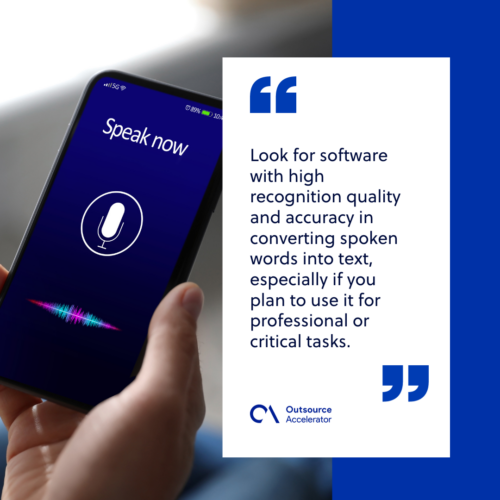
Accuracy is the most important factor. So look for high recognition quality, especially for work tasks. In addition, read user reviews and test the tool first. Also check that it supports the languages you plan to use.
Ease of use
Check the interface and setup to make sure the tool is user-friendly. Look for clear menus, simple steps, and settings you can adjust. As a result, the tool adapts to how you like to work.
Customization
Check if the tool lets you train it to your voice. Over time, this raises accuracy. In addition, see if you can add your own vocabulary. This helps a lot if you use industry-specific terms.
Compatibility
Make sure the tool works with your devices and operating systems. So confirm it fits into your current setup with ease. This step prevents headaches later.
Cost
Dictation tools come in many pricing plans. These include one-time buys, subscriptions, and freemium versions. So weigh your budget and pick the model that fits. Also factor in any ongoing costs.
Special features
Think about extra features that matter for your work. Then choose the tool that offers them. Some models include:
- Voice command and control
- Auto punctuation
- Paragraph formatting
- Audio recording transcription
- Offline vs. online processing
By weighing these factors, you can make a smart choice. So you get a tool that fits your needs and gives a smooth experience. Many teams also lean on the wider benefits of automation to speed up routine tasks.
Frequently asked questions
What is dictation software used for?
People use dictation software to turn speech into text. So it helps with notes, emails, reports, and articles. It also aids language learning and boosts access for people with disabilities.
Is dictation software accurate?
Modern tools are quite accurate. For example, some claim about 90% accuracy. Still, results depend on your voice, accent, and microphone. So a quick review is always smart.
What is the best free dictation software?
Good free options include Google Docs Voice Typing, SpeechTexter, and Speechnotes. In addition, Apple Dictation and Windows Speech Recognition come built in. So you can start without paying a cent.
Can dictation software work offline?
Some tools work offline, while others need the internet. For instance, certain Dragon plans run locally. So check the offline options before you buy.
Does dictation software support many languages?
Yes, many tools support dozens of languages. For example, Braina and Gboard cover over 100 each. So most users can dictate in their own language.
Key takeaways
- Dictation software turns speech into text and saves real time.
- It boosts output, aids multitasking, and improves access for many users.
- Top tools include Dragon, Otter.ai, Rev, and free picks like Speechnotes.
- Before you buy, weigh accuracy, ease of use, cost, and language support.
- The right tool depends on your devices, budget, and daily tasks.






 Independent





