
Why workforce management technologies matter for growing teams

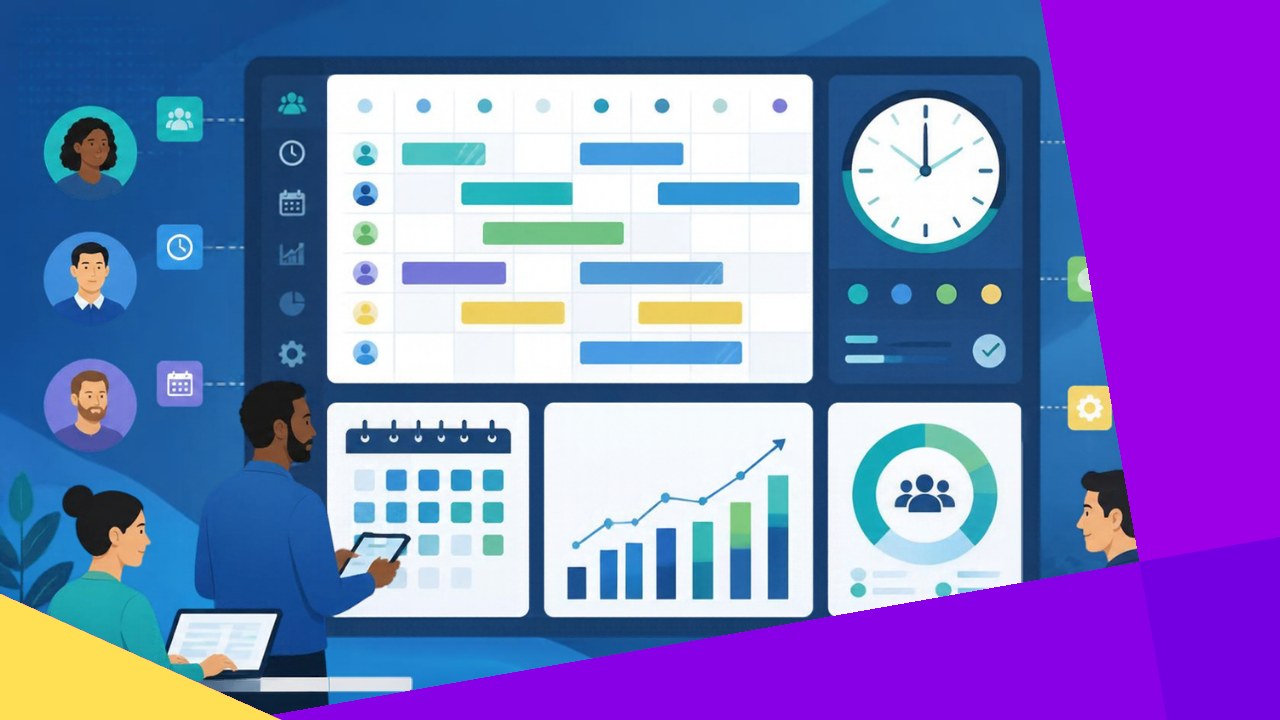
- Workforce management technologies cover scheduling, time and attendance, labor forecasting, and absence tracking in one connected system.
- Growing teams feel manual tracking break first, when spreadsheets and guesswork quietly start costing real money.
- Start with time and attendance, then layer in forecasting and productivity tools as shift patterns and headcount grow.
Workforce management technologies are the tools that help you plan, track, and improve the hours your people actually work. They handle scheduling, time and attendance, labor forecasting, and absence tracking, usually in one place. For a growing team, they matter because manual methods stop scaling long before most managers expect them to.
This category sits apart from general HR software. Payroll, benefits, and employee records belong to HR systems. Workforce management (WFM) technology is narrower and more operational. It answers simple but costly questions: who works when, who showed up, and how many people you really need next week.
It is also distinct from remote workforce technology, which focuses on collaboration for distributed staff. WFM tools care about labor supply and demand, whether your team sits in an office, a warehouse, or a contact center.
Why growing teams feel the pain first
At ten people, a shared spreadsheet works fine. At fifty, it does not. Shifts clash, timesheets arrive late, and someone always argues about hours. As headcount climbs, these small frictions compound into real cost.
Poor attendance visibility is a good example. Gallup research finds that highly engaged teams see “78% less absenteeism” and 14% higher productivity than disengaged ones. You cannot manage absence you cannot see. Manual tracking hides the pattern until it hurts.
Labor cost is usually a company’s largest controllable expense. Small scheduling errors scale with your payroll. That is why many leaders adopt WFM technology during a growth phase.
The core tools and what each one does
Most WFM platforms bundle several modules. You rarely need all of them on day one. Here is what each part does and the payoff it delivers.
Scheduling
Scheduling tools build shift plans around demand, skills, and availability. Managers can fill gaps in minutes instead of hours. Staff see their rosters on a phone, swap shifts within rules, and get notified of changes. The result is fewer no-shows and less last-minute scrambling.
Time and attendance
Time and attendance tracking captures when people clock in and out. It replaces paper timesheets with accurate, tamper-resistant records. This also supports compliance. The U.S. Department of Labor requires employers to keep “the hours worked each day” and the total for each workweek, and notes that “any timekeeping plan is acceptable as long as it is complete and accurate.” Clean digital records make audits far less stressful.
Labor forecasting
Labor forecasting predicts how much staff you will need and when. It uses historical demand, seasonality, and sales data to size each shift. Good forecasting stops two expensive mistakes: overstaffing quiet periods and understaffing busy ones. For retail, hospitality, and support teams, this is often where the biggest savings sit.
Absence tracking
Absence tracking manages leave, sick days, and time-off requests in one flow. It shows managers who is out before a shift starts, not after. Over time, it surfaces patterns, such as recurring Monday absences, so you can act early rather than guess.
Productivity tooling
Productivity tools link hours worked to output through task tracking and simple dashboards. Used well, they help managers spot bottlenecks and reward strong performers. Used badly, they feel like surveillance, so transparency with staff matters here.
How WFM technology differs from general HR software
The two often overlap, and some suites include both. Still, their core jobs are different. The table below sums up the split.
| Workforce management technology | General HR software |
|---|---|
| Scheduling and shift planning | Payroll and benefits administration |
| Time, attendance, and labor forecasting | Employee records and onboarding |
| Daily and weekly operational focus | Lifecycle and policy focus |
| Optimizes labor cost and coverage | Manages the employment relationship |
In practice, the two should talk to each other. Hours captured in your WFM system should flow cleanly into payroll. When they do not, you lose the gains to double entry and errors.
Getting started without overbuying
You do not need an enterprise platform to see value. Growing teams get the fastest return from a focused first step.
1. Fix time and attendance first
Accurate hours underpin everything else. Start here, because it cuts payroll errors and gives you clean data for later forecasting.
2. Add scheduling and absence tracking
Once hours are reliable, connect scheduling and leave. Together they reduce no-shows and give managers a live view of coverage.
3. Layer in forecasting and productivity tools
Introduce forecasting when demand swings start to hurt. Add productivity dashboards last, and explain clearly why you are measuring output.
U.S. nonfarm business labor productivity rose just 1.4% in the second quarter of 2026, per the Bureau of Labor Statistics. Small operational gains from better scheduling can outpace that baseline. If you are weighing dedicated tools, comparing dedicated planning and forecasting platforms is a sensible next move.
Frequently asked questions
Do small teams really need workforce management technology?
Below about 20 staff, a simple tool or even a tidy spreadsheet may be enough. The trigger is complexity, not just size. If you run variable shifts, multiple sites, or hourly pay, a dedicated tool usually pays for itself quickly, even at a modest headcount.
How long does implementation take?
A single module, such as time and attendance, can go live in a few weeks. A full suite with forecasting and payroll integration often takes two to three months. The main delay is rarely the software. It is cleaning up messy existing data and training managers on the new routine.
Can these tools work across different time zones and countries?
Most modern platforms handle multiple time zones, currencies, and local labor rules. This matters if you hire through an offshore partner or run teams in several regions. Check that the system supports each country’s overtime and break rules before you commit, since compliance gaps cost more than licenses.
What is the most common mistake when adopting WFM technology?
Buying too much at once. Teams often license a full suite, roll out every module together, and overwhelm managers. A phased approach works better. Prove value with one module, build trust, then expand once people rely on the first piece.






 Independent





