
7 server management services examples worth knowing

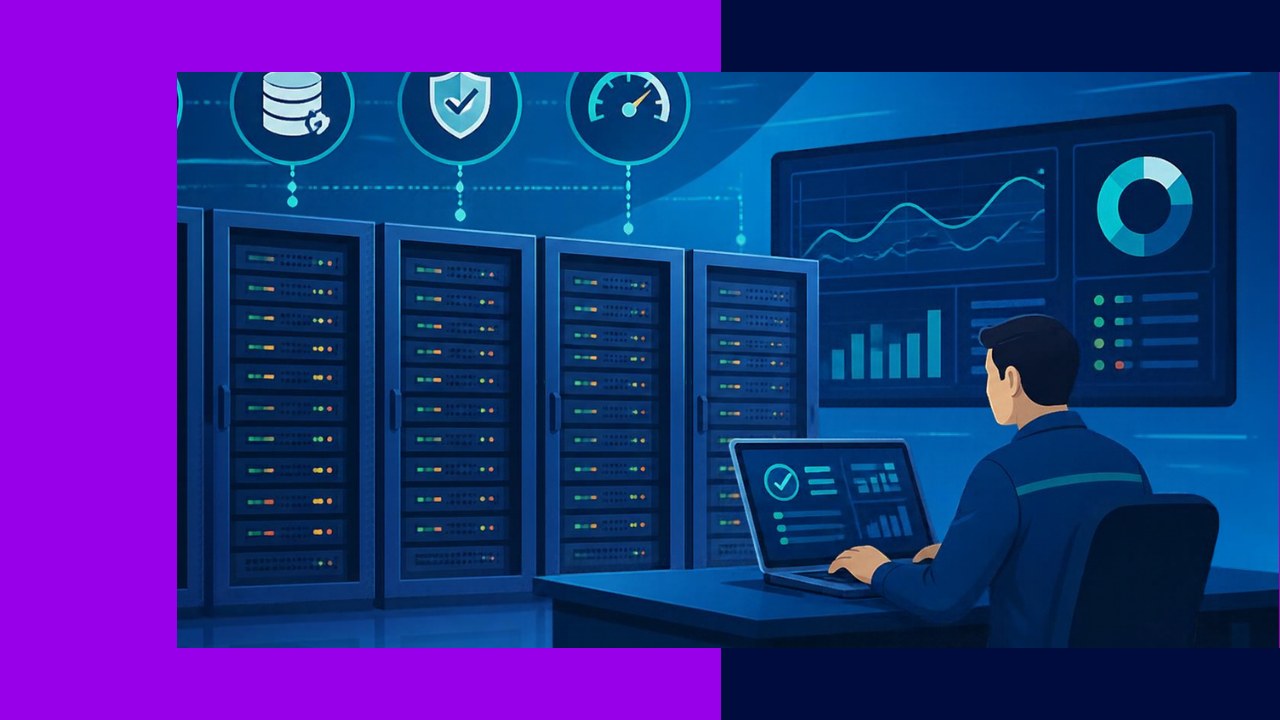
- Server management services keep your servers secure, patched, and running fast, so your team avoids outages and slow apps.
- The seven core examples cover monitoring, patching, backups, security hardening, performance tuning, capacity planning, and OS and configuration work.
- Knowing what each service does helps you scope a provider contract and judge whether in-house or outsourced support fits.
Servers run quietly until something breaks. Then everyone notices. Server management services exist to stop that moment from happening. They bundle the routine, often invisible work that keeps a server healthy, from applying patches to watching performance around the clock.
Most growing companies cannot staff all of this in-house. So they lean on a managed services partner or share the load across teams. Below are seven concrete examples, what each one does, and why it matters.
1. Proactive monitoring
Proactive monitoring watches your servers constantly and flags trouble early. It tracks CPU use, memory, disk space, network traffic, and whether key services are still responding. When a metric crosses a safe threshold, the system raises an alert.
The value is simple: you fix small issues before they become outages. A disk filling up at 2 a.m. gets cleared before it crashes an application. For how monitoring fits the wider stack, see this overview of handing infrastructure upkeep to a provider. Good monitoring also builds a history, so you spot slow trends instead of only reacting to fires.
2. Patch management
Patch management keeps your operating system and software up to date. Vendors release fixes for bugs and security holes often. Someone has to test those patches, schedule them, and apply them without breaking live systems.
This work matters more than it sounds. The NIST guide to enterprise patching calls it routine preventive maintenance, noting that “patching is more important than ever because of the increasing reliance on technology.” You can read the full NIST patch management planning guide for detail. A strong patch service cuts your exposure to attacks while avoiding reckless updates that take servers down.
3. Backups and recovery
Backups copy your data so you can restore it after loss. Recovery is the plan and the practice for getting systems back after a failure. Together they protect you from hardware faults, ransomware, and plain human error.
Many teams back up data but never test a restore. That is a costly gap. A real backup service verifies copies, stores them off-site or in the cloud, and runs recovery drills. It also sets clear targets: how much data you can lose, and how fast you must be back online. When disaster strikes, those numbers decide how badly it hurts.
4. Security hardening
Security hardening shrinks a server’s attack surface. It closes unused ports, removes services you do not need, enforces strong access rules, and sets safe default configurations. The goal is a server that gives attackers fewer ways in.
This is detailed, careful work, and standards help. The NIST guide to general server security recommends controls for “selecting, implementing, and maintaining” a secure setup, and you can review the NIST general server security guide for a baseline. A hardening service applies these controls consistently across every server, then rechecks them over time. As a result, one forgotten box does not become your weakest link.
5. Performance tuning
Performance tuning makes servers run faster and use resources better. It involves adjusting configurations, optimizing databases, balancing loads, and clearing bottlenecks. The work often starts with the monitoring data you already collect.
Why does this matter? Slow servers cost real money. Pages that lag drive users away, and sluggish tools waste staff time. Tuning can also delay a costly hardware upgrade, because a well-tuned server handles more work on the same kit. In practice, it is steady effort rather than a one-time fix.
6. Capacity planning
Capacity planning forecasts what your servers will need next. It studies current usage trends and projects growth, so you add resources before you run short. Think of it as matching supply to future demand.
Done well, it prevents two expensive mistakes. You avoid sudden shortages that slow or crash systems in busy periods. You also avoid overspending on power you never use. Capacity planning leans on accurate records of what you run, which is why it pairs naturally with tracking your hardware and software inventory. With clear forecasts, budget talks get easier.
7. OS and configuration management
Operating system and configuration management keeps every server set up the right way. It handles installs, updates, user accounts, and the countless settings that control how a server behaves. More importantly, it keeps those settings consistent across your fleet.
Configuration drift is a quiet danger. Over time, servers that started identical slowly diverge as people make one-off changes. That makes problems hard to diagnose and fixes hard to repeat. A configuration service documents the desired state and enforces it automatically. So a rebuilt server comes back exactly as it should.
Frequently asked questions
Do I need all seven services, or can I pick a few?
You can start with a subset, but some pairings are hard to split. Monitoring usually comes first because it feeds tuning and capacity work. Many providers bundle these into tiered plans, so you buy a package rather than seven separate line items. Match the tier to your risk and budget.
How are server management services usually priced?
Common models include a flat fee per server per month, a tiered package, or a blended rate that adds support hours. Pricing often shifts with the server count, the response time you need, and whether cover runs business hours or 24/7. Ask how after-hours incidents and big projects are billed, since those can sit outside the base fee.
What is the difference between server management and general IT support?
General IT support tends to focus on end users and their devices, like laptops and help desk tickets. Server management targets the back-end systems those users depend on. The skills overlap, but the stakes differ: a single server fault can affect everyone at once, so the work is more specialized and preventive.
Should these services be outsourced or kept in-house?
It depends on your scale and your talent. Small teams often outsource because round-the-clock server cover is hard to staff and expensive to build. Larger firms may keep core work in-house and outsource overflow or niche tasks. A hybrid split, where you own strategy and a partner runs routine operations, is common and works well.






 Independent





