
Top 10 AI transcription tools for businesses

At a glance
- AI transcription tools convert recorded or live speech into searchable text, cutting hours of manual note-taking.
- Accuracy shifts with audio quality, accents, jargon, and background noise, so real-world testing matters.
- Several providers pair automated speech-to-text with an optional human review layer for higher-stakes files.
- Both in-house teams and outsourcing providers use these platforms for meetings, interviews, legal work, and captions.
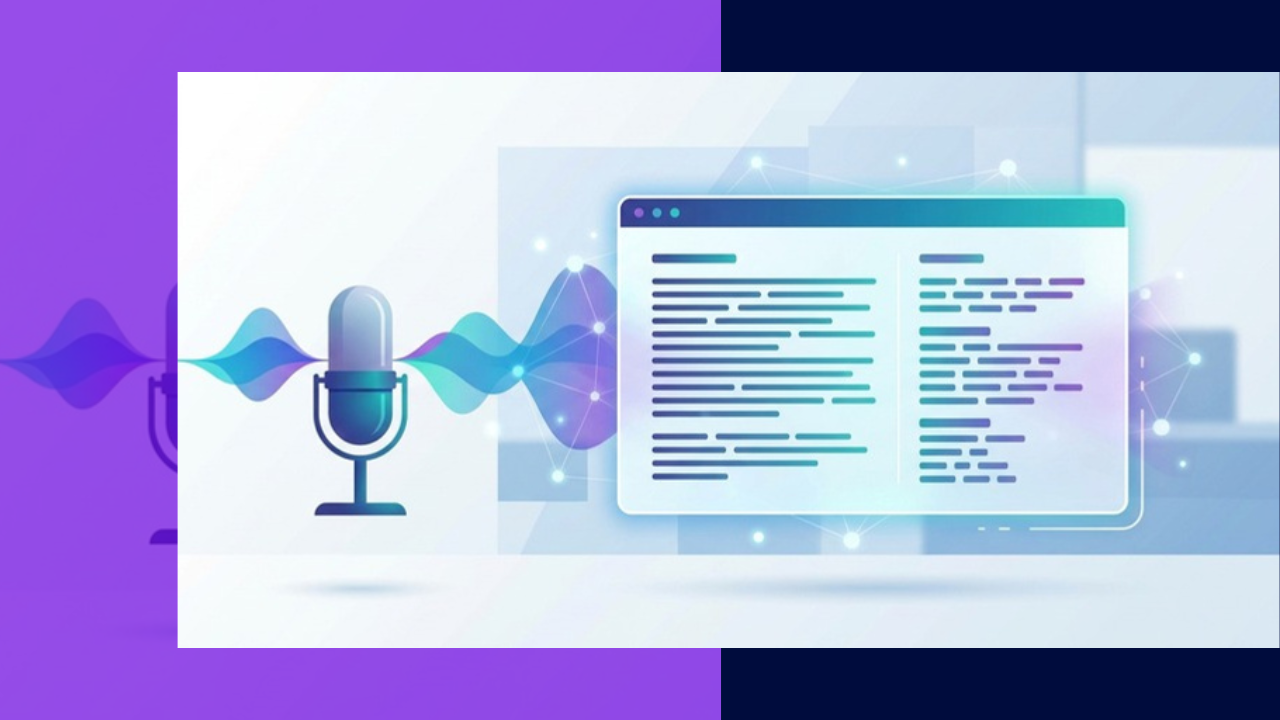
AI transcription tools use speech recognition to turn audio and video into written text, often within minutes. They help businesses capture meetings, interviews, podcasts, and support calls without a person typing every word.
For companies weighing outsourcing, the same platforms let a remote team process large volumes of recordings at a predictable cost. Providers, in turn, fold them into services they sell to clients.
The 10 tools below are all real, currently operating platforms. Each entry stays vendor-neutral so you can match a tool to your own accuracy, language, and workflow needs.
List of AI transcription tools
1. Otter.ai
Otter.ai focuses on live meeting transcription and note-taking. It joins calls on platforms such as Zoom, Google Meet, and Microsoft Teams to capture speech in real time.
The tool identifies different speakers and generates automated summaries. Teams often use it to keep a searchable record of internal discussions.
2. Rev
Rev offers both automated speech-to-text and human-generated transcription as separate options. Buyers choose the faster machine output or the higher-accuracy human version depending on the file.
It also produces captions and subtitles. Media, research, and legal users are common customers.
3. Trint
Trint combines automated transcription with a browser-based editor that plays audio alongside the text. This makes it straightforward to correct and highlight passages.
The platform supports transcription across many languages and is widely used in journalism and content teams for reviewing long recordings.
4. Sonix
Sonix is an automated transcription service that also handles translation and subtitle creation. Users edit transcripts in the browser and export them in several formats.
It supports numerous languages, which suits teams working with international audio and multilingual content.
5. Descript
Descript is an audio and video editing application built around a transcript. Editing the text edits the underlying media, so removing a sentence removes that section of the recording.
Because of this design, podcasters and video producers use it for both transcription and production in one workspace.
6. Fireflies.ai
Fireflies.ai works as a meeting assistant that records, transcribes, and summarizes calls automatically. It connects to popular conferencing tools and joins meetings as a participant.
The platform integrates with common CRM and collaboration apps, helping sales and operations teams log conversations without manual entry.
7. Speechmatics
Speechmatics provides a speech-to-text engine aimed at developers who embed transcription into their own products. It is delivered mainly through an API rather than a consumer app.
The engine supports a broad set of languages and accents, which appeals to companies building transcription into software or call analytics.
8. Verbit
Verbit blends automated transcription with human review to raise accuracy on demanding material. Its workflow routes machine output to editors when needed.
The company serves regulated sectors such as legal, education, and media, where captioning and precise records are important.
9. Happy Scribe
Happy Scribe offers automatic transcription and subtitles, with a separate human-made option for jobs that need extra accuracy. Users pick the level that fits each project.
It supports a wide range of languages and provides an editor for cleaning up results before export.
10. Notta
Notta is a transcription app that captures live speech and uploaded files across desktop and mobile. It handles real-time meeting notes and supports several languages.
Teams that work across devices use it to record and search conversations from one account.
How to choose an AI transcription tool
Start with your audio. Clean single-speaker recordings transcribe far more accurately than noisy calls with overlapping voices or heavy accents.
Accuracy is usually measured by word error rate, which counts inserted, deleted, and substituted words against a reference transcript. No tool is perfect, and ongoing research on error rate estimation shows accuracy still depends heavily on the source audio.
Weigh language coverage, speaker labeling, editing features, integrations, and whether a human review option exists. If your volume is large or your records are sensitive, a managed team can run these tools for you, much as businesses already use data entry virtual assistants for repetitive document work.
| Tool | Common primary use | Human-review option |
|---|---|---|
| Otter.ai | Live meeting notes | No |
| Rev | Files and captions | Yes |
| Trint | Editing long recordings | No |
| Sonix | Multilingual audio | No |
| Descript | Media production | No |
| Fireflies.ai | Sales and call logging | No |
| Speechmatics | Developer API | No |
| Verbit | Regulated sectors | Yes |
| Happy Scribe | Subtitles and files | Yes |
| Notta | Cross-device notes | No |
Frequently asked questions
These answers cover the questions businesses ask most often before adopting an AI transcription tool.
How accurate are AI transcription tools?
Accuracy is high for clear, single-speaker audio and drops with noise, crosstalk, and strong accents. For critical records, many teams add a human review pass to catch errors the software misses.
Can AI transcription handle multiple speakers?
Many tools label speakers automatically, though results improve when voices do not overlap. Providing a clean recording and, where possible, separate audio channels helps the software tell people apart.
Is it better to use software or a transcription service?
Software suits fast, everyday needs like meeting notes. A managed service or outsourced team makes sense for high volumes, sensitive content, or when you need consistent formatting and quality control.
Do these tools support languages other than English?
Several platforms transcribe and even translate across many languages, but coverage differs by provider. Confirm that your specific languages and accents are supported before committing to a plan.
Key takeaways
The right AI transcription tool depends on your audio, your languages, and how much accuracy your records demand.
- Test tools on your own recordings, since sample audio rarely reflects real meetings or calls.
- Choose a platform with a human review option when accuracy is business-critical.
- Check language support, speaker labeling, and integrations against your workflow.
- For large volumes or sensitive files, consider pairing these tools with outsourced virtual assistant services or a team that already handles outsourced document and data work.






 Independent





