
Cybersecurity for remote teams: a practical guide

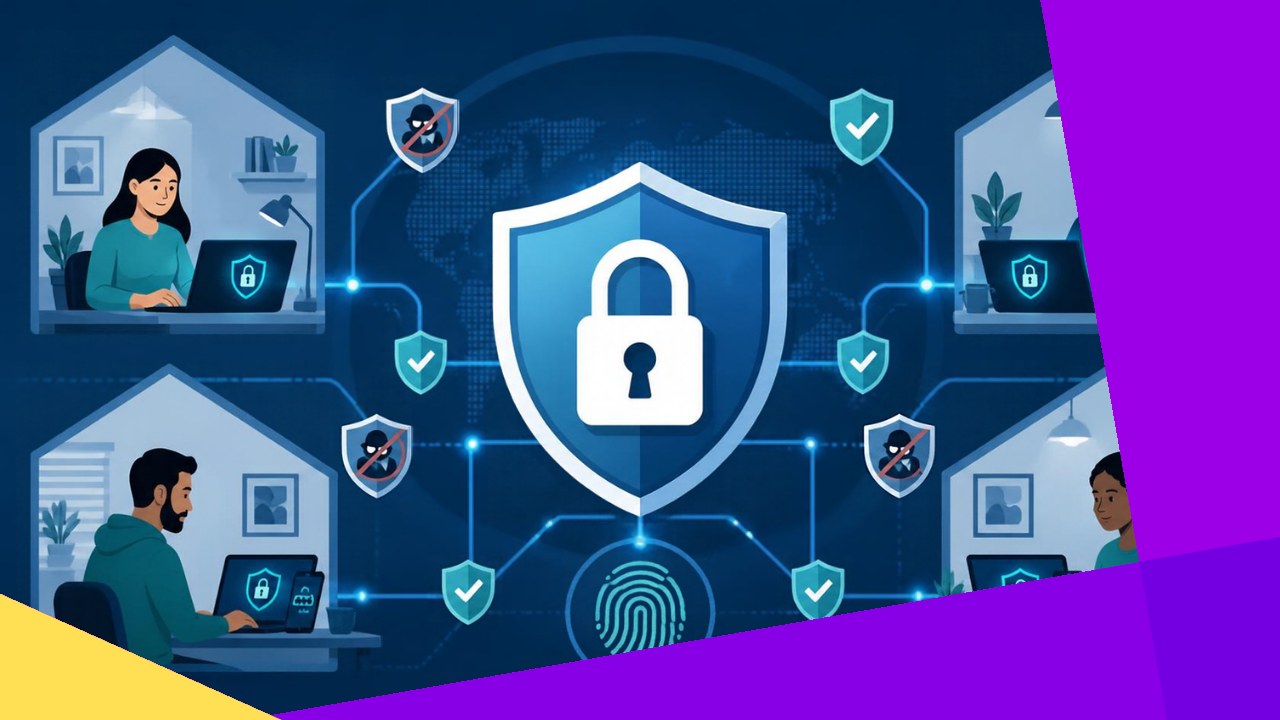
- Remote work widens your attack surface: every home network, personal device, and public Wi-Fi hotspot becomes a doorway into company systems.
- The strongest protections are practical, not exotic: multi-factor authentication, patched devices, zero-trust access, and trained people.
- A short, clear remote-work security policy turns good intentions into habits your whole team actually follows.
Strong cybersecurity for remote teams is no longer a nice-to-have. When people work from kitchens, cafes, and co-working spaces, the old idea of a secure office network breaks down. Each laptop and phone now sits outside your walls, on a network you do not control. That shift changes how you defend your business.
The good news is that most remote risks come from a handful of predictable gaps. Close those gaps and you remove the easy wins attackers rely on. This guide walks through the practical controls that matter most: device security, secure access, people, and policy. None of it needs a huge budget, just focus and habits your team can keep.
Why remote work changes the security picture
In an office, traffic flows through managed firewalls and monitored networks. Remote work removes that buffer. Employees log in from home routers with default passwords, shared family devices, and open public hotspots.
Attackers know this. Phishing, stolen credentials, and unpatched devices are their favorite routes in. So your plan should assume that any device or network could be compromised. That mindset is the heart of modern remote security, and it should extend to every contractor who touches your systems.
Secure the devices your team uses
Endpoints are where most breaches begin. A lost laptop or an infected personal phone can hand an attacker the keys. Start by making every work device harder to crack.
Lock down every endpoint
Turn on full-disk encryption so a stolen device reveals nothing. Require a strong PIN, passphrase, or biometric login. Install reputable endpoint protection, and set devices to lock automatically after a few idle minutes.
Keep software patched
Outdated software is an open window. Enable automatic updates for operating systems, browsers, and apps. CISA puts it bluntly in its Secure Our World guidance: “Don’t delay software updates.” Where you can, use a mobile device management tool to confirm patches actually landed.
Separate work from personal use
Ask staff to avoid doing company work on shared family computers. If budget allows, issue company-managed devices. When people must use personal machines, require the same baseline controls you expect on company hardware.
Control access with MFA and zero trust
Passwords alone fail often. People reuse them, and attackers buy leaked ones in bulk. So access control is where you get the biggest security return for the least effort.
Turn on multi-factor authentication everywhere
Multi-factor authentication (MFA) adds a second check beyond the password, like a code or a prompt on a trusted phone. Require it on email, cloud apps, and admin accounts at minimum. An authenticator app or hardware key beats SMS codes, which attackers can intercept.
Adopt zero-trust access
Zero trust means you stop trusting a device just because it sits on a given network. NIST describes a zero trust architecture in SP 800-207 as one that “uses zero trust principles to plan industrial and enterprise infrastructure and workflows.” In practice, verify each request, check device health, and grant only the access a role truly needs.
Use VPNs and strong account hygiene
A company VPN encrypts traffic on untrusted networks. Pair it with a password manager so staff use long, unique passwords without memorizing them. Review access rights often, and remove accounts the moment someone leaves.
Secure home networks and connections
Your team’s home Wi-Fi is now part of your perimeter. Most routers ship with weak defaults, so a few small steps raise the bar fast.
Ask staff to change the default router password and enable WPA2 or WPA3 encryption. Updating router firmware closes known holes. On public Wi-Fi, the VPN should always be on.
Train people to spot attacks
Technology stops many threats, but people close the last gap. Remote staff cannot lean over to a colleague and ask, “does this email look right?” That isolation makes training vital.
Run short, regular sessions on phishing, fake login pages, and urgent-payment scams. The NIST telework guidance advises staff to “verify requests through another channel before acting.” Teach a simple rule: when a message pressures you to move fast or move money, pause and confirm by phone or chat.
Make reporting painless. If people fear blame, they hide mistakes, and a hidden breach grows. Praise anyone who flags a suspicious message.
Write a remote-work security policy
A policy turns scattered advice into shared rules. Keep it short and plain so people actually read it. Cover the essentials and review it twice a year.
| Policy area | What to require |
|---|---|
| Devices | Encryption, auto-updates, screen lock, approved endpoint protection |
| Access | MFA on all accounts, VPN on untrusted networks, least-privilege roles |
| Data | Approved apps only, no sensitive data on personal storage, clear backup rules |
| Incidents | Who to contact, how fast, and what to do while you wait |
Spell out what happens if a device is lost or stolen. A quick remote-wipe and password reset can stop a small slip from becoming a costly breach. For broader fundamentals that apply across the whole company, it helps to pair this with the core security practices every organization should follow.
Frequently asked questions
How often should remote teams change their passwords?
Current guidance has moved away from forced monthly resets, which often push people toward weaker, predictable patterns. Instead, use long unique passwords stored in a manager, and reset only when a breach is suspected. MFA matters far more than frequent changes.
Is a VPN enough to keep remote workers safe?
No. A VPN encrypts traffic, but it does not stop phishing, patch devices, or control account access. Think of it as one layer among several. Without MFA and endpoint protection behind it, a VPN can give a false sense of safety.
How do we secure contractors and offshore staff we do not manage directly?
Put security terms in the contract, require MFA and approved devices, and give access only to the specific systems each role needs. Where possible, have them work inside your managed environment rather than copying data to local machines.
What should we do first if a remote device is lost?
Act within minutes. Trigger a remote lock or wipe, reset the user’s passwords, and revoke active sessions and tokens. Then check logs for unusual access, and tell affected clients if any sensitive data may have been exposed.






 Independent





