
7 cloud document storage mistakes to avoid

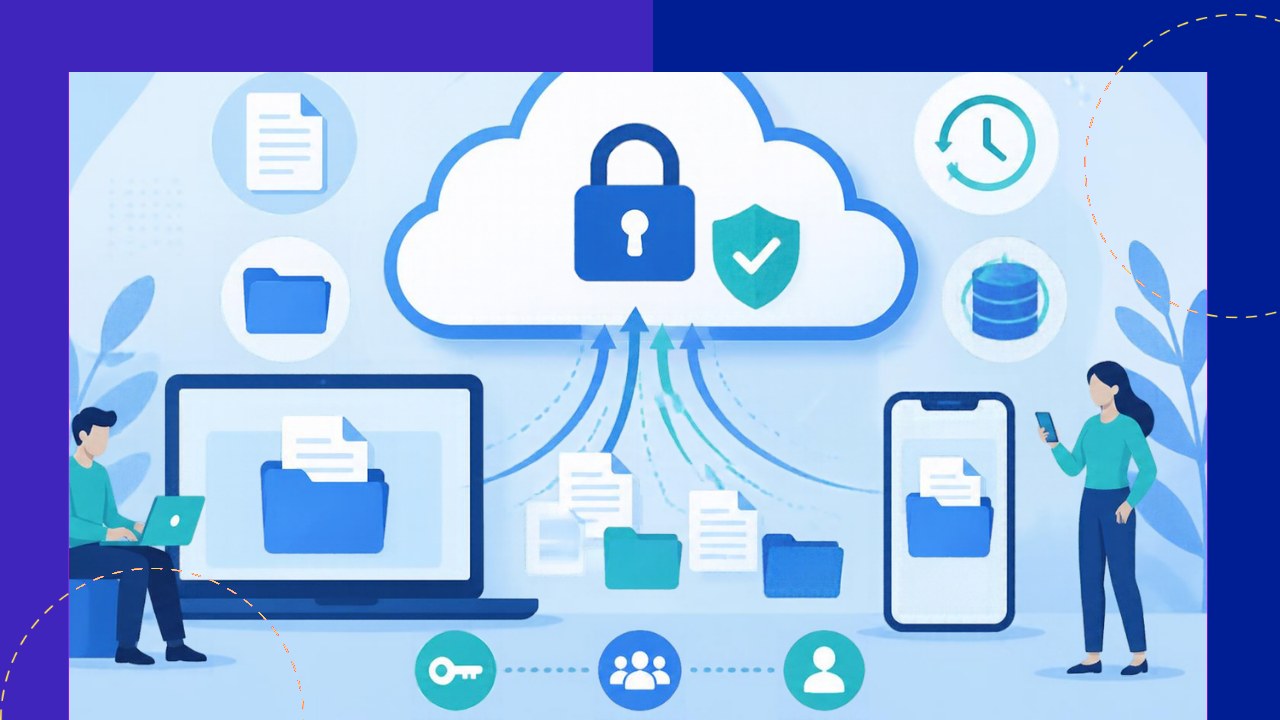
- Most cloud storage breaches start with human mistakes, not clever hackers, so fixing habits matters more than buying new tools.
- Strong access rules, versioning, and real backups block the most expensive failures before they happen.
- Clear folder structure, retention rules, and prompt offboarding keep your files findable, compliant, and safe over time.
Cloud document storage has made file sharing fast and cheap. Teams can open the same contract from a phone, a laptop, or a home office in seconds. Yet that same convenience hides real risk. A single careless setting can expose client records or wipe a folder for good.
The good news? Most of these failures are avoidable. They come from habits and defaults, not from bad luck. Below are seven common mistakes, plus a clear fix for each one. Work through them, and you will protect both your data and your reputation.
1. Leaving access controls too loose
Many teams give everyone access to everything. It feels helpful at first. Over time, though, it means a junior intern can open payroll files or delete signed agreements. That is a problem waiting to happen.
The fix is the principle of least privilege, which NIST describes as restricting each user to the “minimum necessary to accomplish assigned tasks.” In practice, grant access by role, not by request. Review permissions every quarter, and remove rights people no longer use. For businesses that handle sensitive files through partners, tight controls around who can see outsourced data matter even more.
2. Turning off or ignoring version history
Documents change constantly. Someone overwrites a key paragraph, saves, and closes the file. Without version history, that older draft is gone. Worse, if ransomware encrypts your files, you have no clean copy to roll back to.
Most cloud platforms keep versions automatically. Still, many admins shorten the window or disable it to save space. Instead, keep version history on, and extend it to at least 30 days. Then teach staff how to restore a prior version.
3. Treating the cloud as your only backup
People often assume the cloud backs itself up. It does not, at least not the way most expect. If you delete a file, sync it in error, or lose an account, the provider may not save you. A sync is not a backup, because mistakes copy across every device.
The cost of getting this wrong is steep. IBM’s research puts the global average cost of a data breach at $4.99 million, a record high. So follow the 3-2-1 rule: keep three copies of important data, on two types of media, with one stored separately. A second cloud account or an encrypted external drive works well as that independent copy.
4. Dumping everything into a messy folder structure
A flat, chaotic drive feels harmless. In reality, it creates risk. When nobody can find a file, people email copies around or save private versions to a desktop. Those copies then drift outside your security rules.
A tidy structure fixes this quietly. Agree on a simple folder tree by department, client, or project. Use clear naming rules, such as a date plus a short label. Archive old projects into a read-only area instead of deleting them. As a result, files stay findable, and sensitive material stays where your controls can reach it.
5. Ignoring compliance and retention rules
Different records carry different legal duties. Tax files, health data, and signed contracts each have required keeping periods. Many teams never set these rules, so they delete records too soon or hoard them forever. Both choices invite trouble.
Start by mapping which rules apply to your industry and region. Then set retention policies inside your storage platform, so files expire or lock on schedule. Because cloud computing, as defined by NIST, spreads data across shared infrastructure, you should also confirm where your provider stores it. Data residency often decides which laws apply.
6. Oversharing with open or public links
Share links are fast and easy. That is exactly why they leak. A link set to “anyone with the link” can be forwarded, indexed, or guessed. Once it escapes, you cannot pull it back. Many public exposures trace back to one careless share setting.
So default to named sharing instead. Grant access to specific people, not open links. When you must use a link, add an expiry date and a password. Review shared files often, and switch off links you no longer need. A quick monthly audit catches most of these open doors.
7. Forgetting to offboard access when people leave
Staff and vendors come and go. Yet their access often stays long after they do. A former contractor may still reach your drive months later. That gap is a favorite target for attackers, and it also breaks trust with clients.
Make offboarding a firm step in every exit. Revoke accounts the same day a person leaves, not weeks later. Transfer the files they owned to a manager first. For teams using cloud-based tools across many partners, a simple access checklist keeps this from slipping.
Frequently asked questions
How often should we audit cloud storage permissions?
A full review every quarter works for most growing teams. Pair it with an instant check whenever someone changes roles or leaves. Smaller firms that handle regulated data, such as health or finance records, may prefer a monthly spot-check on their most sensitive folders.
Is free cloud storage safe for business documents?
Free tiers often lack audit logs, admin controls, and retention settings that businesses need. They also may scan content or offer weaker support. For client work, a paid business plan usually pays for itself the first time you need to trace who opened a file.
Should we encrypt files before uploading them?
For your most sensitive records, yes. Client-side encryption means only your team holds the key, so even the provider cannot read the contents. It adds a small step to daily work, so reserve it for legal, financial, or health files rather than every document.
What is the first fix to make if we are short on time?
Start with sharing links and access offboarding. Those two gaps expose the most data for the least effort to exploit. Tightening them this week removes the easiest paths an outsider or a former insider could use to reach your files.






 Independent





