
How to optimize HR processes

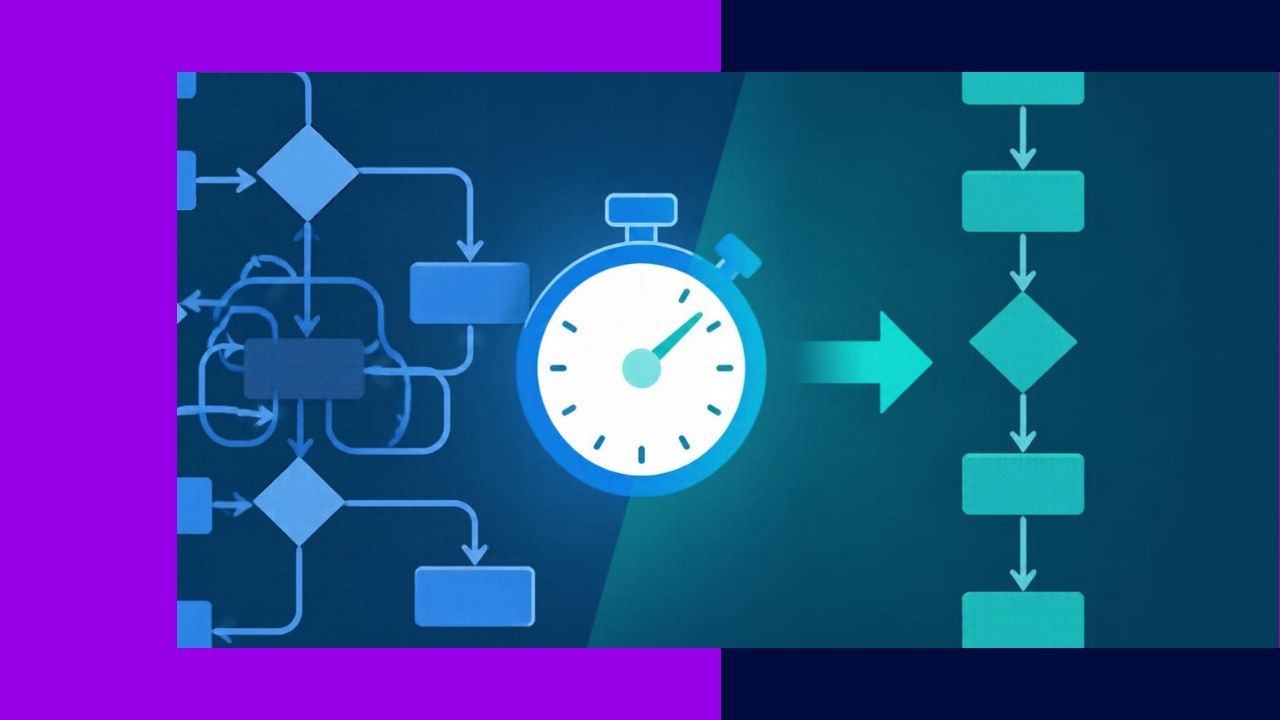
- Process optimization works best one workflow at a time: map how a task really runs, remove the waste, then standardize what remains.
- Start with high-volume, high-pain processes such as onboarding, leave requests, payroll runs, and approvals.
- Track cycle time and error rates before and after each change, so every tweak proves its value.
Optimizing HR processes is not about buying one big system or rewriting the whole department. It is about fixing one workflow at a time. A leave request that bounces between four inboxes, an onboarding checklist nobody follows, a payroll run full of manual re-keying: these are the small frictions that quietly drain your team. Clean them up and the wins add up fast.
This guide stays at the process level. You will learn how to map a single workflow, cut the steps that add nothing, and redesign it with a clear owner and a measured result. The method is the same whether you are fixing onboarding or an approval chain.
What process optimization really means
A process is just a repeatable set of steps that turns an input into an output. A new hire signs an offer (input) and ends up fully set up on day one (output). Optimization means getting that output with fewer steps, fewer handoffs, and fewer errors.
Most HR processes grow by accident. Someone adds an approval after a mistake. A form gets a new field after an audit. Years later, nobody questions why three people sign off on a day of leave. Optimization is the deliberate act of questioning each step and removing the ones that no longer earn their place.
How to optimize an HR process, step by step
1. Pick one process and map how it actually runs
Choose a single workflow. Then map it as it truly happens, not as the policy says it should. Walk through a recent real case and write down every step, every handoff, and every wait. Note who touches it and how long each stage takes.
A simple swimlane sketch works well. List the people or systems across the top, then draw each step under the person who does it. The problem usually jumps out the moment the drawing is done.
2. Find the bottlenecks and the waste
Look for three things. First, waits: where does the task sit idle in someone’s inbox? Second, rework: where do people fix the same errors again and again? Third, redundant checks: where does an approval add control but no real value?
Measure the gap between work time and total time. If an approval takes two minutes of effort but three days to clear, the delay is the problem, not the effort. That gap is where your fastest wins hide.
3. Cut and merge steps
Now challenge every step. Can you delete it? Can you merge it with the step before? Can an employee or manager self-serve instead of routing it through HR? Many approvals exist out of habit. A manager rarely needs to sign off on a single sick day.
Aim to reduce handoffs first. Each handoff adds a wait and a chance for the task to drop. Fewer handoffs almost always means a faster, cleaner process.
4. Standardize what remains
Once the steps are lean, write them down so they run the same way every time. A short standard operating procedure, a template form, and a single source of truth remove guesswork. Consistency is also easier to audit and to hand to new staff. Pair the workflow with clear rules that govern how the task should be handled, so exceptions do not quietly creep back in.
5. Measure, then repeat
Pick one or two metrics before you change anything: cycle time, error rate, or tickets per hire. Record the baseline, make the change, then measure again a month later. If the numbers improve, lock the new process in. If not, adjust. Then move to the next workflow.
A worked example: the leave request workflow
Say a leave request currently flows like this: employee emails HR, HR checks the balance by hand, HR emails the manager, the manager replies, HR updates a spreadsheet, then HR emails the employee. That is six steps and four waits for one day off.
A redesigned version pushes the work to a self-service portal. The employee submits the request, the system checks the balance automatically, the manager approves in one click, and the record updates itself. HR only steps in for exceptions.
| Factor | Before | After |
|---|---|---|
| Steps | 6 | 3 |
| HR touches | 4 | 0 (exceptions only) |
| Typical cycle time | 2 to 3 days | Same day |
The same logic applies to payroll, where accurate inputs matter most. Strong systems for recording employee hours cut the manual corrections that slow every pay run.
Which processes to optimize first
Start where volume and pain overlap. Onboarding is a common first target because it sets the tone for retention. Gallup reports that “only 12% of employees strongly agree their organization does a great job of onboarding new employees.” A tidy, standardized onboarding workflow fixes that gap quickly.
Payroll, approvals, and offboarding come next. These processes repeat constantly, so even small time savings compound across the year. The stakes are real, too. Gallup estimates that voluntary turnover costs U.S. businesses around a trillion dollars a year, and clumsy day-to-day processes feed that frustration. Smooth workflows keep good people from drifting away.
Frequently asked questions
How often should I review an HR process once it is optimized?
Set a light annual check for each core workflow, plus a trigger review after any major change, such as new headcount, a system switch, or a compliance update. A process that fit 30 people often breaks at 100, so growth itself is a signal to look again.
Do I need software to optimize HR processes?
No. Mapping, cutting steps, and standardizing can start on paper or a whiteboard and still deliver real gains. Software helps most after you have simplified a workflow, because automating a messy process just makes the mess run faster.
Who should own a single HR process?
Give each workflow one named owner who is accountable for its outcome, even when several people perform steps within it. A clear owner prevents the quiet drift where steps get added and nobody removes them.
How do I get managers to follow the new process?
Make the compliant path the easiest path. If one-click approval is faster than an email thread, managers adopt it without a mandate. Pair that with a short explainer on the why, and reinforce it the first few times a shortcut appears.






 Independent





