
A practical guide to time and attendance management

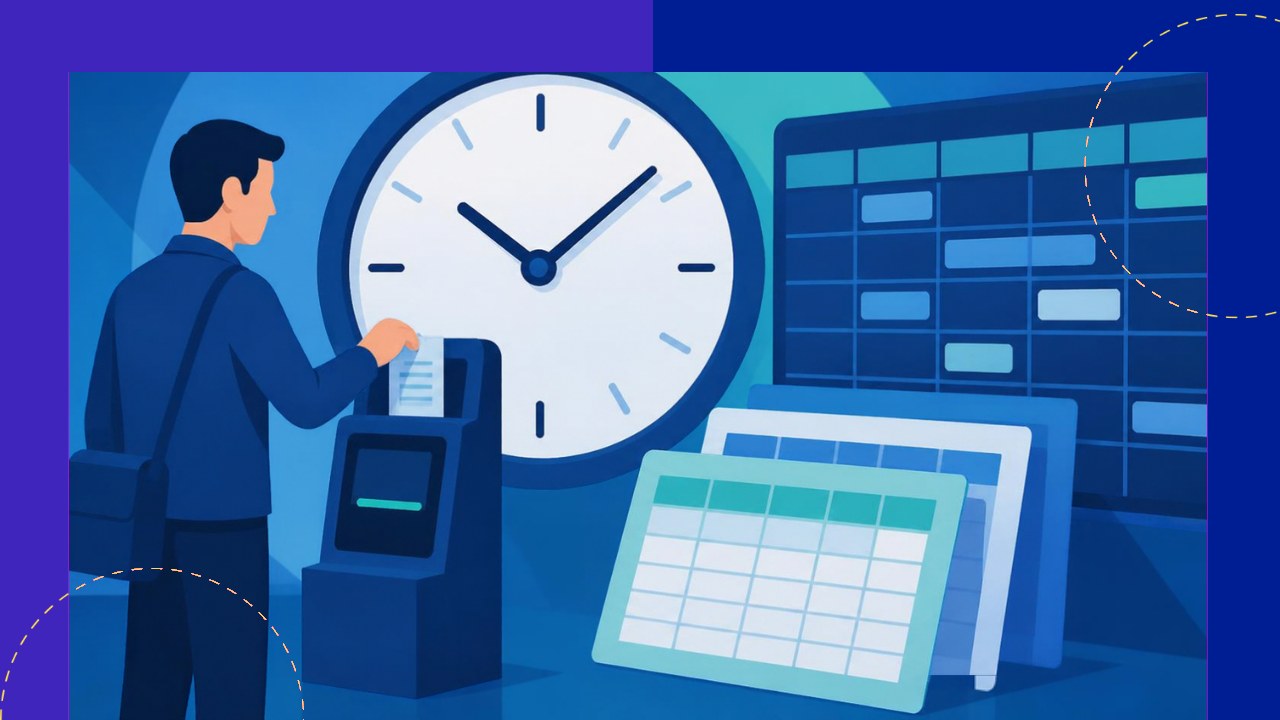
- Time and attendance management tracks when people work, so pay, staffing, and compliance all stay accurate.
- Methods range from paper timesheets to biometric clocks and scheduling software, and each fits a different workforce.
- Federal wage law shapes the rules, so clean records protect you from overtime and recordkeeping disputes.
Time and attendance management is the practice of recording when employees start work, take breaks, and clock out, then turning that data into accurate pay and staffing decisions. It sounds simple. In reality, it touches payroll, scheduling, and labor law at once. Get it wrong and you overpay, underpay, or invite a compliance claim.
This guide covers the main methods teams use. It also explains the wage rules you cannot ignore, the care remote teams need, and where an outsourcing or payroll partner fits.
What time and attendance management actually covers
At its core, the discipline answers three questions. Who worked? When did they work? How many hours count toward pay? Because those answers feed payroll directly, small errors add up fast.
Good systems also track paid time off, sick leave, and shift patterns. They flag late arrivals and unplanned absences. As a result, managers can spot staffing gaps early. In short, it is both a pay tool and an operations tool.
The main methods for tracking time
There is no single right method. The best choice depends on your headcount, industry, and how much people move around during a shift. Below are the three families most businesses use.
1. Timesheets and self-reported hours
Timesheets are the oldest method. Employees record their own hours on paper or in a spreadsheet, and a manager approves them. This works for small teams or salaried staff. However, self-reported hours invite errors and “time theft,” so they suit low-risk settings best.
2. Biometric and clock-in systems
Physical clock systems capture a timestamp when people arrive and leave. Modern versions use a badge, a PIN, or a biometric scan such as a fingerprint. Because the record is automatic, it is harder to fudge. These systems fit factories, warehouses, retail, and other on-site work with fixed locations.
3. Scheduling and workforce software
Scheduling software goes further. It builds shift rotas, forecasts demand, and links clock data straight to payroll. Many tools also send alerts when someone is about to hit overtime. For example, a manager can move a shift before extra pay kicks in. This category scales well as teams grow.
Compliance: the rules you cannot skip
In the United States, the Fair Labor Standards Act (FLSA) sets the baseline. Two parts matter most for time tracking: overtime and recordkeeping. Both carry real penalties if you get them wrong.
On overtime, the Department of Labor is direct. It states that “employees covered by the Act must receive overtime pay for hours worked over 40 in a workweek at a rate not less than time and one-half their regular rates of pay.” You can read the detail on the Department of Labor overtime rules. Accurate hour tracking is what keeps that math correct.
Recordkeeping is the other half. Employers must keep specific payroll data, including “hours worked each day” and “total hours worked each workweek.” The FLSA recordkeeping fact sheet says payroll records must be preserved “for at least three years.” Helpfully, it also notes that “employers may use any timekeeping method they choose,” as long as the records stay complete and accurate. So the method is your call, but the accuracy is not optional.
Remote and distributed teams need extra care
Remote work has changed the picture. According to the Bureau of Labor Statistics, “34 percent of wage and salary workers (51 million) worked at home at least occasionally.” You can see the figures in the BLS job flexibilities data. When people work off-site, a wall clock no longer helps.
For distributed teams, software becomes the clock. Cloud tools let staff log hours from a laptop or phone, wherever they sit. That said, trust matters. Heavy-handed monitoring hurts morale, so focus on outputs and honest logging rather than constant surveillance.
Time zones add another wrinkle. A single “workweek” can span very different local days. As a result, teams should agree on which time zone governs the record, and they should define overlap hours in writing. Clear rules prevent both pay disputes and missed handoffs.
Where outsourcing and payroll partners fit
Many businesses do not want to run this in-house. Tracking hours is one job. Turning those hours into compliant, on-time pay across several countries is another. This is where an outsourcing provider or payroll partner earns its fee.
A payroll partner takes your approved time data and handles the calculations, tax, and payslips. Some go further and manage the whole workforce, including hiring and paying contract staff. That combined model, often folded into recruitment services, can reduce errors and shift compliance risk to a specialist. For the recruitment angle, see this overview of payroll handled through a recruitment partner.
You can also outsource the technology layer alone. An offshore partner may host and run your attendance system while your managers keep final approval. Either way, the partner should plug into your wider HR stack. It helps to understand the software categories that manage people data before you buy.
Building a system that lasts
Start with your risk. On-site hourly staff need tamper-proof capture, while salaried remote workers may need only light logging. Match the method to the work.
Then write down the rules. Define the workweek, the overtime triggers, and how staff correct a mistake. Because clarity prevents disputes, a short written policy is worth the effort. Review it once a year.
Frequently asked questions
Do salaried employees need time tracking?
Often yes, though for different reasons. Exempt salaried staff usually do not earn overtime, so pay is fixed. Still, tracking their time helps with project costing, client billing, and leave balances. Many firms log hours even when pay does not depend on it.
Are biometric time clocks legal?
Generally yes, but consent and data rules apply. Several states have biometric privacy laws that require written notice and permission before you scan a fingerprint or face. Check your state rules first, and store the data securely. When in doubt, a badge or PIN system avoids the extra legal exposure.
How long should we keep attendance records?
Keep payroll and hour records for at least three years under federal law, and keep supporting documents like time cards for two. Some states set longer windows, so use the longest rule that applies. A digital archive makes retrieval easy during an audit or wage claim.
What is the difference between time tracking and workforce management?
Time tracking records hours worked. Workforce management is broader: it also covers scheduling, forecasting demand, and matching staff to that demand. Time and attendance data feeds workforce management, but the two are not the same. Larger teams tend to need both.






 Independent





