
7 virtual reality meeting room features worth knowing

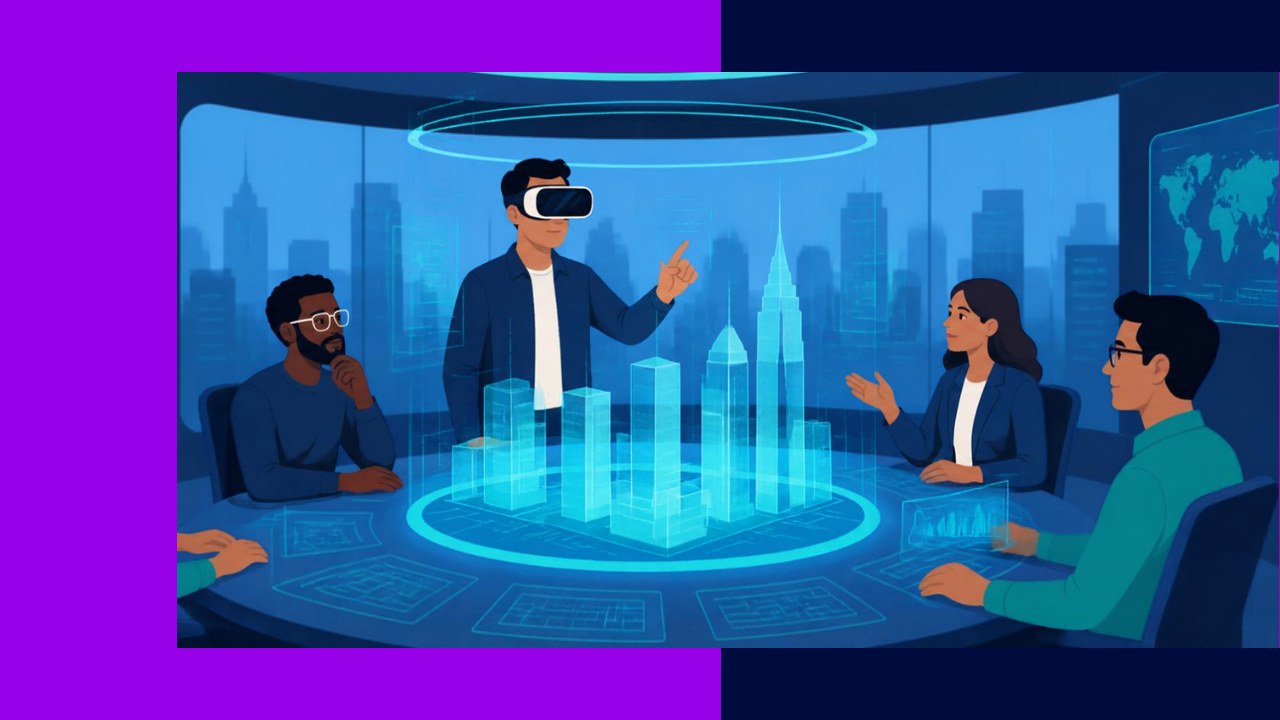
- Virtual reality meeting rooms recreate a shared physical space so distributed teams feel present together, not just visible on a grid.
- The features that matter most for remote work are avatars, spatial audio, shared whiteboards, 3D content, recording, accessibility, and integrations.
- Judge a platform by how well these features fit your existing tools and workflows, not by how flashy the graphics look.
Virtual reality meeting rooms are digital spaces where remote colleagues gather as avatars and interact in three dimensions. Instead of staring at a video grid, people walk up to each other, turn to face a speaker, and gesture at a shared model. For distributed teams, that sense of “being there” makes long-distance collaboration feel far more natural.
The technology is no longer a novelty. Remote work has settled in as a permanent fixture, and companies keep hunting for better ways to connect people across time zones. One US Bureau of Labor Statistics analysis notes that “6.5 percent of workers in the private business sector worked primarily from home in 2019,” a figure that jumped sharply after the pandemic.
So which features actually earn their keep? Below are seven worth knowing before you compare platforms.
1. Avatars and presence
Avatars are how you show up in the room. Good ones do more than float a name tag. They track head movement, hand gestures, and sometimes lip motion, so a colleague can tell when you nod or point. This is what separates a real meeting from a chat window.
Presence matters because body language carries meaning. When you see someone lean in, you read their interest instantly. Some platforms support expressive faces driven by a webcam. Others keep avatars stylized to save bandwidth. Either way, look for natural movement and a clear sense of where each person stands.
2. Spatial audio
Spatial audio makes voices come from the right direction. If a teammate stands to your left, you hear them on your left. As they move closer, they grow louder. This mirrors how conversation works in a real room.
The payoff is real for group work. Small clusters can hold side conversations without drowning everyone out. As a result, a single VR space can host several discussions at once, much like a real workshop. Flat, mono audio breaks that illusion fast, so treat spatial sound as a core requirement.
3. Shared whiteboards and co-editing
Whiteboards are where ideas take shape. In a strong virtual reality meeting room, several people draw, write, and rearrange sticky notes at once. Everyone sees changes live. For brainstorming, this beats one person sharing a screen while others watch.
The best boards are huge and never run out of space. You zoom out to see the whole plan, then zoom in on one detail. Because the work saves automatically, teams pick up where they left off between sessions.
4. 3D content and models
This is where VR pulls ahead of video calls. You can drop a full-scale 3D model into the room and walk around it. Engineers inspect a part from every angle. Architects tour a building before it exists. Trainers show costly equipment without shipping it.
For remote teams, shared 3D content removes guesswork. Instead of describing a design over a call, you point at the real thing together. Look for common file formats and smooth handling of large models. Choppy loading kills the experience quickly.
5. Recording and transcription
Not everyone can attend live, especially across time zones. Recording lets absent teammates catch up later. Better platforms capture the spatial view, so a viewer can look around the replay rather than watch one fixed angle.
Transcription adds even more value. An automatic transcript turns a meeting into a searchable record. People find decisions without rewatching an hour of footage. However, check where recordings are stored and who can access them. Sensitive talks need clear retention rules.
6. Accessibility options
A meeting room only works if everyone can join comfortably. Some people feel motion sickness in VR. Others cannot wear a headset for long. Strong platforms offer a desktop or mobile way to enter the same room, so no one is left out.
Look for captions, adjustable comfort settings, and support for those who prefer to sit. Text chat alongside voice helps people in noisy or shared spaces. Inclusive design also protects engagement, which is fragile on remote teams. See more ideas in this guide to keeping distributed staff motivated.
7. Integrations with existing tools
A VR room is not an island. It has to connect with the calendar, chat, file storage, and project tools your team already uses. Without that, adoption stalls. People will not switch apps just for a stand-up.
Good integrations let you launch a room from a calendar invite. They pull documents straight from cloud storage. Single sign-on also matters for security and convenience. In short, the smoother the fit, the more your team will actually use it.
Do VR meeting rooms really help remote teams?
The evidence is encouraging but measured. One peer-reviewed study of virtual, video, and immersive workplaces found that “virtual environments supported collaboration comparably to physical presence.” That is a strong result, though VR is not automatically better for every task. For focused solo work, a headset may add friction. For workshops and design reviews, it can shine.
The smart approach is to match the feature to the job. Use spatial audio and avatars when connection matters. Use shared 3D content when a flat screen falls short. Strong management habits still decide the outcome, and the same fundamentals that help you run a remote team apply inside a virtual room too.
Frequently asked questions
Do all participants need a VR headset to join?
No, and the best platforms make this a selling point. Most offer a desktop or mobile mode that opens the same room in a normal window. Headset users get full immersion, while others still see the space, hear spatial audio, and join the chat. This mixed access keeps the meeting open to your whole team.
How much bandwidth does a VR meeting room use?
Less than many people expect, because avatars send position data rather than raw video of each face. A stable connection of a few megabits per second usually handles a small meeting. Heavy 3D models and recording push that higher. Test your worst home connection first.
Are virtual reality meeting rooms secure enough for confidential work?
Security depends on the vendor, not the format. Ask about encryption in transit, access controls, single sign-on, and where recordings live. Private rooms with waiting-room approval help block uninvited guests. For regulated industries, request compliance documentation before committing sensitive discussions to any platform.
What team sizes work best in a VR room?
Small to mid-sized groups tend to get the most value. Rooms of roughly five to twenty people allow real interaction without chaos. Very large all-hands events often suit a presentation format, where many watch a few speakers. Match the room to the goal.






 Independent





