
RPA in HR: the complete guide

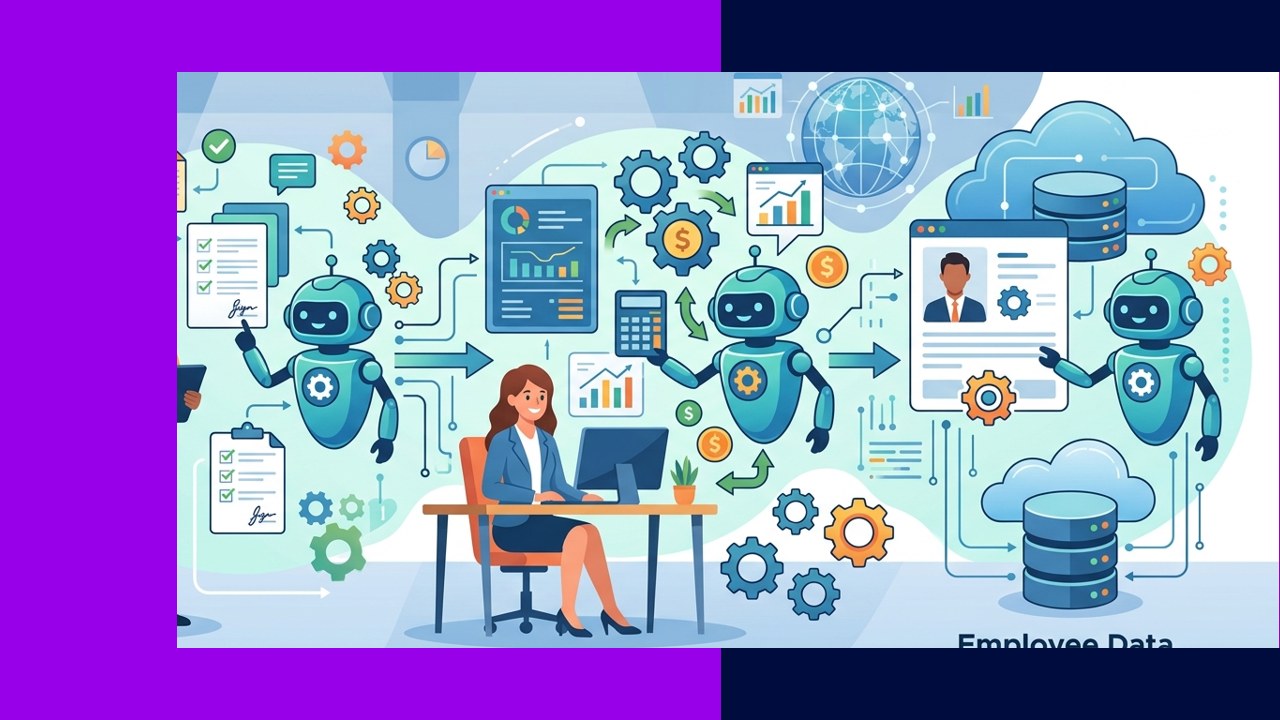
- RPA in HR uses software bots to run rule-based, high-volume admin tasks across the employee lifecycle.
- The best fits are structured, repetitive jobs like payroll checks, onboarding setup, and compliance reports.
- Data privacy and employee experience are the main risks, so pilot small and keep humans in the loop.
RPA in HR means using software robots to handle repetitive, rule-based HR work without manual effort. These bots log into systems, copy data between them, and follow set steps. Deloitte describes the technology plainly: “RPA is a software-based technology utilising software robots to mimic human execution of a business process.”
For HR teams, that translates to fewer hours on data entry and more time on people. However, RPA is not a magic fix. It works best on clean, structured tasks, and it needs careful setup around sensitive employee data.
This guide shows where RPA fits across the HR lifecycle. It also covers the benefits, the risks, and how RPA pairs with HR outsourcing.
What RPA in HR actually does
RPA sits on top of your existing tools. It does not replace your HRIS or payroll platform. Instead, a bot mimics the clicks a person would make. For example, it can pull new-hire details from one form and enter them into three systems.
Because bots follow strict rules, they suit tasks with clear inputs and outputs. As a result, they cut errors on high-volume work. They struggle, though, with judgment calls or anything that needs empathy.
RPA across the HR lifecycle
Recruitment admin
Bots can post jobs to multiple boards and screen applications against set criteria. They also send status emails and schedule interviews. This clears the backlog of clicks so recruiters can focus on candidates.
Onboarding
New hires trigger many small tasks. A bot can create accounts, assign equipment tickets, and send welcome packs. As a result, day one runs smoothly and nothing gets missed.
Payroll
Payroll is highly rule-based, so it is a strong RPA fit. Bots reconcile timesheets, flag anomalies, and prepare files for approval. They will not sign off on pay, but they remove hours of checking.
Benefits administration
Benefits enrollment involves repeatable steps and strict deadlines. SHRM notes that “RPA allows for rules-based, transactional processes to handle, without human intervention, tasks such as benefits enrollment.” Bots can also sync elections with providers.
Time and attendance
Bots collect clock-in data and match it to schedules. They then route exceptions to a manager for review. Because the rules are fixed, accuracy improves.
Offboarding
When someone leaves, access must close fast. A bot can revoke logins, start final-pay steps, and update records. This tightens security and speeds the exit process.
Compliance reporting
Bots gather data from several systems and format it into standard reports. They run on a set schedule, so filings arrive on time. This creates a clear audit trail too.
Which HR tasks suit RPA?
Not every task is a good candidate. The table below sorts common HR work by RPA suitability.
| HR task | Manual approach | With RPA | Suitability |
|---|---|---|---|
| Payroll reconciliation | Staff check timesheets line by line | Bot matches records and flags gaps | High |
| New-hire account setup | IT and HR key data into each system | Bot creates accounts across tools | High |
| Benefits enrollment | Staff rekey elections to providers | Bot syncs elections on a schedule | High |
| Compliance reports | Analysts pull and format data by hand | Bot compiles and files on time | Medium to high |
| Employee relations | HR discusses issues with people | Needs human judgment and empathy | Low |
Benefits of RPA in HR
The clearest gain is time. Bots run around the clock and never tire. As a result, HR staff shift from data entry to advisory work. An SHRM analysis puts it well: “Technology, such as robotic process automation, works best when it enhances human ability, freeing up time for people to focus on tasks that require critical thinking, judgment and empathy.”
Accuracy also improves, because bots follow the same steps every time. In addition, service feels faster to employees, so trust in HR grows.
Risks and limits
Data privacy is the biggest concern. HR bots touch salaries, health data, and personal records. Therefore, you need strong access controls and clear audit logs. Treat every bot like a user with sensitive permissions.
Employee experience is the second risk. Over-automation can feel cold. For example, a laid-off worker should not learn the news from a bot. Keep humans on sensitive moments.
Finally, bots break when systems change. Because of this, you need someone to maintain and monitor them.
How to start with RPA in HR
1. Map your processes
List your most repetitive tasks first. Note the volume, the rules, and the systems involved. Clear rules signal a good candidate.
2. Pick a small pilot
Start with one high-volume, low-risk process. Payroll checks or onboarding setup work well. A narrow scope keeps the pilot easy to measure.
3. Build in controls
Set access limits and log every action. Then add checkpoints where a person approves the output. This protects sensitive data.
4. Measure and scale
Track hours saved and error rates. If the pilot works, add more processes step by step. Keep a person owning each bot.
How RPA pairs with HR outsourcing
RPA and outsourcing solve the same problem from two angles. Bots remove the repetitive clicks, while a partner brings people and process depth. Many teams use both together.
An outsourcing provider often runs the bots for you. This is common in outsourced payroll operations, where automation and expert staff combine. For a wider view, see how firms structure broader human resources outsourcing around these tasks.
In short, RPA handles the volume and the partner handles the exceptions. Together they cut cost without losing the human touch.
Frequently asked questions
Does RPA replace HR staff?
No. RPA removes repetitive admin, not judgment. Staff move to advisory and people-focused work. The role changes rather than disappears.
Is RPA the same as AI?
Not quite. RPA follows fixed rules and set steps. AI adds pattern recognition and prediction. Many tools now blend the two, but classic RPA stays rule-based.
Which HR process should we automate first?
Start with a high-volume, rule-based task. Payroll reconciliation and onboarding setup are common first picks. Both have clear rules and quick, measurable wins.
How do we keep employee data safe?
Give each bot limited access and log every action. Add human approval on sensitive steps. Review permissions often, just as you would for staff.
Key takeaways
- RPA in HR automates rule-based, high-volume admin across recruiting, onboarding, payroll, benefits, and offboarding.
- The strongest fits are structured tasks with clear rules; judgment and empathy work should stay with people.
- Guard against data privacy and experience risks with access controls, audit logs, and human checkpoints.
- Pair RPA with an outsourcing partner so bots handle volume and experts handle exceptions.






 Independent





