
How to manage time zone differences in distributed teams

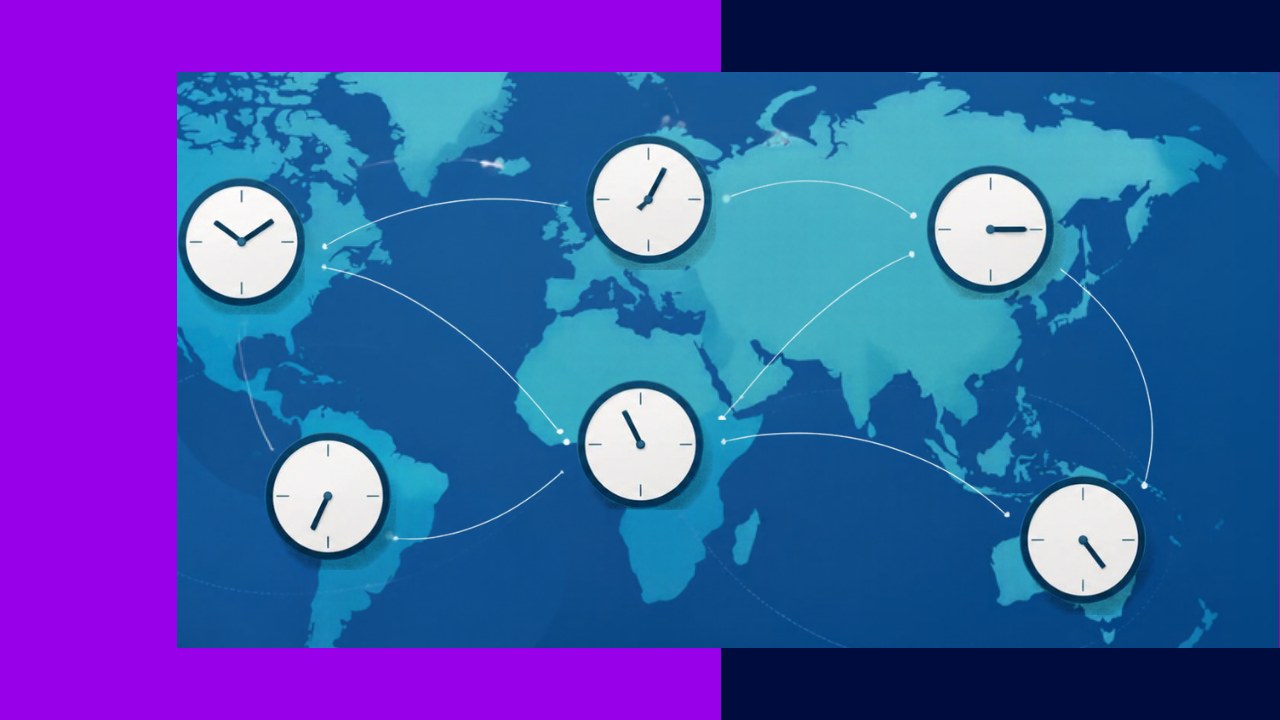
- Good time zone management turns scattered working hours into a coordinated schedule with clear overlap windows and clean handoffs.
- Async-first habits, written documentation, and a shared meeting culture let distributed teams keep moving without waiting for anyone to wake up.
- A follow-the-sun model can extend your coverage to almost 24 hours, but only if handoff rules and tooling are set up first.
Time zone management is the practice of coordinating people, meetings, and work handoffs across regions so a distributed team stays productive around the clock. For companies with offshore staff, it is the difference between a smooth operation and a daily game of email tag. When your developers sit in Manila, your ops lead in London, and your clients in New York, the clock becomes a management problem.
The stakes keep rising. Remote work is now mainstream. The U.S. Bureau of Labor Statistics reports that “about 34 percent of wage and salary workers (51 million) worked at home at least occasionally.” As teams spread out, so do their working hours. The good news: time zone gaps are solvable with a few deliberate habits, not heroics.
Here is a practical, step-by-step way to manage time zones in a distributed or offshore team.
How to manage time zone differences, step by step
Step 1: Map every team member’s real working hours
Start with facts, not assumptions. List each person, their location, and their actual work window in one shared time zone (UTC works well). Include lunch breaks and local holidays. Once you see the hours side by side, you can spot where days touch and where they never meet.
Step 2: Define your daily overlap window
An overlap window is the block of hours when most of the team is online at once. This is your prime slot for live discussion, quick decisions, and unblocking. For many offshore setups, it is short, sometimes only two or three hours. That is fine. Protect it from low-value meetings, and use it for work that truly needs real-time back-and-forth. Everything else can happen asynchronously.
Step 3: Adopt an async-first way of working
Async-first means the default is written, not live. People post updates, questions, and decisions in a shared channel or doc, then continue their day without waiting for a reply. As Harvard Business Review notes, “the number of employees collaborating across time zones is growing.” So write clearly, give full context, and never assume the reader is online now.
Step 4: Build a follow-the-sun handoff (if it fits)
In a follow-the-sun model, work moves with the daylight. One region ends its day and passes active tasks to the next, so progress never stops. It suits support desks, monitoring, and long build cycles. It only works with disciplined handoffs, though. Without a clear record at each shift change, the baton drops.
Step 5: Standardize your handoff notes
A handoff is only as good as its notes. Create a simple template every shift fills in before logging off. A useful format covers three things:
- Done: what moved forward today.
- Blocked: what is stuck and why.
- Next: the top one or two items for the incoming shift.
Post it in the same place every time. As a result, the next person starts fast instead of hunting for context.
Step 6: Set fair and clear meeting norms
Meetings cause most time zone friction. Rotate call times so the same region is not always awake at midnight. Record every meeting for those who cannot attend. Share an agenda in advance, and post decisions in writing afterward. In short, treat live meetings as expensive. Many status updates can be a written post.
Step 7: Document decisions where everyone can find them
When people work at different hours, memory and hallway chats fail you. Write things down. Keep decisions, processes, and project status in a shared knowledge base anyone can read at any hour. Good documentation lets a teammate answer their own question at 3 a.m. their time. Because the knowledge lives in the system, it does not walk out the door.
Step 8: Choose tooling that respects time zones
The right tools remove daily friction. Use a chat tool that shows each person’s local time and status. Add a shared calendar that auto-converts time zones so no one miscalculates a call. For project tracking, pick a board that makes async status obvious at a glance. Reduce the mental math so people spend energy on work.
Step 9: Review, then adjust
Time zone management is not a one-time setup. Check in with the team every quarter. Ask what is working and what is quietly painful. Maybe the overlap window shrank after a new hire, or one region carries too many late calls. Small tweaks keep the system fair over time.
Common time zone models compared
Different setups suit different goals, as the table shows.
| Model | Best for | Main trade-off |
|---|---|---|
| Overlap-focused | Teams needing frequent live collaboration | Shorter productive window; some early or late hours |
| Async-first | Deep, independent work across wide gaps | Slower real-time answers; needs strong writing |
| Follow-the-sun | Support, monitoring, continuous delivery | Handoff overhead; requires tight documentation |
Most distributed teams blend these. You might run async-first day to day, protect one overlap window, and use follow-the-sun only for support. Deciding how far to spread your offshore staff geographically shapes how wide your gaps will be in the first place.
Making it stick with your offshore team
Systems only hold if the culture backs them up. Lead by example: post your own updates, respect the overlap window, and never punish someone for being offline during their night. Onboard new hires into these habits from day one. The same principles that make any distributed workforce run smoothly apply here, just with the clock added in. Get the habits right, and time zones become an advantage: coverage a single-location team could never match.
Frequently asked questions
What is the ideal overlap window for an offshore team?
There is no fixed number, but three to four solid hours is a common sweet spot. Below two hours, live collaboration gets cramped, so lean harder on async work. If your gap is extreme, stagger one person’s shift slightly to buy an extra hour rather than forcing the whole team to move.
How do I stop offshore staff from always taking the late-night calls?
Track it. Keep a simple log of who joins calls outside their normal hours, and review it monthly. If one region consistently absorbs the odd hours, rotate the meeting time or move that call to an async update. Fairness is easier to defend when you have the numbers in front of you.
How do public holidays affect time zone planning?
They matter more than people expect. Offshore locations follow their own holiday calendars, which rarely match the client’s. Add every region’s public holidays to the shared calendar at the start of the year. That way, you plan deadlines and coverage around them instead of discovering a gap the morning a handoff fails.






 Independent





