
Essential security tools for managing remote outsourced teams across borders

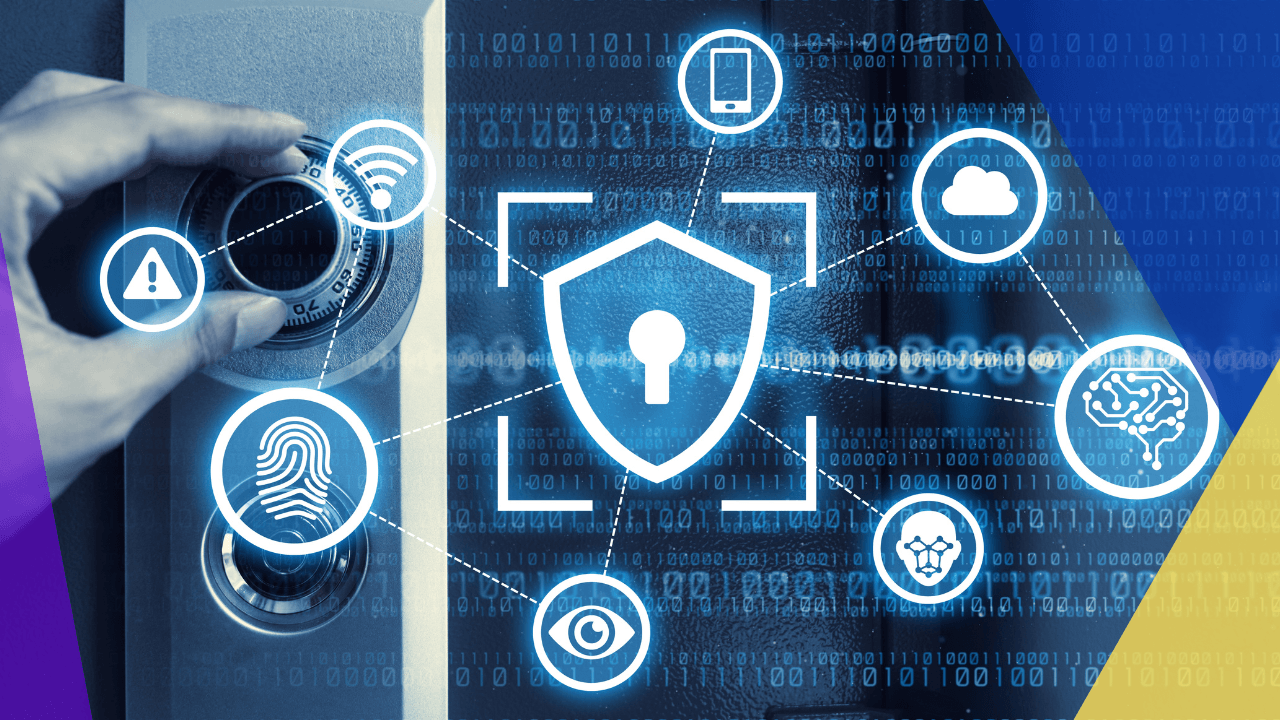
Outsourcing across borders makes sense on paper: you get access to specialized talent, lower costs, and round-the-clock productivity. But the security side of it? That’s where most companies get tripped up.
When your developers are logging in from three different countries, your designers are on cafe Wi-Fi in Lisbon, and your VA is working from a shared office in Manila, you’ve got a much wider attack surface than a team sitting in one building.
Cybernews has covered this challenge in detail, and the takeaway is clear: the tools you choose to secure that distributed setup matter just as much as the people you hire.
Most breaches involving remote teams don’t come from sophisticated state-sponsored hackers. They come from weak passwords, unsecured connections, and sloppy access controls.
Fixing that starts with choosing the right security stack. Reviewing the best cheap VPN for remote teams is a solid starting point for encrypting connections across borders, but VPNs are just one layer.
The sections below walk through the five core categories of tools that keep cross-border outsourced operations secure without strangling productivity.
Identity and access management
If you’re working with contractors in different time zones, you need to know exactly who’s accessing what and when. Identity and access management platforms handle that by enforcing strong authentication and controlling permissions based on roles, not just job titles.
The principle of least privilege sounds like corporate jargon, but it’s really just this: nobody gets access to anything they don’t need for their specific task.
A freelance designer doesn’t need access to your financial dashboards. A contract developer doesn’t need admin rights to your production server.
IAM tools let you set those boundaries centrally, even when your team spans five countries.
Pair that with hardware-based authentication keys for your most sensitive accounts. Phishing attacks targeting remote contractors are incredibly common, and a physical security key blocks them outright because there’s nothing to type that a phishing page can steal.
VPNs and Zero Trust Network Access
When your team connects from public networks, hotel lobbies, and coworking spaces, their traffic is exposed unless it’s encrypted. A VPN wraps that connection in a secure tunnel, hiding data from anyone on the same network. For outsourced teams working internationally, this isn’t optional.
But traditional VPNs have a limitation: once someone connects, they often get broad access to the network.
Zero Trust Network Access flips that model. Instead of trusting a user just because they connected through the right tunnel, ZTNA continuously verifies who they are, what device they’re using, and what they’re trying to reach.
According to NIST, zero trust architectures focus on protecting individual resources rather than network perimeters, which is especially important when your network boundary includes devices you don’t own in locations you’ve never visited.
That shift from “trust then verify” to “never trust, always verify” is what makes the difference when you’re managing contractors who rotate in and out of projects.
Endpoint security and device management
Here’s a problem that keeps IT managers up at night: you can’t physically inspect the laptop your contractor in Buenos Aires is using.
You don’t know if they’ve installed the latest patches. You don’t know if their kid used it to download a game last weekend. And you definitely don’t know if their antivirus is up to date.
Endpoint management platforms solve this remotely. They let you push security updates, enforce password policies, require disk encryption, and even wipe a device if it’s lost or compromised.
For outsourced teams, this kind of remote oversight is non-negotiable. You’re trusting external people with internal data, and endpoint management is how you make that trust conditional rather than blind.
Behavioral threat detection adds another layer by watching for unusual patterns: a login at an odd hour, a sudden spike in file downloads, or an attempt to access a restricted system. These signals often show up before an actual breach occurs, giving you time to intervene.
How Cybernews helps teams evaluate security tools
Sorting through the dozens of VPNs, endpoint platforms, and access management tools on the market eats up time that IT managers rarely have to spare.
Cybernews cuts through that by publishing side-by-side comparisons with real performance data, not just feature lists copied from vendor websites. Their reviews cover pricing transparency, connection speeds, jurisdiction policies, and support quality, all of which matter when you’re securing a team spread across multiple borders.
For companies scaling their outsourced operations, that kind of independent testing saves both money and the risk of committing to a tool that looks good in a demo but falls apart under real-world conditions.
Data loss prevention and cloud security
Outsourced teams often work inside your cloud tools: shared drives, project management boards, communication platforms, and CRM dashboards. That creates dozens of potential exit points for sensitive data if access isn’t managed carefully.
Data loss prevention tools monitor how files move through your organization and flag anything that violates your policies. They can prevent an outsourced contractor from downloading a client database to their own device, or from sharing sensitive documents outside of approved channels.
CISA’s Zero Trust Maturity Model outlines the need to apply data-level protections that extend beyond perimeter security to provide fine-grained control of information sharing and access.
The protection is applied throughout your team’s SaaS applications used daily, with cloud security platforms. They consolidate monitoring, highlight compliance issues and provide one dashboard to track what is being done across all of the connected services.
Compliance and activity monitoring
If you outsource across borders, you may be liable for compliance with data protection laws across several jurisdictions.
If you’re processing any information relating to European users or customers, you must comply with GDPR. CCPA kicks in for California residents. And industry-specific rules can be added to both.
Activity monitoring tools provide you with the visibility to be audit-ready. They monitor logins and determine access, file transfers and communication patterns without being overbearing to micromanage every contractor.
The purpose is not surveillance per se. It’s a step-by-step demonstration of your organization’s seriousness about data handling.
Quick reference: Security stack for cross-border teams
| Tool Category | What It Solves | Why It Matters for Outsourced Teams |
| Identity and Access Management | Controls who accesses what | Enforces least privilege across contractors in multiple countries |
| VPNs and Zero Trust Network Access | Encrypts connections and verifies access | Secures logins from public networks, cafes, and coworking spaces |
| Endpoint Security | Monitors and manages remote devices | Lets you enforce policies on hardware you don’t physically control |
| Data Loss Prevention | Blocks unauthorized file sharing | Prevents sensitive data from leaving approved channels |
| Compliance Monitoring | Tracks activity for audit readiness | Documents data handling across multiple regulatory jurisdictions |
It’s not just a logistics problem when it comes to managing cross-border remote outsourced teams. It’s a security issue that demands intentional tooling in the areas of identity management, encrypted connections, endpoint protection, data loss prevention, and compliance monitoring.
No one product will have all of those bases and that’s where a layered approach is important. Work on the most critical gaps, consult independent reviews for comparisons, and consider security a continuous process that adapts over time as your team evolves.






 Independent





