
What are patient communication solutions?

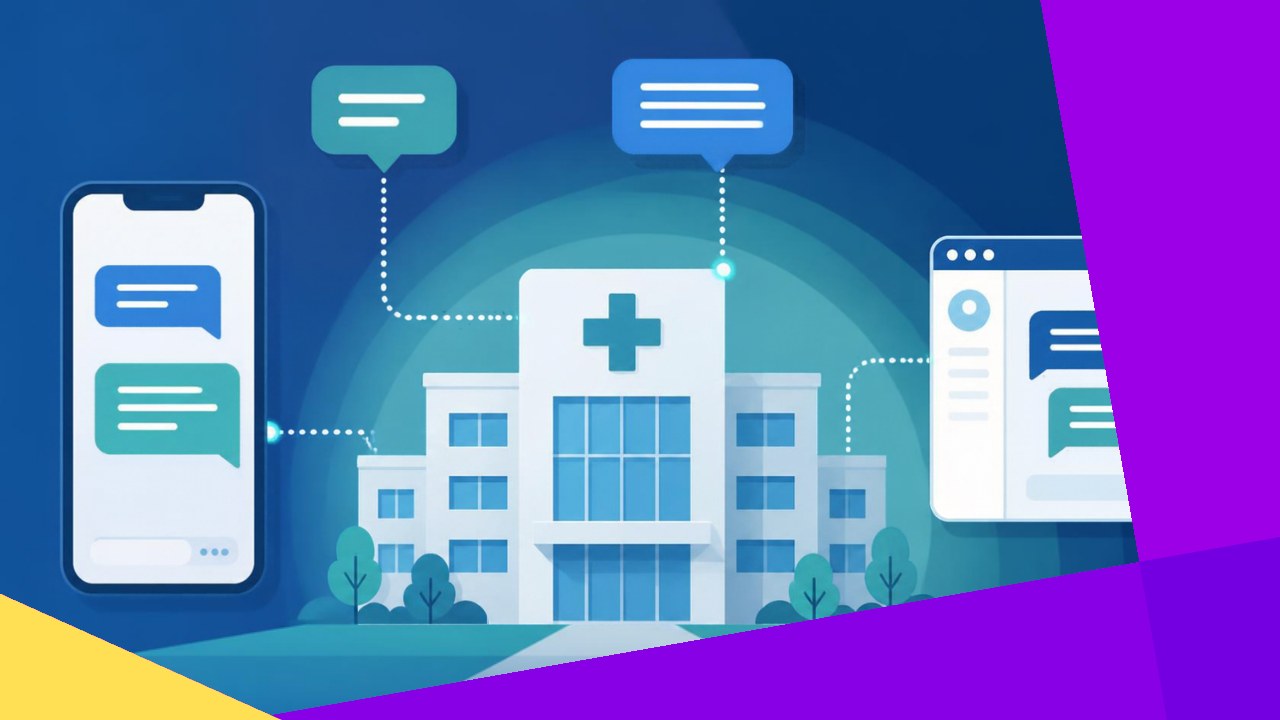
- Patient communication solutions connect a practice with patients across many channels, such as texts, calls, emails, and portal messages.
- The main jobs are appointment reminders, recalls, two-way secure messaging, portal support, outreach campaigns, and after-visit follow-up.
- Good tools and a trained support team cut no-shows, ease staff workload, and keep every message secure and on brand.
Patient communication solutions are the tools and services a practice uses to reach patients and reply to them across several channels. They cover text reminders, phone calls, secure email, portal messages, and outreach campaigns. In short, they turn scattered phone tag into one clear system that patients actually notice and respond to.
Most clinics already send a few reminders. Yet the work often sits on front-desk staff who are also greeting walk-ins and answering the phone. As a result, calls get missed and follow-up slips. A proper communication system fixes that gap. It automates routine messages and gives patients an easy way to reply.
What patient communication solutions actually do
These solutions handle the full conversation, before, during, and after a visit. They are not one feature. They bundle several jobs into one workflow so nothing falls through the cracks.
Appointment reminders and recalls
Reminders tell patients about an upcoming visit. Recalls bring back patients who are due for a check-up, a screening, or a follow-up. Both cut missed visits sharply. The CDC advises practices to “use reminders to help your practice stay on top of needed vaccines,” and the same logic applies to any appointment. Automated recalls also flag patients who have drifted away, so revenue and care do not lapse.
Two-way secure messaging
Patients want to text back, not sit on hold. Two-way messaging lets them confirm, reschedule, or ask a quick question. Because messages may contain protected health information, the channel must be secure and encrypted. A signed business associate agreement keeps the vendor compliant with HIPAA.
Patient portals
A portal is a secure website where patients view records, request refills, and message the care team. Portals are now common. According to the Office of the National Coordinator, “about 3 in 4 individuals nationwide reported being offered online access to their medical records” in 2022. Strong portal support answers login questions and keeps usage high.
Outreach and after-visit follow-up
Outreach campaigns push seasonal messages, such as flu shot invites or wellness checks. After-visit follow-up checks on recovery, shares care instructions, and asks for reviews. Together they build loyalty.
Why practices invest in better communication
The payoff is practical, not just cosmetic. Clear communication protects both the schedule and the patient relationship.
First, fewer no-shows. Timely reminders across text and voice keep chairs full. Second, less phone strain. When patients self-serve through texts and portals, call volume drops. The ONC notes that portals can reduce staff burden and support more engaged patients. Third, better retention. Patients who feel heard stay longer, which steadies revenue.
There is a safety angle too. Reminder and recall systems help patients stay current on screenings and vaccines. So the same tools that fill the calendar also support better outcomes.
Choosing the right channels
No single channel works for everyone. Older patients may prefer a phone call, while busy parents want a text. A good solution mixes channels and lets patients pick. The table below shows common options and where each one fits.
| Channel | Best for | Watch-outs |
|---|---|---|
| Text (SMS) | Reminders, quick confirmations | Keep messages short; get consent first |
| Phone call | Complex issues, older patients | Needs trained, HIPAA-aware agents |
| Secure email | Instructions, forms, summaries | Must be encrypted for any health data |
| Patient portal | Records, refills, messaging | Requires onboarding and login help |
The aim is coverage without noise. Send the right message on the channel the patient trusts, and avoid flooding them.
Where technology and outsourcing fit
Two levers make these solutions work: software and people. Most practices need both.
The technology layer
Platforms automate reminders, route replies, and connect to the electronic health record. Automation removes manual dialing and keeps records in sync. When the tool ties into the EHR, staff see the full history in one place. That link also powers smart recalls.
The human layer
Software cannot handle every reply. Someone must answer the odd question, calm an anxious caller, or reschedule a tricky visit. Many practices route this overflow to an outsourcing provider that specializes in healthcare. A trained offshore partner can staff evenings and weekends, cover surges, and support extra languages. The key is vetting: the team must sign a business associate agreement and follow strict data rules.
Outsourced coverage pairs well with a live phone team. If you already lean on trained agents who answer inbound calls after hours, adding proactive messaging closes the loop. Reminders go out, and a real person is there when patients call back.
How to roll it out
Start small and build. A staged plan avoids overwhelming staff and patients.
1. Map the gaps
Track where messages fail now. Count no-shows, missed calls, and slow follow-ups. These numbers set your baseline.
2. Pick core channels
Begin with text reminders and one recall campaign. Add secure messaging and portal support once the basics run smoothly.
3. Set consent and templates
Collect opt-in consent for texts. Then write clear, friendly templates that match your brand voice.
4. Measure and adjust
Review response rates monthly. Drop channels that patients ignore, and lean into the ones that work best.
Frequently asked questions
How are patient communication solutions different from a standard answering service?
An answering service mainly handles inbound calls when staff cannot. Communication solutions are broader and proactive. They push reminders, run recall and outreach campaigns, and manage two-way messaging across channels. Many practices use both together, with the answering service covering live calls and the platform driving scheduled messages.
Do these tools work with our existing EHR?
Most modern platforms integrate with common electronic health record systems. Integration matters because it syncs appointment data and message history automatically. Before you buy, confirm the vendor supports your specific EHR and ask for a live demo of that connection rather than a generic one.
What does it cost to set up?
Pricing usually blends a monthly platform fee with per-message or per-seat charges. Costs vary by patient volume and channel mix. Many practices offset the spend through fewer no-shows and lower front-desk overtime, so it helps to model savings against your current missed-visit rate.
How do we keep patient messages HIPAA compliant?
Use encrypted channels for anything containing health details, and collect consent before texting. Any outside vendor or offshore team must sign a business associate agreement. Also limit access so only authorized staff can view protected information, and review audit logs regularly.






 Independent





