
How to overcome hybrid team communication challenges

At a glance
- Most hybrid friction traces to five issues: proximity bias, information gaps, uneven meetings, over-reliance on live chat, and tool sprawl.
- Each challenge has a practical fix, from writing decisions down to running every meeting remote-first.
- Fair, documented, mostly asynchronous communication keeps office and remote staff on equal footing.
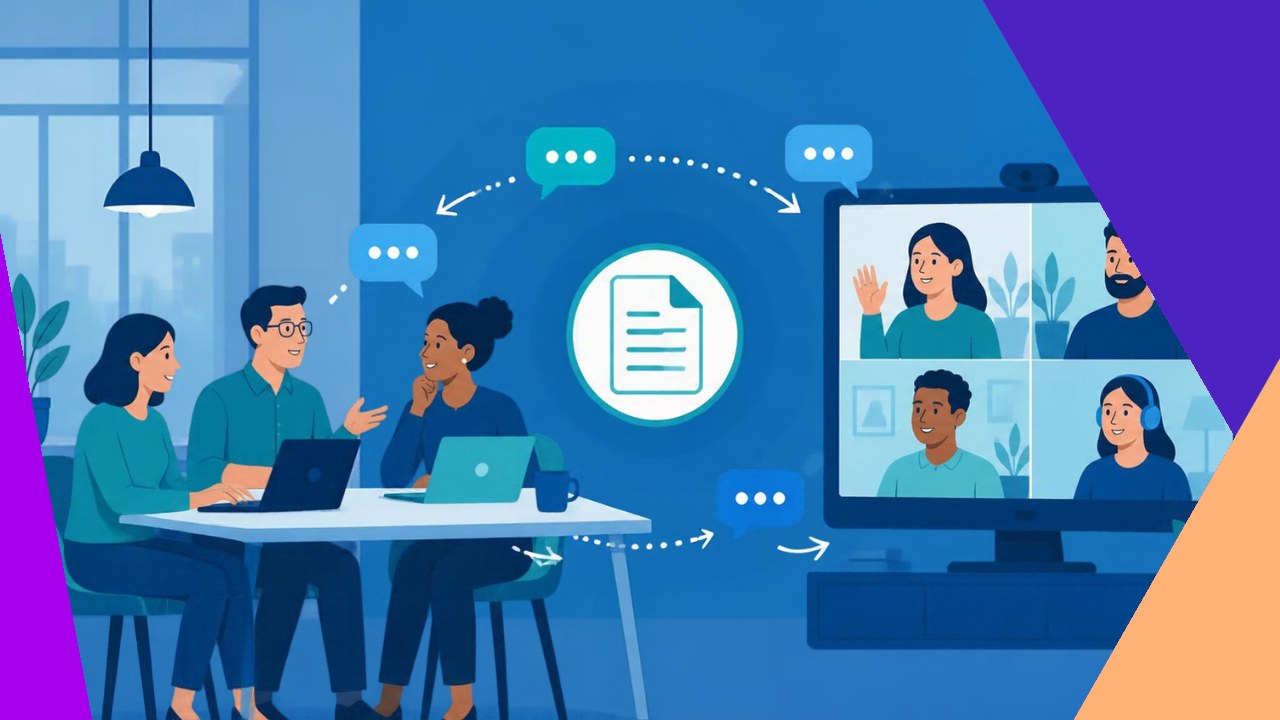
Hybrid team communication challenges show up the moment part of your staff sits in an office and the rest works from home. A hallway chat becomes a decision nobody wrote down. A quick desk huddle leaves remote colleagues out. Small gaps add up, and soon two versions of the team exist: one in the room, one on the screen.
The good news is that these problems are predictable. Once you name them, you can fix them with clear habits rather than more meetings. Gallup reports that 52% of U.S. employees with remote-capable jobs work in a hybrid arrangement, so this affects most knowledge teams. Below are five challenges, each with a concrete fix.
Proximity bias: Give remote staff equal visibility
Proximity bias is the tendency to favor the people you physically see. Managers hand the best projects, praise, and promotions to whoever is in the room. Remote workers quietly fall behind, even when their output is strong.
SHRM warns that this bias can lead managers to rate onsite staff higher regardless of results. Left unchecked, it drives your best remote people to leave.
The fix is to measure outcomes, not presence. Judge work by what gets delivered, and rotate high-profile projects between office and remote staff. In reviews, ask whether a remote employee would get the same rating if they sat beside you.
Information gaps: Write decisions down by default
In a hybrid team, a lot of knowledge lives in the office air. People overhear a plan change or settle a question at lunch, and remote colleagues act on old information.
Close the gap by making the written record the source of truth. Any decision made out loud gets posted in a shared channel the same day. Keep one place where project status lives, so nobody has to be present to stay current.
This habit also helps new hires. When you document choices and the reasons behind them, the whole team can catch up without a meeting. Treating written updates as the norm removes the office-versus-remote divide at its root.
Meeting inclusion: Run every session remote-first
Hybrid meetings often split into two tiers. The people in the conference room talk over each other and read the whiteboard. Those dialing in catch half the audio and none of the side chatter.
The simplest fix is a remote-first rule: everyone joins the video call from their own laptop, even people sitting in the office. That one change puts every face on the same grid and every voice on the same channel. It feels odd at first, but it ends the two-tier problem.
Add a few supports. Share an agenda in advance, appoint a facilitator to invite quieter and remote voices by name, and post notes afterward for those who cannot attend live.
Over-reliance on synchronous chat: Default to async
When a team feels disconnected, the instinct is to add more live contact: more pings, more calls, more “quick syncs.” But constant real-time chat punishes anyone in a different time zone and shatters deep work.
Shift your default to asynchronous communication. Write a clear message that holds all the context, and let people reply when their focus allows. Save live meetings for decisions, sensitive topics, and relationship building. For the rest, a thoughtful post beats an interruption.
Set expectations so async does not become slow. Agree on response windows, such as one business day for normal requests, and flag the rare message that is truly urgent. Many teams lean on work styles that do not require everyone online at once, which protects both inclusion and focus.
Tool sprawl: Pick one home for each job
Hybrid teams tend to collect apps. Chat here, video there, tasks in a third place, documents scattered across drives. People miss messages simply because they do not know where to look. Information hides in the gaps between tools.
Audit what you use and cut the overlap. Give each type of communication one clear home: one app for chat, one for calls, one for tasks, one for documents. Write a short norms guide that says what goes where.
Fewer tools mean fewer blind spots. A tidy, well-labeled setup lets anyone find the latest version without asking a colleague who happens to be online. Consistent tooling is a core part of strong distributed team practices.
Make the fixes stick
None of these fixes works as a one-time announcement. Managers set the tone, so leaders should model the behavior: join calls from their own laptop, post decisions in writing, and resist rewarding face time over results.
Build light rituals that check in without crowding calendars. Gallup recommends a brief weekly conversation between each manager and employee covering goals, wellbeing, and recognition. Use it to surface communication issues before they fester.
Frequently asked questions
How many office days should a hybrid team require?
There is no universal number, and rigid mandates often backfire. Tie in-office days to a purpose, such as planning or onboarding, rather than a headcount quota. Announce shared office days in advance so colleagues who come in actually overlap, instead of sitting alone on calls.
Who should own hybrid communication norms?
Give one owner clear accountability, usually a team lead or operations manager, so standards do not drift. That person maintains the norms guide and reviews it each quarter. Input should come from the whole team, including remote staff, so the rules reflect how people actually work.
What metrics show hybrid communication is improving?
Watch for balance, not volume. Compare promotion and project-assignment rates for remote versus office staff to catch proximity bias. Survey whether remote employees feel informed. Rising engagement scores among remote workers are a strong signal that the fixes are landing.
Does hybrid work hurt junior employees most?
It can, because newer staff learn through observation and informal coaching that happens naturally in an office. Counter this with deliberate mentoring, recorded walkthroughs, and scheduled pairing time, so junior remote hires get the same access to senior people.






 Independent






