
Employee data management: the complete guide

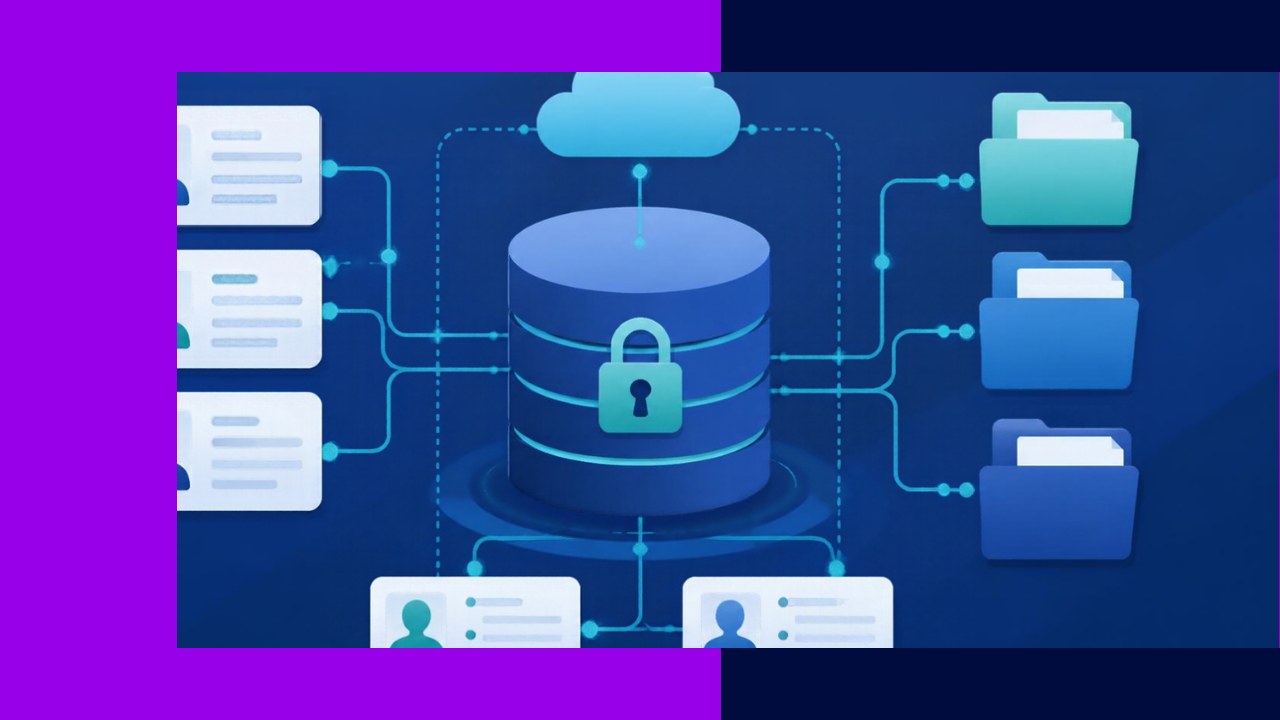
- Employee data management is the practice of collecting, storing, and protecting your people’s records so the information stays accurate, secure, and easy to find.
- Good data starts with one source of truth, clear access rules, and a retention schedule tied to the law.
- Privacy is not optional: mishandled personal data invites fines, lost trust, and messy audits.
Every hire, raise, and policy change leaves a trail of records. Employee data management is how you keep that trail clean, correct, and safe. It covers the systems that hold HR data, the rules that govern who sees it, and the habits that keep it accurate over time.
When data is scattered across spreadsheets, inboxes, and old drives, mistakes pile up fast. One wrong pay rate or an outdated address can trigger a payroll error or a compliance headache. This guide walks through what to manage, how to keep it accurate, and how to protect it.
What employee data management actually covers
Employee data is more than a name and a start date. It spans contact details, job history, pay and benefits, performance notes, time and attendance, and sensitive items like tax forms and medical leave requests. Each type carries its own risk and its own rule.
Think of the work in three layers. First, you capture data when someone applies or joins. Next, you store and update it as their role changes. Finally, you archive or delete it once the law and the business no longer need it. Managing the full set is different from managing the paper trail of a single person, which is the focus of good organizing and securing employee records.
Build one source of truth
Fragmented data is the root of most HR errors. The fix is a single, trusted home for every record. Most teams use a Human Resources Information System (HRIS) as that hub, then connect payroll, benefits, and time tracking to it. You can compare the main categories of HR software before you commit to one.
A central system does three useful things. It stops the same fact from living in five places. It creates an audit trail of who changed what. And it lets you pull reports in minutes.
Keep the data accurate
Clean data does not happen by accident. It takes clear ownership and simple routines. Assign one owner for each data type, so there is no confusion about who updates pay rates or job titles.
Set a standard format
Agree on how dates, names, and job codes are entered. Consistency makes reports reliable and merges painless. A drop-down menu beats a free-text box because it blocks typos before they start.
Let employees self-serve
Give staff a portal to update their own address, emergency contacts, and bank details. People fix their own records faster than HR ever could, and accuracy climbs as a result.
Audit on a schedule
Review key fields each quarter. Look for blanks, duplicates, and stale entries. A short, regular check catches small errors before they become payroll or tax problems.
Follow retention rules
You cannot keep everything forever, and you cannot bin records whenever you like. The law sets minimum retention periods, and they vary by record type. A retention schedule maps each record to its rule so nothing is deleted too soon.
Federal rules give you clear floors. The U.S. Department of Labor states that under the Fair Labor Standards Act, “Each employer shall preserve for at least three years payroll records, collective bargaining agreements, sales and purchase records.” Wage computation records, such as time cards, must be kept for at least two years.
Other agencies add their own floors. The EEOC requires that employers keep personnel and employment records for one year, and longer once a charge is filed. Map each record type to its longest applicable rule, then automate deletion once the clock runs out.
Protect privacy and control access
Employee data is personal data, and it deserves real protection. Not everyone needs to see everything. A manager may need performance notes, but they have no reason to view a colleague’s medical file.
Role-based access solves this. You grant each person the minimum data their job requires, and nothing more. Pair that with encryption, strong passwords, and two-factor login to keep records safe from outsiders.
Privacy law raises the stakes. Under the GDPR, personal data means “any information relating to an identified or identifiable natural person.” That broad definition covers most of what HR holds. If you employ people in the EU, the UK, California, or similar jurisdictions, you must collect only what you need, tell staff why, and honor requests to view or correct their records.
Separate the sensitive stuff
Keep medical records, immigration forms, and background checks apart from the main file. Restrict them to a short list of named people. This separation is both a legal safeguard and a simple way to limit exposure if something leaks.
When to get outside help
Smaller teams often lack the time or tools to run all of this well. An outsourcing provider can host your HRIS, manage records, and keep retention schedules current. The right partner brings tested security controls and frees your HR staff to focus on people instead of paperwork.
If you do hand this off, keep ownership of the policy. You decide what data you collect, who may see it, and how long you keep it. Let the partner run the engine, but you set the rules.
Frequently asked questions
How is employee data management different from HR analytics?
Data management is about keeping records accurate, secure, and compliant. HR analytics sits on top of that clean data and turns it into insight, such as spotting turnover trends or forecasting hiring needs. Analytics only works when the underlying data is trustworthy, so management comes first.
Who should own employee data in a company?
HR usually owns the data day to day, but IT and legal share the load. IT secures the systems and access, while legal confirms your retention and privacy choices meet local law. Name a single data owner for each record type so accountability never falls through the cracks.
What is the biggest data management mistake small firms make?
They let records live in scattered spreadsheets with no access control or backup. That setup invites duplicate entries, lost files, and privacy breaches. Moving to one secured system removes most of the risk in a single step.
How often should we clean our employee data?
Run a light audit every quarter and a deeper review once a year. Check for duplicates, missing fields, and records past their retention date. A regular rhythm keeps the data reliable and makes compliance reviews far less stressful.






 Independent





