
What are digital back-office operations?

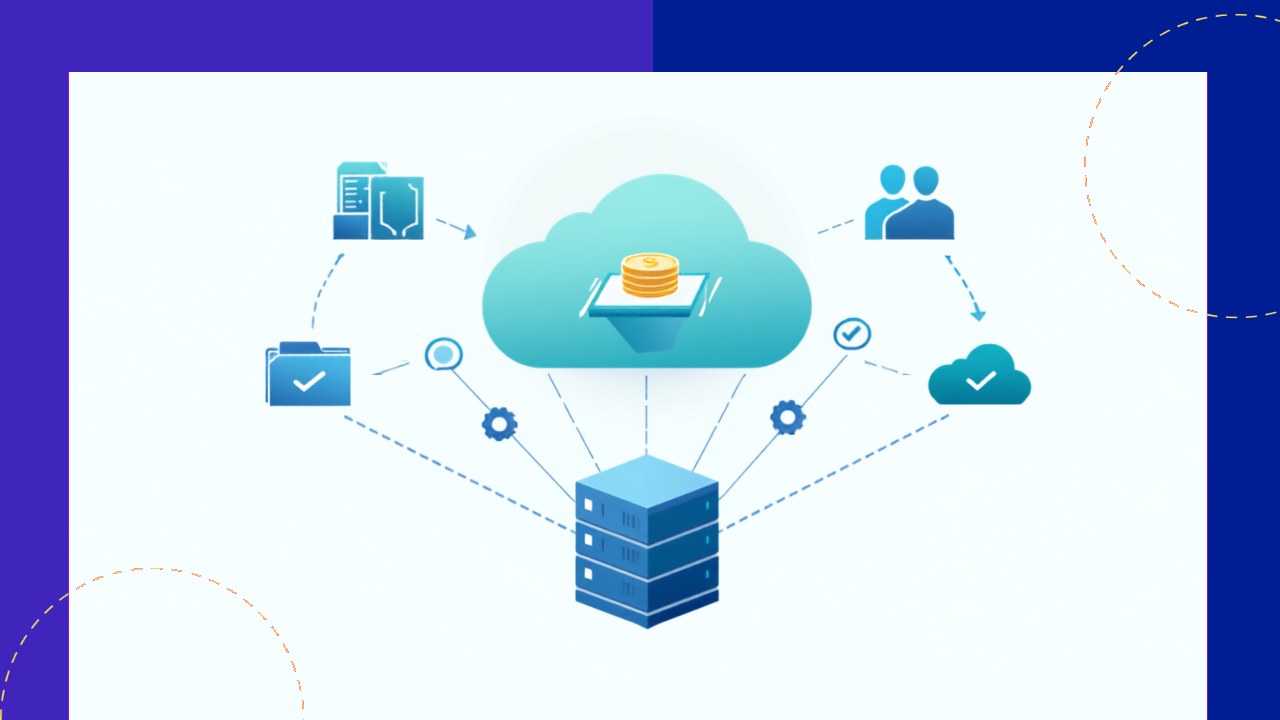
- Digital back-office operations run the daily support work of a business through connected systems rather than manual, paper-based steps.
- The model rests on four pillars: an ERP core, workflow automation, cloud delivery, and software bots that handle rules-based tasks.
- You judge a digital back office by live KPIs, such as straight-through processing rate, cycle time, error rate, and cost per transaction.
Digital back-office operations describe the steady state of a support function that runs on connected software instead of manual handoffs. The front office wins and serves customers. The back office keeps the company running behind the scenes. In a digital setup, tasks like invoice posting, payroll, and data entry flow through systems that talk to each other. Work moves, gets checked, and gets recorded with far less human touching.
This is not a project or a one-time upgrade. It is how the department operates every day once the systems are in place. Because the pieces are linked, a single transaction can move from intake to reconciliation without leaving the software. As a result, staff spend their time on exceptions and judgment, not on retyping numbers.
Below, we break down the operating model, the systems that power it, the roles that run it, and the metrics that prove it is working.
What a digital back office actually is
A back office covers the internal functions that support customer-facing work. Think finance and accounting, human resources, payroll, procurement, and IT support. According to TechTarget, “RPA can expedite back-office tasks in finance, procurement, supply chain management, accounting, customer service and human resources.” That range shows how wide the back office really is.
In a digital version, those functions share data through common platforms. A vendor invoice, for example, arrives, gets read, gets matched to a purchase order, and posts to the ledger. Each step leaves a timestamp and an audit trail. Because the record is one connected chain, managers can see status in real time rather than chasing spreadsheets.
The operating model, pillar by pillar
Four building blocks define how a digital back office runs. Each one handles a different part of the daily flow.
1. The ERP or system-of-record core
An enterprise resource planning (ERP) platform holds the master data and the general ledger. It is the single source of truth for finance, HR, and procurement. Every other tool reads from and writes to it. Because the data lives in one place, teams avoid the duplicate entry that plagues manual back offices.
2. Workflow automation and case management
Workflow tools route tasks, apply approval rules, and flag exceptions. A payroll change, for instance, follows a set path until it clears. Nothing sits in an inbox waiting to be noticed. As a result, cycle times shorten and nothing gets lost.
3. Robotic process automation (RPA)
Software bots handle the repetitive, rules-based clicking and typing that once ate staff hours. Deloitte’s shared services research notes that firms keep investing in process improvement and technology such as GenAI, automation, and analytics dashboards. Bots move data between systems, reconcile records, and generate routine reports.
4. Cloud delivery and analytics
Cloud hosting lets teams work from anywhere and scales up during busy periods. Dashboards sit on top of the data and turn it into live metrics. Because reporting is automatic, leaders act on today’s numbers instead of last month’s.
How the digital model differs from the traditional one
The contrast is easiest to see side by side. The table below compares a manual back office with a digital one on the dimensions that matter day to day.
| Dimension | Traditional back office | Digital back-office operations |
|---|---|---|
| Data entry | Manual keying, often duplicated | Captured once, shared across systems |
| Task routing | Email and paper handoffs | Automated workflow with rules |
| Reporting | Periodic, spreadsheet-based | Real-time dashboards |
| Staff focus | Processing routine transactions | Handling exceptions and analysis |
| Audit trail | Reconstructed after the fact | Logged automatically at each step |
The roles that keep it running
Digital operations still need people, but the job mix shifts. Transaction processors give way to a smaller, more skilled team. Process owners manage each end-to-end flow, from procure-to-pay to hire-to-retire. Automation specialists build and maintain the bots and workflows.
Data analysts watch the dashboards and spot trends before they become problems. Exception handlers step in when a transaction fails a rule. In short, the team supervises the machine rather than doing the machine’s work.
The KPIs that prove it works
You cannot manage a digital back office by gut feel. Instead, you track a short set of live metrics. Straight-through processing rate shows the share of transactions that finish with no human touch. Cycle time measures how long a process takes from start to close.
Error rate and rework tell you about quality. Cost per transaction reveals efficiency. Service level agreement (SLA) attainment shows whether the team hits its promised turnaround. Together, these numbers give a real-time read on health. For the wider journey of getting here, see this guide to modernizing support functions with automation and cloud technology.
Where outsourcing and shared services fit
Many companies do not run these operations alone. Some pool functions into a central unit. Others hand them to an outsourcing provider that already owns the platforms and bots. Both routes aim for the same steady state: fewer manual steps and cleaner data.
The path is rarely smooth, though. Deloitte reports that “almost half of the respondents cited process and technical complexity as the biggest challenges to automation.” That is why a clear operating model matters. To see how firms centralize this work, review these examples of consolidated back-office shared services.
Frequently asked questions
What is the difference between digital transformation and digital back-office operations?
Transformation is the project that changes how a function works. Digital back-office operations are the daily steady state once that change is done. One is the journey, and the other is the destination in action.
Which systems are core to a digital back office?
The usual core is an ERP for master data, workflow tools for routing, RPA bots for repetitive tasks, and cloud hosting with analytics. These four pillars connect so data moves without manual re-entry.
What metrics matter most?
Straight-through processing rate, cycle time, error rate, cost per transaction, and SLA attainment. These KPIs show speed, quality, and cost at a glance, so managers can act on real numbers.
Does a digital back office replace all staff?
No. It shifts people from routine processing to oversight, analysis, and exception handling. The team supervises automated flows and steps in when a transaction needs judgment.
Key takeaways
- Digital back-office operations are the daily steady state of support work run through connected systems, not a one-time transformation project.
- Four pillars power the model: an ERP core, workflow automation, RPA bots, and cloud delivery with live analytics.
- The workforce shifts from transaction processing to process ownership, automation upkeep, and exception handling.
- Track health with live KPIs such as straight-through processing rate, cycle time, error rate, cost per transaction, and SLA attainment.






 Independent





