
Cloud bookkeeping outsourcing: the pros and cons

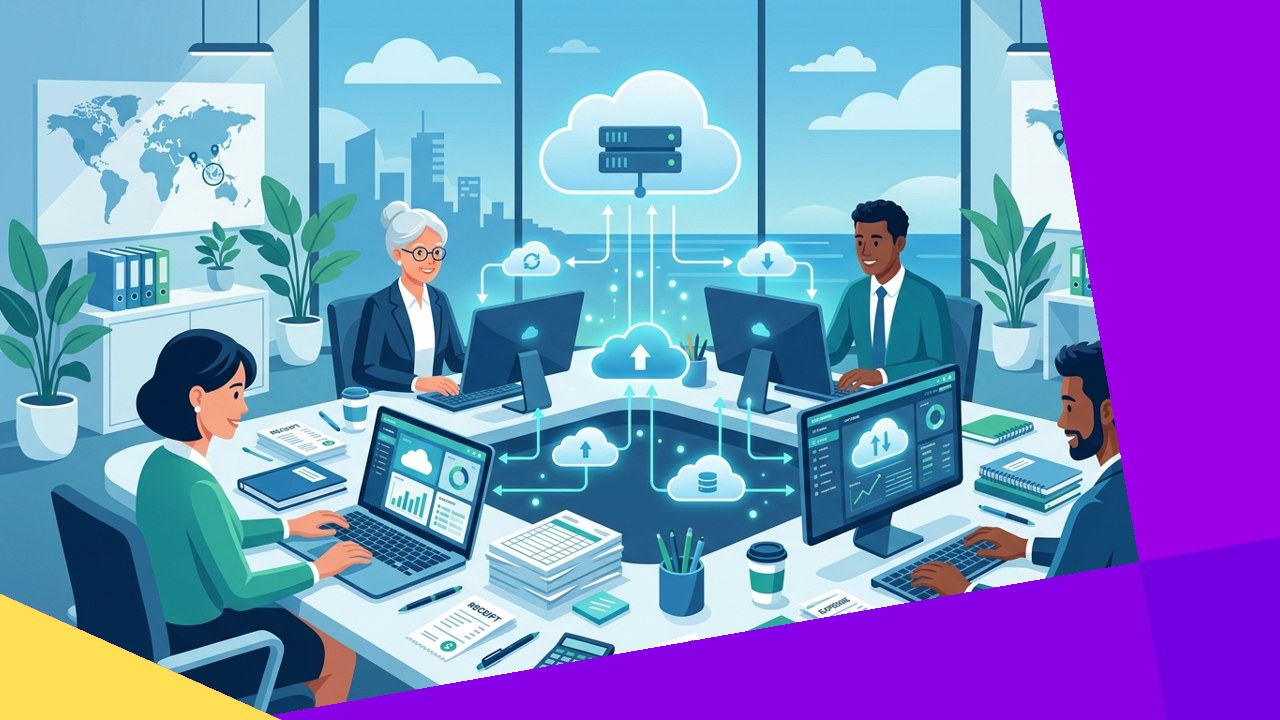
- Cloud bookkeeping outsourcing hands your books to an external team that works inside cloud accounting software you can both access.
- The main pros are lower cost, real-time visibility, easy scaling, and access to trained finance staff from anywhere.
- The main risks are data security, less direct control, and dependence on one provider, so vet partners carefully.
Cloud bookkeeping outsourcing means a third-party team keeps your financial records inside cloud accounting software instead of on a local machine. You and the provider log into the same platform, such as QuickBooks Online or Xero. As a result, your books stay current and you can check them from any device.
This model has grown fast among small and mid-sized firms. It blends two trends: moving accounting to the cloud, and hiring outside help for back-office work. However, the setup is not risk-free. Below we weigh the pros and cons, and show how to do it safely.
What cloud bookkeeping outsourcing actually is
Traditional bookkeeping ran on one computer in one office. Files lived on that machine. Cloud bookkeeping moves the ledger online instead. The data sits on secure servers, and approved users reach it through a browser or app.
When you outsource this work, an external partner records your transactions in that shared system. They handle invoices, bank reconciliation, payroll entries, and monthly reports. Your team keeps full visibility because everyone sees the same live data. The government’s own small business guidance stresses the basics here. The SBA notes that you should “maintain proper bookkeeping and have a basic knowledge of business finances.” Outsourcing covers the first part while you focus on the second.
The pros of cloud bookkeeping outsourcing
Lower and more predictable cost
Hiring an in-house bookkeeper means salary, benefits, software, and training. An outsourced team spreads those costs across many clients. So you often pay a flat monthly fee instead. This suits firms that cannot justify a full-time hire.
Real-time visibility
Because the data lives in the cloud, you see it as it updates. You do not wait for a month-end file. For example, you can check cash flow on a Tuesday afternoon. This helps you make faster decisions.
Easy scalability
Your bookkeeping needs shift as sales rise and fall. An outsourced partner can add or trim hours quickly. As a result, you are not stuck paying for idle staff in a slow quarter.
Access to expertise
Good providers employ trained bookkeepers and accountants. They know the software and current tax rules. You gain that skill without a long hiring search. Many teams also bring experience across several industries.
Access from anywhere
Cloud tools work on any connected device. So a remote founder and an offshore bookkeeper can share the same ledger. This flexibility matters for distributed teams.
The cons of cloud bookkeeping outsourcing
Data security
Your financial records are sensitive. Sending them outside the company raises real risk. A weak provider can expose bank details and payroll data. NIST runs a Small Business Cybersecurity Corner that flags “Securing Data & Devices” as a core focus for exactly this reason. Always confirm how a partner protects your information.
Less direct control
An in-house bookkeeper sits down the hall. An outsourced team does not. You give up some day-to-day control over how work gets done. Clear reporting and regular check-ins reduce this gap, but they do not remove it.
Integration headaches
Your books connect to payroll, invoicing, and banking tools. A new partner must plug into that stack cleanly. Poor integration causes double entry and errors. Test the connections before you go live.
Dependence on one provider
Over time, the partner learns your systems deeply. That knowledge is useful. However, it also makes switching harder later. Keep your own admin access so you are never locked out of your own data.
In-house versus outsourced cloud bookkeeping
The table below compares the two models on the factors that matter most.
| Factor | In-house cloud bookkeeping | Outsourced cloud bookkeeping |
|---|---|---|
| Cost | Salary, benefits, and software for one hire | Flat or hourly fee, often lower overall |
| Control | Direct, day-to-day oversight | Managed through reports and check-ins |
| Scalability | Slow; needs new hiring | Fast; add or trim hours on demand |
| Expertise | Limited to one person’s skills | Access to a wider team |
| Data security | You control it fully | Shared with the provider |
How to outsource cloud bookkeeping safely
1. Check security and compliance first
Ask how the partner encrypts data and limits access. Confirm they follow recognized standards. You also stay responsible for your tax records. The IRS reminds businesses that “you may choose any recordkeeping system suited to your business that clearly shows your income and expenses.” The system can be outsourced, but the duty stays with you.
2. Start with a clear scope
Write down which tasks the partner owns. List reports, deadlines, and who approves payments. A tight scope prevents confusion later. It also makes the relationship easier to measure.
3. Keep your own access
Stay the primary account owner in the software. Give the provider a user role, not full ownership. So if you ever switch, your data comes with you. For more on choosing a partner, see this guide to the costs and benefits of bookkeeping outsourcing.
4. Review the work monthly
Do not set it and forget it. Read the monthly reports and ask questions. Regular reviews catch small errors early. They also keep the partner accountable.
Frequently asked questions
Is cloud bookkeeping outsourcing safe for small businesses?
Yes, when you vet the partner well. Check their security measures and references first. Keep control of your own accounts. Small firms often gain better protection than a single laptop offers.
How much does it cost?
Prices vary by volume and complexity. Many providers charge a flat monthly fee. This is often lower than a full-time salary. Ask for a clear quote tied to your transaction count.
Will I lose visibility into my own books?
No. Cloud software gives you live access at all times. You see the same data the provider sees. In fact, most owners gain more visibility, not less.
What is the difference from general outsourcing?
Cloud bookkeeping is one back-office task among many. To see how it fits the bigger picture, read this overview of how outsourcing supports business growth. The same vetting rules apply across every function.
Key takeaways
- Cloud bookkeeping outsourcing puts your books in shared online software run by an external team.
- The pros are lower cost, real-time visibility, easy scaling, expertise, and access from anywhere.
- The cons are data security, less control, integration issues, and dependence on one partner.
- Vet security, set a clear scope, keep your own access, and review the work every month.






 Independent





