
Business process digitization: the complete guide

At a glance
- Business process digitization converts manual, paper-based tasks into structured digital workflows across finance, HR, admin, and operations.
- It is narrower than digital transformation: you digitize one process at a time, then connect the pieces.
- Start with high-volume, rule-based work, fix the process first, then automate and measure the results.
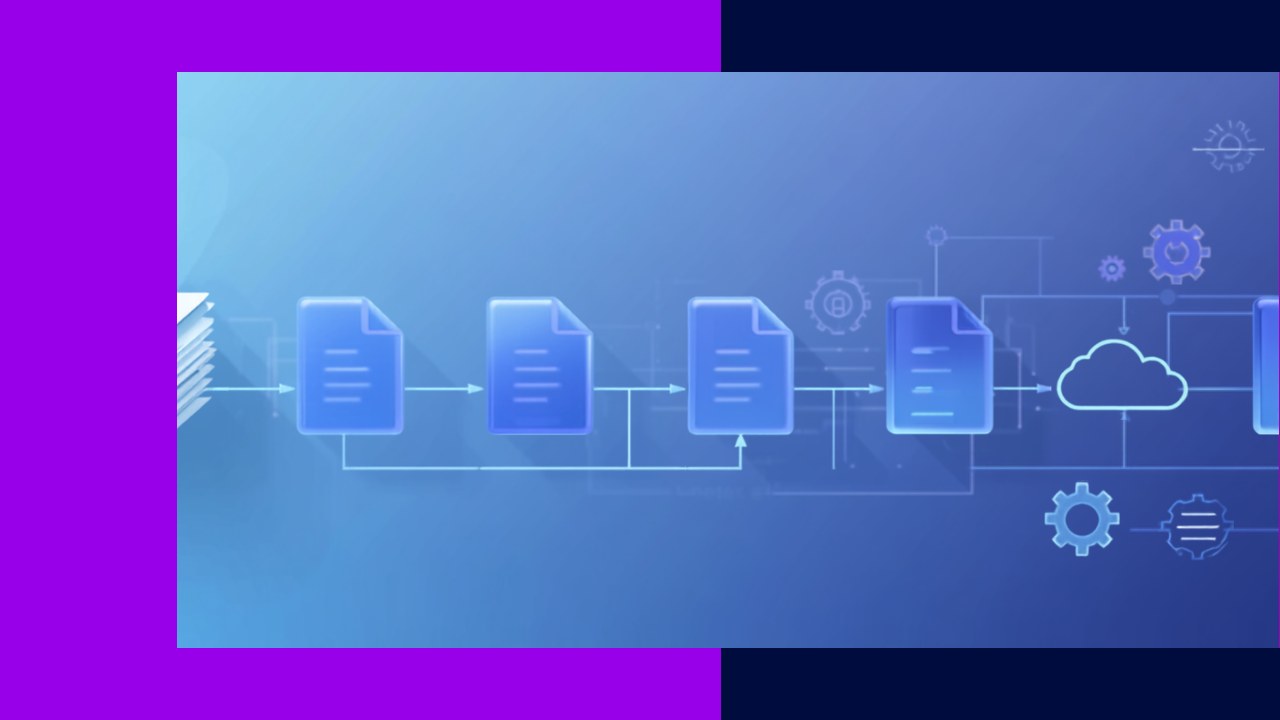
Business process digitization is the practical work of turning manual, paper-based, or spreadsheet-bound tasks into structured digital workflows. Think of invoice approvals moving off a clipboard or new-hire forms leaving the filing cabinet. Instead of shuffling documents by hand, teams capture, route, and track the work in software.
This is not a buzzword project. It is a series of small, concrete changes that add up. Because the scope stays tight, you can show a win in weeks rather than years. As a result, digitization is often the safest first step toward a data-driven operation.
This guide explains what digitization really means, how it differs from broad digital transformation, which processes to tackle first, and how to run a project without wasting money.
What is business process digitization?
Digitization takes an existing process and moves it into a digital format and workflow. A paper form becomes an online form. A manual handoff becomes an automatic routing rule. The steps stay recognizable, but the medium changes and the busywork shrinks.
People often confuse three related terms. Digitization converts a process to digital. Digitalization uses that digital process to work in new ways. Digital transformation reshapes the whole business model. So keep the labels straight before you scope any project.
The distinction matters because it sets expectations. Digitization is targeted and low-risk, while broad transformation is expensive and fragile. Harvard Business Review notes that “70% of all DT initiatives do not reach their goals”, with an estimated $900 billion wasted in a single year. Digitizing one process at a time avoids that trap.
| Factor | Business process digitization | Digital transformation |
|---|---|---|
| Scope | One process or function at a time | The entire operating and business model |
| Timeline | Weeks to a few months | Multiple years |
| Risk | Low and contained | High and organization-wide |
| Typical goal | Remove manual steps and paper | Change how the company competes |
| Example | Online expense claims with auto-routing | Shifting to a fully digital service model |
Why digitize business processes now?
The pressure is practical. Manual work is slow, error-prone, and hard to audit. Digital workflows fix all three at once, so the payback is easy to see. Adoption is also climbing fast. A Deloitte survey found that “73 per cent of respondents said their organisations have embarked on a path to intelligent automation”, a sharp jump from the year before. In short, digitized processes are becoming the baseline. The benefits stack up quickly:
- Speed: approvals and handoffs happen in hours, not days.
- Accuracy: validation rules catch errors before they spread.
- Visibility: every step is logged, so audits get simpler.
- Cost: staff spend less time on repetitive data entry.
Which processes to digitize first
Digitization works across the business, not just in one department. However, some processes give a faster return than others. Prioritize high-volume, rule-based, paper-heavy work where mistakes are costly.
Finance and accounting
Invoices, expense claims, and month-end reporting are strong first targets. They are repetitive and easy to standardize. For a deeper look at this function, see this guide to modernizing finance operations with automation and cloud tools.
Human resources
Onboarding, leave requests, and document collection still run on paper in many firms. Digital forms and self-service portals remove that friction. Because HR handles sensitive data, digital audit trails also help with compliance.
Administration and operations
Procurement approvals, contract sign-offs, and customer request handling all suit digitization. These processes cross several teams, so clear routing rules cut delays. A digitized back office ties these functions together, as covered in this overview of back-office modernization across finance, HR, procurement, and IT.
How to digitize a business process step by step
A good project follows a clear order. Skipping steps is how budgets get wasted, so treat this as a checklist.
Step 1: Map the current process
Write down every step, form, and handoff as it works today. Include the informal shortcuts staff actually use. You cannot fix what you have not seen clearly.
Step 2: Fix the process before you digitize it
Remove duplicate approvals and pointless steps first. Digitizing a broken process just makes the mess faster. In short, simplify, then automate.
Step 3: Choose the right tools
Match the tool to the job, not to the hype. Workflow software, digital forms, and document capture cover most needs. Favor systems that connect to what you already run.
Step 4: Digitize and connect the data
Convert forms, set routing rules, and link the process to your core systems. Clean data is essential here, because bad inputs break automated steps. As a result, plan a data cleanup before launch.
Step 5: Test, train, and roll out
Pilot the workflow with one team before a full launch. Gather feedback and adjust the rules. Then train users and expand gradually.
Step 6: Measure and improve
Track cycle time, error rates, and cost per transaction. Compare them to your old baseline. Use the numbers to guide the next process you tackle.
Common pitfalls to avoid
Most failures are avoidable. The biggest mistake is treating digitization like a giant transformation program. Keep the scope tight instead.
Watch for these traps:
- Paving the cow path: digitizing a bad process instead of fixing it first.
- Ignoring the people: new tools fail when staff are not trained or consulted.
- Dirty data: automated rules break when the underlying records are messy.
- No metrics: without a baseline, you cannot prove the project worked.
Some teams also lack the in-house capacity to run these projects. In that case, an outsourcing provider can supply trained staff and proven workflow platforms, which shortens setup time.
Frequently asked questions
What is the difference between digitization and digital transformation?
Digitization converts a single process into a digital workflow. Digital transformation reshapes the whole business model and strategy. Digitization is one of the building blocks that a wider transformation relies on.
How long does it take to digitize a process?
A single, well-scoped process often takes weeks to a few months. The timeline depends on data quality and the number of teams involved. Starting small keeps the first project quick and low-risk.
Which business processes should I digitize first?
Begin with high-volume, rule-based, paper-heavy tasks. Invoice processing, expense claims, and employee onboarding are common starting points. These give a clear, measurable win early on.
Can we digitize processes without a big IT budget?
Yes, because many workflow and digital-form tools are affordable and quick to set up. You do not need to replace core systems at once. Focus on one process, prove the value, then reinvest the savings.
Key takeaways
- Business process digitization turns manual, paper-based work into structured digital workflows across every function.
- It is narrower and safer than digital transformation, so tackle one process at a time.
- Fix and simplify a process before you digitize it, then automate and measure results.
- If internal capacity is short, an outsourcing partner can provide the staff and platforms to move faster.






 Independent





