
Why BPO cold emails land in spam (and how to fix it)

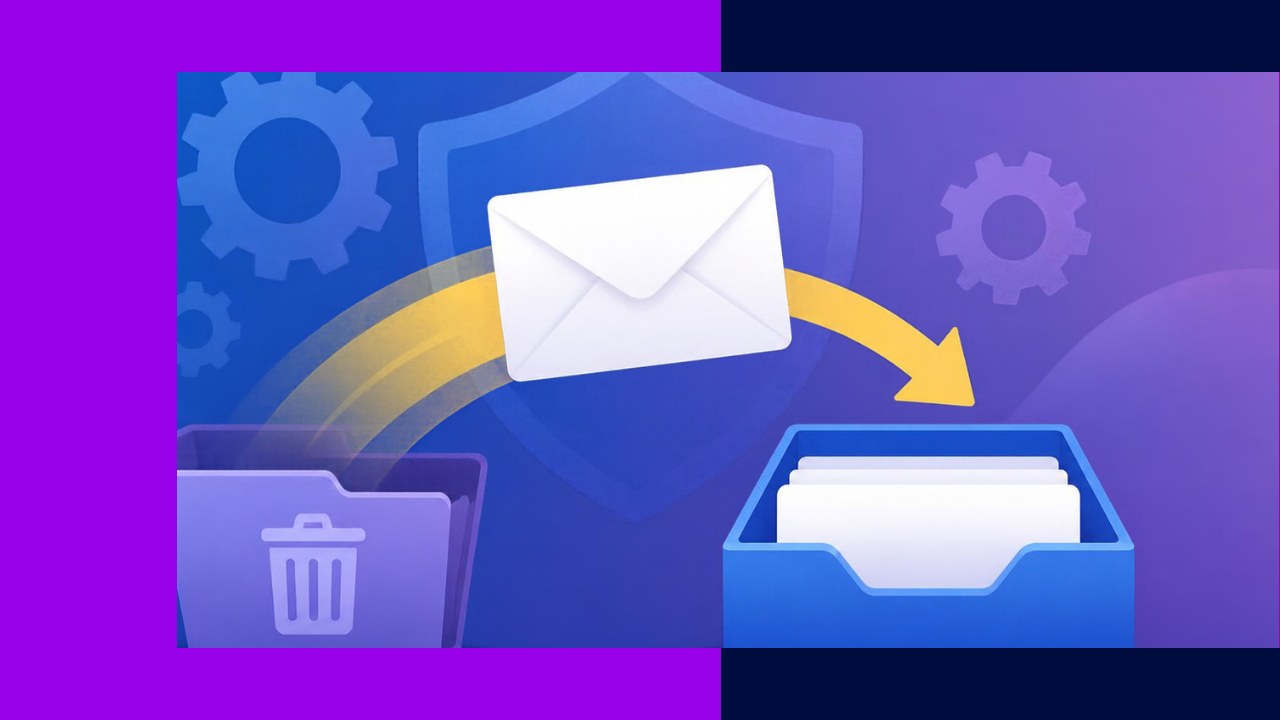
- BPO cold emails land in spam mainly because of missing authentication, bad contact data, sudden volume spikes and high complaint rates, not because of the copy.
- Gmail and Yahoo now require SPF, DKIM and DMARC for bulk senders, easy unsubscribes and spam complaint rates below 0.3%.
- Verified lists, a separate warmed-up sending domain and steady daily volume protect your sender reputation.
- Content triggers matter less than most teams think, but links, attachments and spammy phrasing still add risk, so monitor results weekly.
- Sales Hub helps by supplying verified contacts and tracked sequences, so your outbound starts from clean data.
Your team wrote a sharp email. The list looks good. You send 800 messages on Monday, and by Wednesday the replies have dried up. Nobody said no. They simply never saw it.
That is the quiet problem with BPO cold emails. When they land in spam, nothing tells you. Open rates drift down, meetings stall and reps blame the copy. In reality, the cause is usually technical and fixable.
Why mailbox providers filter outbound email
Gmail, Yahoo and Outlook judge every sender on reputation. They check authentication, bounces, spam complaints and sudden changes in volume.
Cold outreach is especially exposed because recipients never asked to hear from you. As a result, a small number of complaints can drag down a whole domain. For a 60-seat BPO in Manila whose sales team shares the company domain, that can mean invoices and client emails start landing in spam too.
Set up SPF, DKIM and DMARC
Authentication proves that you are allowed to send from your domain. Without it, many messages will never reach the inbox.
There are three records to set up in your DNS:
- SPF lists the servers allowed to send email for your domain.
- DKIM adds a digital signature showing the message was not altered.
- DMARC tells receivers what to do when a message fails those checks.
Start DMARC with a policy of “none” so you can watch reports without blocking legitimate mail. Then, once everything passes, move to “quarantine” or “reject.” Ask whoever manages your DNS to add the records your email host specifies.
Meet the Gmail and Yahoo bulk sender rules
Gmail and Yahoo now publish firm rules for anyone sending in volume. Many sales teams still have not caught up.
Google’s sender guidelines say bulk senders need SPF, DKIM and DMARC, and they apply that label to anyone sending more than 5,000 messages a day to Gmail accounts. The same page asks all senders to keep spam rates in Postmaster Tools below 0.10% and to avoid ever reaching 0.30%. Bulk marketing messages must also support one-click unsubscribe.
Yahoo sets similar limits. Its best practices ask senders to keep the spam rate below 0.3% and to honor unsubscribes within 2 days. Even below 5,000 emails a day, treat these rules as your baseline.
Here is a quick checklist of common causes, what they look like and how to fix them.
| Cause | Warning sign | Fix |
|---|---|---|
| Missing SPF, DKIM or DMARC | Messages fail authentication checks | Add all three DNS records |
| Unverified contact data | Bounce rate climbing above a few percent | Verify emails before every campaign |
| Cold, new domain | Spam placement from day one | Warm up gradually over several weeks |
| Volume spikes | Sudden drop in opens after big sends | Cap daily sends per mailbox |
| High complaints | Spam rate near 0.3% in Postmaster Tools | Tighten targeting, add easy opt-outs |
| Risky content | Specific emails underperform | Cut links, attachments and hype |
Clean your list before every send
Bounces are one of the fastest ways to damage a domain. Every email sent to an address that does not exist tells providers you are mailing a list you did not build carefully.
Business contacts decay quickly as people change jobs. Therefore, verify every list before it goes into a sequence, not once a year. Remove hard bounces immediately, and never re-add them. In short, bad contact data costs you replies twice: once through wrong targets and again through deliverability damage.
Warm up domains and control sending volume
Never send cold outreach from your main company domain. Instead, register a closely related domain, such as a short variation of your brand, and set it up with full authentication.
New domains have no reputation, so build it slowly. Start with a small number of emails per mailbox per day, mostly to engaged contacts. Then raise volume gradually over several weeks. Spread sends across the working day rather than firing 500 at 9 a.m.
Once warmed, keep each mailbox at a steady, modest volume. For more reach, add mailboxes instead of pushing one inbox harder.
Avoid content that triggers filters
Copy is rarely the main cause of spam placement. Even so, some habits add risk on a weak domain.
- Skip attachments in first-touch emails. Offer to send the deck instead.
- Use one link at most, and avoid link shorteners.
- Drop the hype: all caps, exclamation marks and “guaranteed savings.”
- Write in plain text, so the email looks like it came from a person.
These habits also make emails easier to read, which helps email hold its own against LinkedIn and cold calling as a sales channel.
Monitor deliverability every week
You cannot fix what you do not measure. Set up Google Postmaster Tools for each sending domain. Its dashboards show detailed information about spam rate, reputation, message authentication and delivery errors for mail sent to Gmail users.
Each week, check three numbers: bounce rate, spam complaint rate and reply rate. If replies fall while sending stays flat, pause the domain, review the list and investigate before sending more.
How Sales Hub helps BPO cold emails reach the inbox
Deliverability starts with clean data. Sales Hub gives outsourcing sellers verified contacts and tracked outreach in one place:
- Explore draws on 10M+ verified business contacts with real-time verification, which helps keep bounces down.
- Enrich adds headcount, revenue and recent news, so you can send fewer, better-targeted emails.
- Engage runs multichannel sequences with open, reply and click tracking, so you spot a drop early.
Try the Free Forever plan, which includes a strategy call with the OA team.






 Independent





