
SaaS: Advantages and disadvantages of cloud-based software

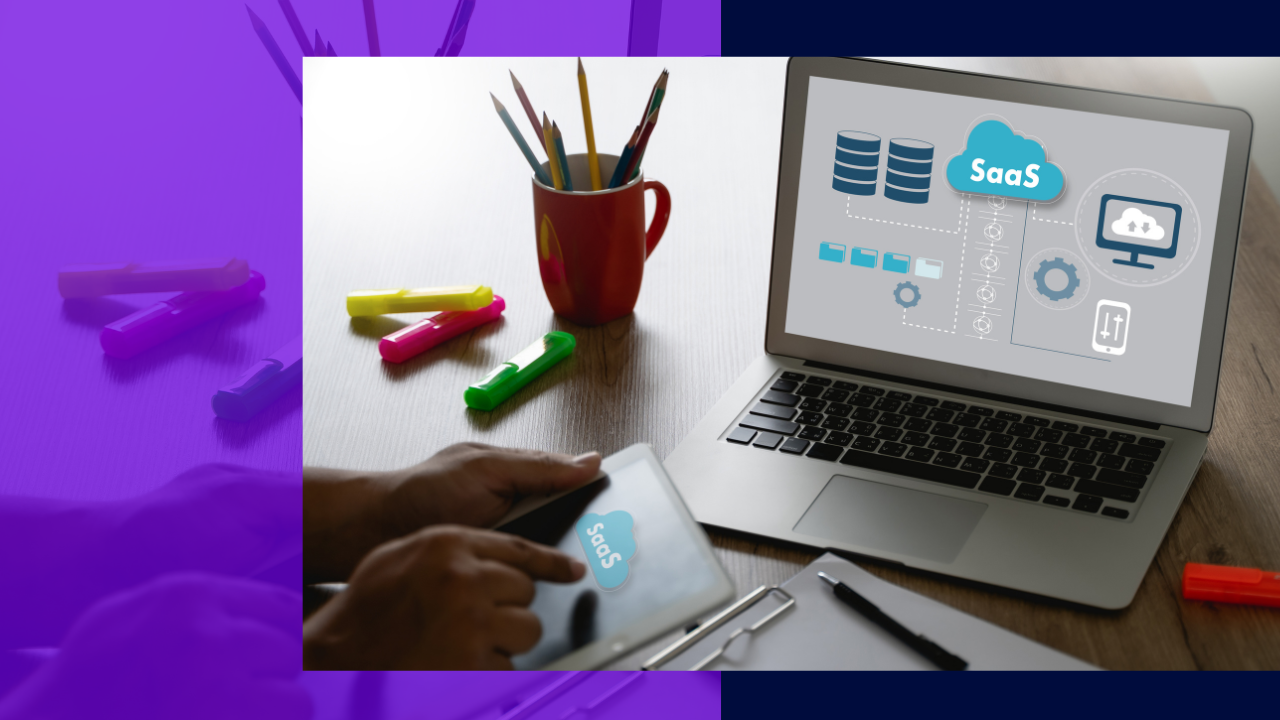
What are the advantages and disadvantages of SaaS?
The main advantages and disadvantages of SaaS come down to a trade-off: you gain low cost, easy access, and simple upgrades, but you give up some control and lean on a stable internet link.
- Top benefits: lower cost, anywhere access, strong resilience, and easy scaling.
- Top drawbacks: reliance on the internet, data security worries, and less control.
- Best fit: teams that want fast, flexible software without heavy IT overhead.
We live in a world where tech keeps changing fast. Thanks to these advances, nearly anything is possible online. As a result, the right tools help firms compete in a tough global market. This is why the advantages and disadvantages of SaaS matter so much today. In short, Software as a Service (SaaS) lets teams of any size run daily work with ease.
Fundamentals of Service as a Software (SaaS)
Software as a Service, or SaaS, is a type of cloud computing service. In simple terms, it is a way to deliver software that helps a business grow.
With SaaS, a provider supplies apps that firms reach through the internet. So instead of installing software on each desktop, a SaaS app gives staff access anytime and anywhere. In addition, SaaS apps range from office tools to unified communications.
More firms now embrace cloud computing. As a result, a growing number of them build SaaS into their business models. For a simple primer, see this guide to cloud computing.
SaaS vendors handle the install, upkeep, and updates of the software. Because of this, staff and leaders can focus on more important work. There are also other cloud services besides SaaS. For example, Platform as a Service (PaaS) and Infrastructure as a Service (IaaS).
Some firms build their own SaaS tech. However, others use a third-party provider for security, integration, and setup of the cloud software. For a wider view, these SaaS statistics show how fast the market keeps growing.
Key advantages of SaaS
Here is a clear outline of the benefits that SaaS brings to many firms.
Cost-efficiency
Cost reduction is one of the biggest wins with SaaS. In most cases, you pay a monthly subscription. As a result, it is more affordable than buying software and its IT infrastructure. Clear SaaS pricing models also make budgeting simple.
Saigon Technology, for example, offers SaaS services that can help firms innovate their businesses. Many clients from this firm have also benefited from the various SaaS products they offer for an affordable price.
Accessibility
With SaaS, all you need is a stable internet link and a device. Then you can reach the cloud-hosted software. In addition, anyone in the company can log in anytime. This works on a remote desktop, tablet, or smartphone.
Resiliency
SaaS is highly resilient. So providers can fix any damage or issue at any hour. What’s more, your data is safe. It is backed up in the cloud, so you do not have to worry about loss.
Easy upgrade
Some firms lack the budget or IT staff to maintain hardware and software. As a result, their tools face more outside threats. With SaaS, though, the provider handles upgrades. Better yet, these come with the subscription.
Highly scalable
Firms do not need to buy extra licenses or server space for new staff. Instead, they just upgrade their current plan. As a result, the SaaS app can handle more users with ease. Many teams pair this with a SaaS CRM to scale customer work too.
Downsides of utilizing Service as a Software (SaaS)
SaaS offers real value to users. Still, firms should know its downsides too. So here are the main ones to weigh.
Stability
SaaS needs a strong internet link to run well. However, network issues and slow speeds cause delays. As a result, they can lower daily output.
Data security
Perhaps the biggest drawback is limited transparency and security. In fact, this worries many firms that hesitate to sign up. Because of this, companies should set clear security rules for sensitive data. They should also agree on access management before they sign a contract.
Control
Loss of control is a real concern for any business. After all, SaaS vendors run everything in the app. As a result, firms depend on their SaaS providers.
3 leading Service as a Software (SaaS) examples
There are many examples of SaaS apps. For instance, email and messaging apps are among the most popular tools today. In addition, firms use these SaaS apps to streamline daily work.
Dropbox
This app lets users drag and drop files from a desktop into a browser window. Then it uploads them to Dropbox. It supports Mac, Linux, and Windows. In addition, Dropbox works on mobile devices.
Google G Suite
Any firm can use Google’s cloud, productivity, and teamwork tools. For example, these G Suite tools include shared sheets, slide decks, and word processing. As a result, teams collaborate with ease.
Salesforce
Salesforce is a form of CRM solution. It helps firms connect with their customers. In addition, it gives everyone a shared view of each client.
Some say SaaS is moving toward more mobile-friendly tools. Others expect AI to shape the SaaS market, mainly in logistics, retail, and transport. Either way, SaaS will keep evolving alongside new tech.
Frequently asked questions
What is SaaS in simple terms?
SaaS is software you use over the internet. So you do not install it on each device. Instead, you pay a subscription and log in from anywhere.
Is SaaS cheaper than traditional software?
In most cases, yes. You skip big upfront costs and pay a monthly fee. As a result, budgets stay simple and flexible.
What are the biggest risks of SaaS?
The main risks are downtime, data security, and less control. However, clear contracts and strong security rules help reduce them.
What is the difference between SaaS, PaaS, and IaaS?
SaaS delivers ready-to-use apps. PaaS gives a platform to build apps. IaaS provides raw computing infrastructure. So each one serves a different need.
Who is responsible for SaaS updates?
The provider handles updates and maintenance. Because of this, your team can focus on core work instead.
Key takeaways
- SaaS delivers software over the internet on a subscription basis.
- Its advantages include low cost, easy access, resilience, and simple scaling.
- Its disadvantages include internet reliance, security worries, and less control.
- The provider handles installs, upkeep, and updates for you.
- Popular examples include Dropbox, Google G Suite, and Salesforce.






 Independent





