7 pages every BPO website needs to win clients

At a glance
- Most BPO websites lose buyers because they look like every other provider and make visitors hunt for basic answers.
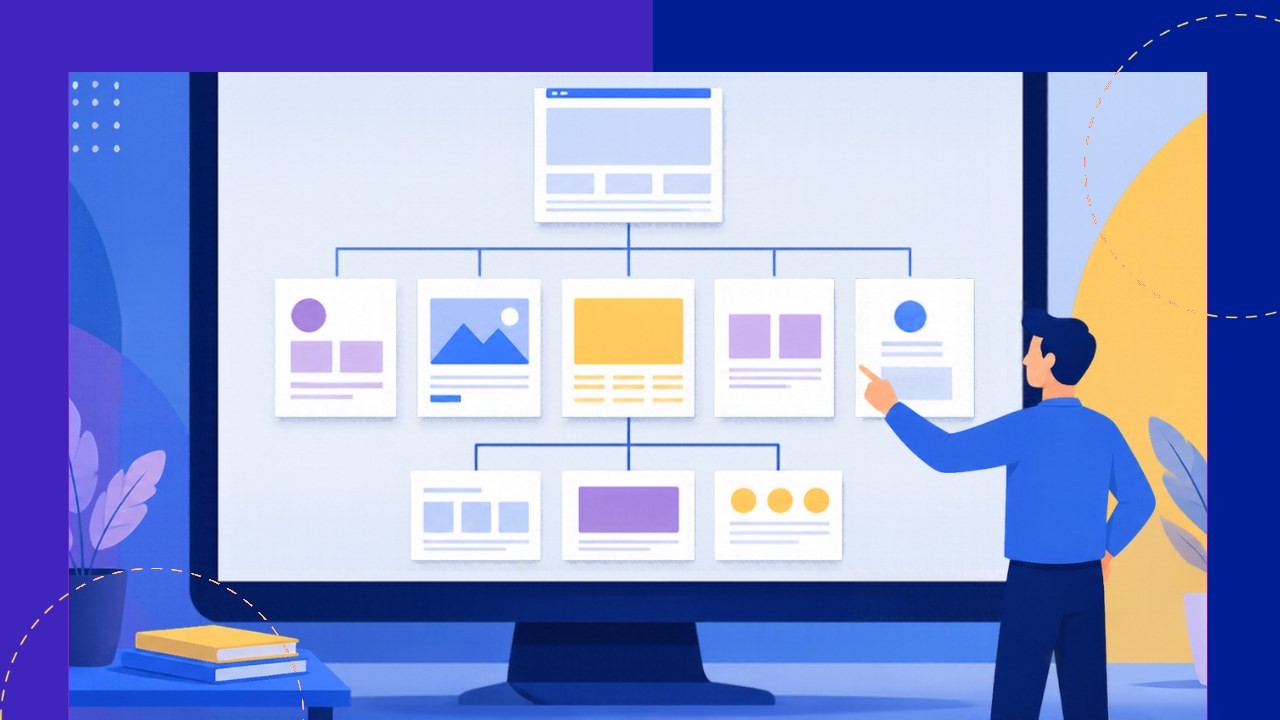
- Seven pages do most of the selling: a clear home page, service pages, industry pages, case studies, an about page, an engagement models page and a simple quote page.
- Each page should answer one buyer question, show proof instead of claims and point to a single next step.
- Even a strong site leaves most visitors anonymous, so you also need a way to see which companies are reading it.
- Marketing Hub’s Source Track helps you identify and follow up with the companies visiting your site.
A buyer in Chicago opens five provider sites in five tabs, and within a minute, three of them are closed.
The survivors are not always the biggest firms. They are simply the ones that answer the buyer’s questions fastest.
Your BPO website works as a sales rep that never sleeps, but only if it has the right pages doing the right jobs.
7 pages that turn visitors into clients
Think of these pages as a path that runs from “Who are you?” to “How do I start?”
1. A home page with clear positioning
Your home page has a few seconds to say who you serve and what you do.
Nielsen Norman Group’s homepage guidance says the page should quickly and clearly convey what your organization does, so visitors never have to guess.
A line like “Customer support teams for US ecommerce brands” beats “World-class solutions for global businesses” every time.
Below it, add your locations and one clear button, such as “Get a quote.”
2. Service pages for each offer
Give every core service its own page instead of cramming them into one long list.
Explain what the team does each day, which tools it uses and how you measure quality.
3. Industry pages that speak the buyer’s language
A healthcare buyer and a fintech buyer worry about very different things.
Industry pages let you speak to each group’s rules, workflows and risks, such as HIPAA for clinics or chargebacks for online stores.
This matters because buyers often shortlist providers with experience in their field.
4. Case studies with real numbers
Case studies turn your claims into evidence.
Google’s guidance on helpful content asks whether a page clearly demonstrates first-hand expertise and a depth of knowledge, and a good case study does exactly that.
Show the client’s starting problem, what your team did and the result, even if you have to anonymize the client’s name.
Keep each one short and specific, because the best BPO case studies read like proof, not marketing.
5. An about page that shows real leaders
Buyers may hand you their customers or their data, so they want to see the people in charge.
Add real photos and short bios of your leadership team, along with your founding story and certifications.
6. A pricing or engagement models page
Hiding pricing completely can push buyers toward providers that are more open.
You do not need a full rate card, but you can explain your models, such as dedicated staff, shared seats or project-based work.
Adding a typical range or sample scenario gives buyers enough to judge fit before they call.
7. A contact or quote page that is easy to finish
Your quote form is where interest becomes a lead, so every extra field costs you something.
The UK government’s design guidance tells teams to make sure you know why you’re asking every question, and that rule suits B2B forms too.
Ask for name, work email, company, service needed and team size, then save the rest for the discovery call.
Add a calendar booking link and set a clear expectation, such as “We reply within one business day.”
What each page must include at a glance
This table sums up each page’s job, its must-have element and the mistake to avoid.
| Page | Must include | Common mistake |
|---|---|---|
| Home | Who you serve, what you do, one main call to action | Vague slogans with no specifics |
| Service pages | Daily tasks, tools, quality measures | One page listing every service |
| Industry pages | Sector risks, rules and relevant proof | Swapping the industry name into the same copy |
| Case studies | Problem, approach, measurable result | Testimonials with no numbers |
| About | Named leaders, photos, certifications | Stock imagery and generic values |
| Engagement models | Models, sample scenarios, what affects cost | “Contact us for pricing” and nothing else |
| Contact or quote | Short form, booking link, response time | Long forms that ask for budget upfront |
Conversion tips that apply to every page
Great pages still underperform when the basics around them are weak.
First, give every page one primary call to action, so visitors never wonder what to do next.
Second, place proof close to that button, such as a client logo, a certification badge or a short quote.
Third, test your site on a phone, because decision-makers often open your link from LinkedIn or email on mobile.
Why most website visitors never fill in your form
Even a well-built site converts only a small share of its traffic into form fills.
The rest read your case studies, check your pricing page and leave without saying a word.
A 50-seat BPO in Davao might get dozens of company visits a week and hear from two or three of them.
Those silent visitors are often your warmest prospects, which is why it pays to learn how to turn anonymous website visitors into leads.
How Marketing Hub helps your BPO website win more clients
Once your seven pages are live, the next step is knowing who is reading them.
- Source Track identifies, tracks, enriches and engages visitors from your own website, so you can follow up with the companies behind your traffic.
- It also covers visitors to OA’s site, competitor BPO sites and your directory company page.
- A verified profile in OA’s directory of 4,000+ BPO companies puts you in front of buyers on a site that gets 400K+ monthly visits.
You can start with a free company page and a strategy call, then add Source Track on the Standard plan for $29 a month through Marketing Hub.
Frequently asked questions
Here are quick answers to common questions about building a BPO website.
How much does a BPO website cost to build?
Costs vary widely with design and page count. A template site with your seven core pages costs far less than a custom build, and you can upgrade later.
How long does it take to launch these pages?
Most teams can launch a solid first version in a few weeks if the content is ready. Writing case studies and service copy usually takes longer than the design itself.
Who should write the content for a BPO website?
Involve your operations leads, even if a writer polishes the copy. Their details on tools and metrics make pages far more convincing.
How do you measure whether your website is working?
Track quote requests, booked calls and the share of visitors who reach your contact page. Review these numbers monthly and fix the pages where visitors drop off most.


 Independent