
Virtual patient check-in: How a remote front desk works for clinics

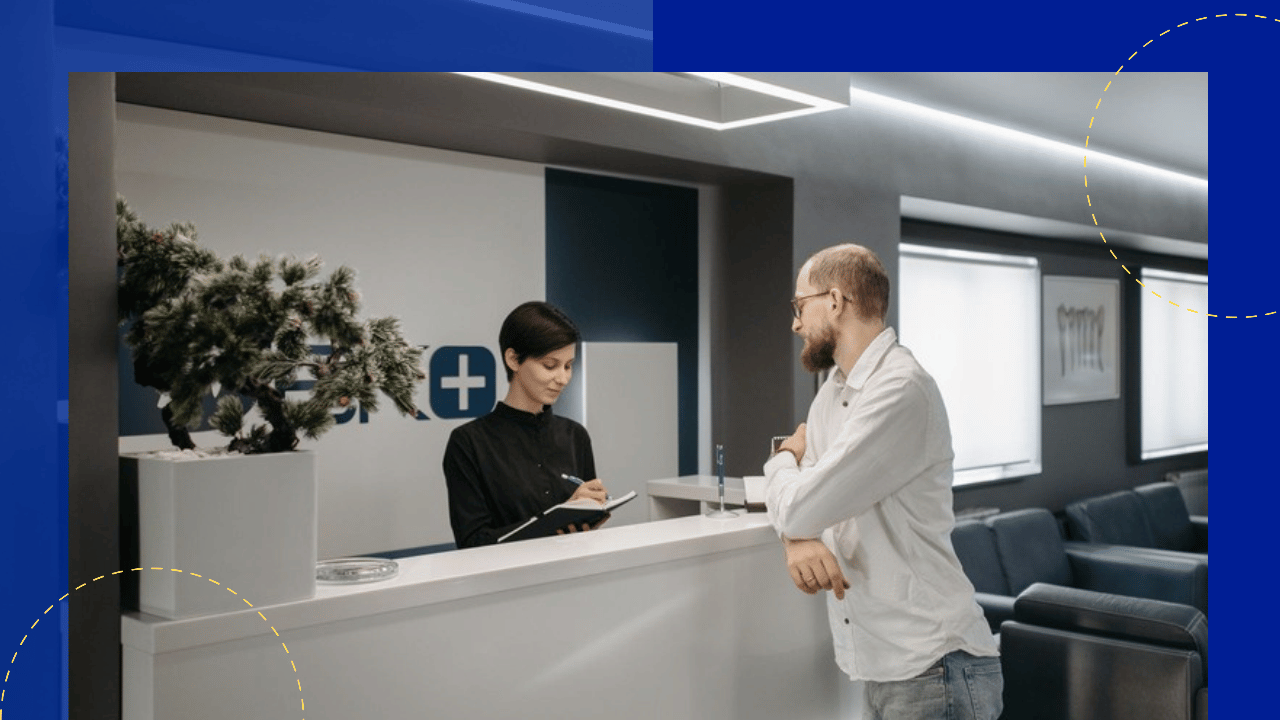
Many clinics have tried to fix a stretched front desk with self-service tablets. Patients end up tapping through forms alone, and staff still get pulled away to help.
There is a middle path. A trained person can greet patients on screen from another location, so the desk is covered without adding local payroll.
Michael Yablonowitz, president and CEO of Snapscale, explained how this works for US medical practices on the Outsource Accelerator Podcast.
This guide covers what virtual patient check-in is, how it differs from self-service kiosks, and how to set it up well.
At a glance
- Virtual patient check-in uses a screen at the front desk to connect patients with a live, remote team member.
- It cuts front desk costs while keeping a human in the patient’s first contact with the clinic.
- The hard part is managing on-camera staff and keeping every step HIPAA compliant.
- Start with one location, keep a person on site, and hold remote staff to a high standard.
What is virtual patient check-in?
Virtual patient check-in is a front desk model where a remote staff member greets patients through an on-site screen. The patient sees and talks to a real person, who guides them through intake.
The screen is often an iPad or a larger monitor at reception. The person behind it may sit in another city or another country.
Snapscale runs this model through a service it calls Kiosk Plus. Michael describes what the patient sees.
“The people walk into the clinics, they are greeted by a nice friendly face, and they put in, they fill out their paperwork, they pay their copay, and they move on.”
The same check-in tasks still happen. The difference is where the person doing them sits.
Why clinics are rethinking the front desk
Front desk staffing is a constant headache for small practices. One no-show can leave a single person handling phones, arrivals and payments at once.
Local pay adds up quickly too. The US Bureau of Labor Statistics puts the median receptionist wage in healthcare and social assistance at $19.00 an hour in May 2025.
A virtual receptionist answering the phone solves part of this. Virtual check-in goes a step further by putting that remote person in the waiting room.
Patients notice the difference. Intake forms confuse people, and a live guide helps.
“When you’re filling, you know, when you’re filling out paperwork, you’re like, ‘What’s going on here? What am I doing?'”
Virtual check-in vs self-service kiosks
Self-service kiosks and virtual check-in can look alike from the door. The gap shows once a patient gets stuck.
Here is how the two usually compare.
| Self-service kiosk | Staffed virtual check-in |
|---|---|
| Patient completes every step alone | A remote team member guides each step |
| Fails quietly when a form confuses someone | A person spots problems and helps in real time |
| No one to answer insurance or appointment questions | Questions get answered on the spot |
| Lowest running cost | Low cost, with a human in the loop |
Michael believes automation has a place, but not as a full replacement in healthcare.
“You still need some form of human interaction when things go wrong.”
Patients arriving at a clinic are often anxious, which makes that human contact matter more than in retail.
How one remote team can cover many locations
Virtual check-in also changes the maths for multi-site practices. Instead of one receptionist per office, a small central team can watch several front desks at once.
Michael gives an example from a physical therapy group.
“You take a physical therapy practice with like 27, you know, offices, there could be just, you know, a couple staff that are manning all of those offices on a big monitor seeing who’s coming in.”
Staff can shift attention to whichever clinic is busiest. That kind of load balancing is not possible with a local hire tied to one desk.
How to set up virtual patient check-in
Getting the technology running is the easy part. These five steps help the experience feel like part of your clinic, not a workaround.
1. Keep one person on site
Virtual check-in works best alongside a small local presence, not instead of it. Someone still needs to direct patients and handle anything physical.
Michael says every Snapscale clinic keeps that role.
“All of our clinics have, still have a front desk person. They just do.”
2. Hold on-camera staff to a higher standard
Phone work forgives a lot. Video does not, because patients see posture, background and focus.
Michael is candid about the extra effort.
“When you start having to staff for people on camera, it’s a whole, like, level of diligence because it’s, you know, how are they presenting themselves? You know, make sure they’re not eating when people come in.”
Set clear rules for dress, background and screen behavior before the first shift.
3. Brand the remote team as part of your clinic
Patients should feel they are talking to your clinic, not a vendor. Matching uniforms and logos help close that gap.
Snapscale handles this for its clients.
“They get like a polo or whatever they want, and then they get their, their logo. We print it with our print shops.”
4. Lock down HIPAA compliance first
Your remote check-in team will see protected health information. Under HIPAA, you must obtain satisfactory assurance that a business associate will safeguard that information before sharing it.
In practice, that means a signed business associate agreement (BAA) and a provider with real controls. Read more on HIPAA outsourcing before you choose.
Michael says this is where Snapscale started when it entered healthcare.
“The first thing you have to do is you have to help these doctors, your clients, be compliant.”
5. Hire for patience and warmth
Check-in staff deal with nervous, sometimes unwell people. Warmth matters as much as speed.
Michael credits the Philippine team with exactly that.
“The hospitality is fantastic. These people are amazing. They’re patient.”
Pair the right people with a clear patient intake management process, and check-in becomes the easiest part of the visit.






 Independent





