
How much does IT monitoring and support outsourcing cost?

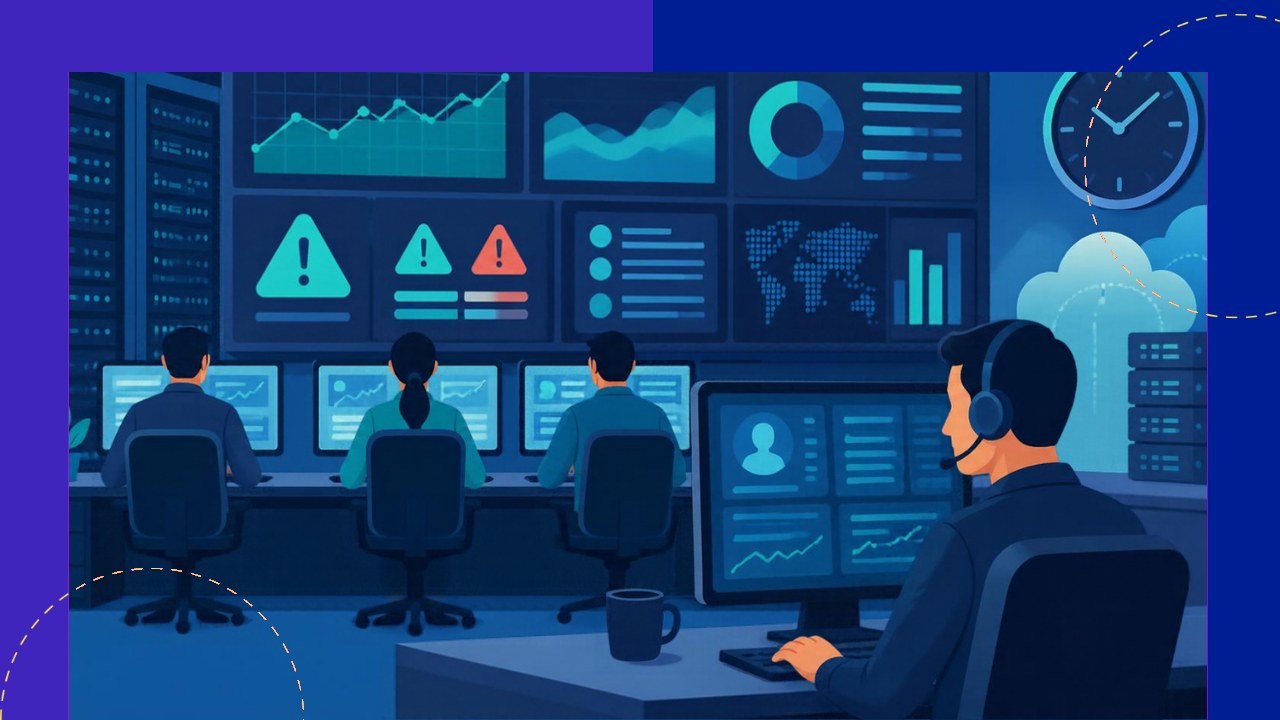
- IT monitoring and support outsourcing is usually priced per device, per user, per ticket, or as a flat monthly retainer.
- Per-user plans often land around $100 to $250 per user each month, but scope and coverage hours move that figure a lot.
- The biggest cost drivers are the hours of coverage, the number of support tiers, response-time promises, and the size of your estate.
Before you sign anything, it helps to know how IT monitoring and support outsourcing is actually priced. Providers do not quote one flat number. Instead, they build a price from how many devices or people they watch, how fast they must respond, and how many hours a day they stay on duty. Once you understand those levers, a quote stops looking like a mystery.
This guide breaks the cost down plainly. It covers what you are buying, the common pricing models, typical ranges, and the factors that move the price.
What you are paying for
Monitoring and support cover two linked jobs. Monitoring means watching your servers, network, and endpoints for problems around the clock. A network operations center, or NOC, often handles this work. Support means fixing issues when people raise them, usually through a help desk.
Most providers split support into tiers. Tier 1 answers common questions and resets passwords. Tier 2 handles harder faults. Tier 3 brings in senior engineers for deep problems. More tiers and faster fixes cost more.
Monitoring also adds security value. NIST describes continuous monitoring as “maintaining ongoing awareness of information security, vulnerabilities, and threats.” That constant watch is a big part of what you pay for.
The main pricing models
Four models dominate the market. Each suits a different kind of business, and many providers blend them.
Per device
Here you pay a set rate for each thing the provider manages. A workstation costs less than a server, and a firewall sits somewhere between. This model is easy to predict and easy to audit. It can get awkward, though, when one person uses several devices.
Per user
This model charges a flat fee for each employee, no matter how many devices they use. It fits modern teams well, since staff now carry laptops, phones, and tablets. Buyers like it because the bill tracks headcount, which is simple to plan around.
Per ticket
Some providers charge for each support request they resolve. This can work if your volume is low or very spiky. The risk is obvious: a bad month of incidents means a big bill.
Flat monthly retainer
A retainer wraps monitoring and support into one fixed fee. You pay the same amount whether the month is quiet or busy. That brings budget certainty, which finance teams value. Just read the fine print, because heavy projects often sit outside the retainer.
Typical cost ranges
Ranges vary by region, scope, and coverage. Still, published market figures give a useful starting point. Treat them as a guide, not a quote.
| Pricing model | Common billing unit | Indicative range |
|---|---|---|
| Per device | Per managed device, monthly | $20 to $100 |
| Per user | Per employee, monthly | $100 to $250 |
| Per ticket | Per resolved request | $15 to $50 |
| Flat retainer | Whole estate, monthly | $3,500 to $7,500 |
These bands assume standard coverage. Add round-the-clock monitoring, strict security rules, or guaranteed fast fixes, and the numbers climb. It pays to weigh the full cost-effectiveness of managed IT support against running the same functions in-house.
What drives the price up or down
Several factors decide where you land in those ranges. Understanding them helps you shape a quote rather than just accept one.
Hours of coverage
Business-hours support is the cheapest option. True 24/7 coverage costs much more, since the provider must staff nights, weekends, and holidays. Decide honestly which systems really need round-the-clock eyes.
Response and resolution targets
Tighter service level targets raise the price. A one-hour response promise needs more people on standby than a next-day one. Match the target to the system, so critical servers get speed and minor apps do not.
Size and complexity of your estate
More devices and more locations mean more work. Oddly, scale can also lower the per-unit rate. A 200-user firm often pays less per user than a 25-user firm, because fixed costs spread across a bigger base.
Location of the team
Where the team sits affects the rate heavily. For context, the U.S. Bureau of Labor Statistics reports that “the median annual wage for computer user support specialists was $61,860 in May 2025.” Offshore delivery can cut labour costs sharply, which is a core reason many firms outsource at all.
In-house versus outsourced cost
An internal desk looks simple until you add up the real cost. You pay salaries, benefits, tools, training, and cover for sick days and holidays. A single senior engineer can cost well over six figures once you load every extra on top.
Outsourcing turns most of that into one predictable bill. You also skip the hiring effort and the risk of a key person leaving. The trade-off is less direct control, which a strong contract should pin down.
Keeping the bill under control
You can shape the cost before you commit. Right-size the scope first, so you only pay for coverage you truly need. Ask for a clear list of what the price includes and what counts as extra.
Then watch the monthly reports. If ticket volume keeps falling, you may be able to drop a tier or renegotiate. A good provider will welcome that talk.
Frequently asked questions
Are setup or onboarding fees charged separately?
Often, yes. Many providers bill a one-time fee to document your systems, install monitoring agents, and build runbooks. This can run from a few hundred to several thousand dollars. Ask for it in writing, since a low monthly rate can hide a steep start-up charge.
Does outsourcing monitoring reduce cyber-insurance premiums?
It can. Insurers often reward proof of continuous monitoring and fast incident response with better terms. Keep the provider’s logs, because your insurer may ask for evidence that controls are active and watched.
What is usually excluded from a standard quote?
Big one-off projects are the common gap. Cloud migrations, office moves, and major hardware rollouts typically sit outside a support contract. Clarify the line between everyday support and project work before you sign.
How long are these contracts, and can you scale down?
Terms of 12 to 36 months are typical, and longer deals often earn a discount. Check the clause for reducing users or devices, not just adding them. Scaling in both directions protects you if headcount shrinks.






 Independent





