
IT infrastructure management: the complete guide

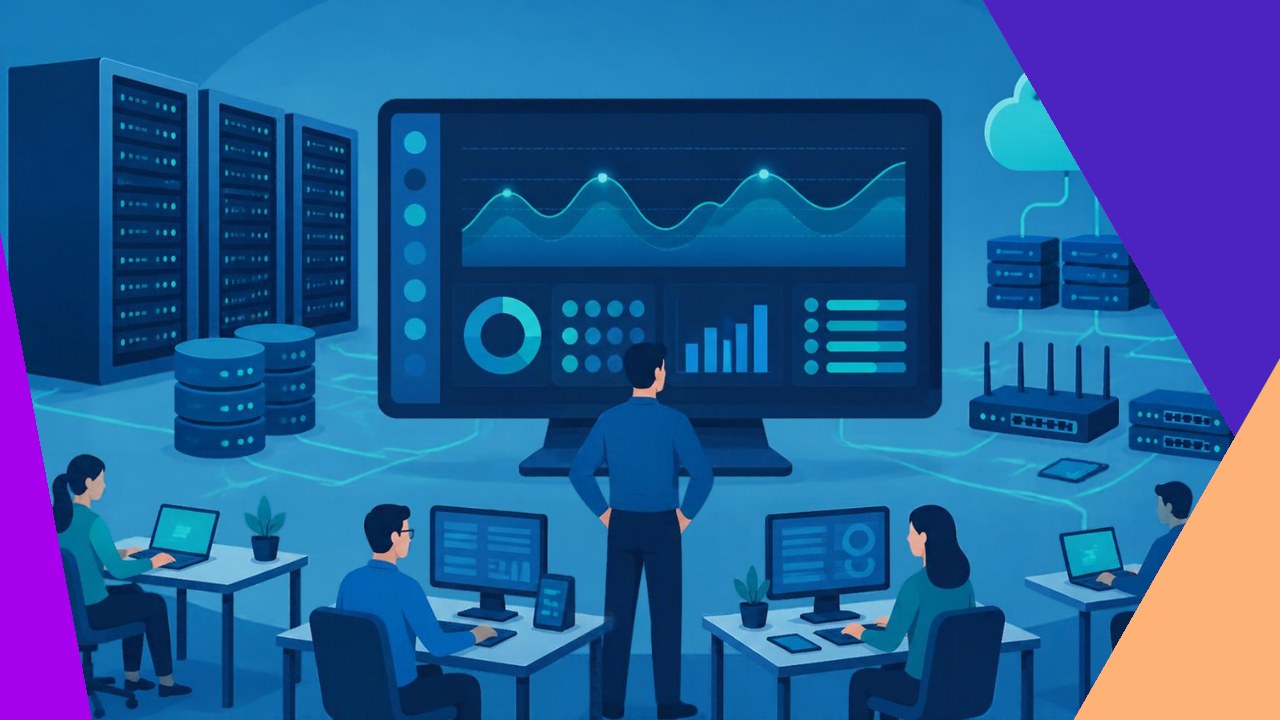
- IT infrastructure management keeps servers, networks, storage, cloud, and endpoints available, secure, and ready for growth.
- The core work splits into five jobs: monitoring, maintenance, lifecycle planning, security, and capacity.
- Teams can run it in-house, use a managed services partner, or mix both, depending on scale, budget, and risk.
IT infrastructure management is the practice of keeping the technology that runs a business healthy, secure, and reliable. It covers the parts that power daily work: servers, networks, storage, cloud services, and the laptops and phones your people use. The goal is simple to state and hard to do. Keep everything running, fix problems fast, and plan ahead so systems never hold the company back.
This guide covers what the discipline includes and how to do it well: the components you manage, the routines that keep them stable, and the choice between running it yourself or using outside help.
What IT infrastructure management covers
At its heart, this work spans five connected layers. For the foundational view of each part, our breakdown of the technology stack behind business growth is a good starting point. Here, the focus is on managing those layers once they exist.
Servers and compute
Servers do the heavy lifting. Physical, virtual, or containerized, they need patching, tuning, and backups. Good management keeps them patched on schedule and sized to match real demand, so you neither overpay nor run short.
Network
The network ties everything together: routers, switches, firewalls, Wi-Fi, and the links between sites and the cloud. Teams watch traffic, control access, and guard uptime, because a network outage stops almost every other service.
Storage and data
Storage holds the data the business depends on. Management here means protecting that data, tiering it by how often it is used, and testing backups. A backup you never restore is only a guess, so smart teams rehearse recovery often.
Cloud
Most firms now run part of their stack in the cloud. Managing it means controlling cost, access, and configuration across one or more providers. A shared reference point helps, which is why NIST built a cloud computing reference architecture to map how the pieces fit.
Endpoints
Endpoints are the devices your staff touch every day. Laptops, phones, and tablets all need setup, updates, and security policy. With remote and hybrid work, this layer is often where attacks begin.
The five core management disciplines
Managing these components well is not one task. It is a set of repeating routines, and five matter most.
1. Monitoring
You cannot fix what you cannot see. Monitoring tools track health, performance, and alerts across every layer in real time, so you catch a problem before users feel it. NIST frames this as continuous visibility, noting that the point is “to assist organizations in the development of a continuous monitoring strategy” in its guide on information security continuous monitoring.
2. Maintenance and patching
Software ages, and known flaws get exploited. Regular patching, firmware updates, and hardware checks keep systems safe and stable. A clear schedule beats scrambling after an outage, and it cuts the surprise failures that burn weekends.
3. Configuration and change control
Every change to a system carries risk. Configuration management tracks how each part is set up and reviews changes before they go live. Done well, it prevents drift and makes problems easier to trace.
4. Security
Security runs through all of this, not beside it. Access control, encryption, segmentation, and tested backups all sit here. Treating security as part of configuration keeps systems safe while they meet business needs.
5. Capacity and lifecycle
Hardware and licenses do not last forever. Lifecycle planning tracks what you own, when it expires, and when to replace it. Capacity planning looks ahead, so growth never outpaces your systems.
In-house, managed, or hybrid
Once you know the work, the question becomes who does it. Three common models exist, each suited to a different stage of company.
| Model | Best for | Trade-off |
|---|---|---|
| In-house team | Firms with steady scale and specific needs | Full control, but high cost to hire and retain skills |
| Managed services partner | Growing firms that want 24/7 coverage fast | Lower overhead, but you depend on a provider |
| Hybrid | Teams that keep core control and offload routine work | Flexible, but needs clear ownership to avoid gaps |
Many companies start in-house, then shift routine monitoring and patching to a partner as they scale. If you weigh that path, our look at common mistakes when handing off infrastructure work flags the traps to watch.
How to build a management plan that holds up
A strong plan starts with an inventory. You cannot protect or budget for assets you have not counted. From there, set service targets, such as uptime and response time, so everyone agrees on what good looks like.
Next, write down your routines. Document who patches what, how changes get approved, and how backups get tested. Clear records turn tribal knowledge into a repeatable process.
Finally, review and improve on a cycle, because security needs change and so do your systems. NIST treats this as part of security-focused configuration management, a practice it frames as keeping systems safe while they still meet business needs, in its configuration management guide.
Frequently asked questions
How is IT infrastructure management different from IT support?
Support reacts to tickets and user issues as they arise. Infrastructure management works ahead of them and across the whole stack. It keeps platforms healthy so fewer tickets happen at all. The two work together, but management sits a layer below the help desk.
What does it cost to manage IT infrastructure well?
Cost depends on scale and model. In-house teams carry salaries, tools, and training. Managed partners usually charge a monthly fee per device or per user. The hidden savings come from fewer outages and longer hardware life, which rarely appear on the first quote.
Which metrics show infrastructure management is working?
Watch uptime, mean time to repair, patch compliance, and backup success rate. Together these show whether systems stay available and recover quickly. A rising backup success rate and a falling repair time are clear signs of a maturing program.
How often should infrastructure be reviewed?
Monitor continuously, patch monthly or faster for critical fixes, and run a full lifecycle and capacity review at least twice a year. Fast-growing teams may need quarterly reviews, since demand can outrun last year’s plan quickly.






 Independent





