
Multichannel outreach for BPOs: How to sequence email, LinkedIn, and calls

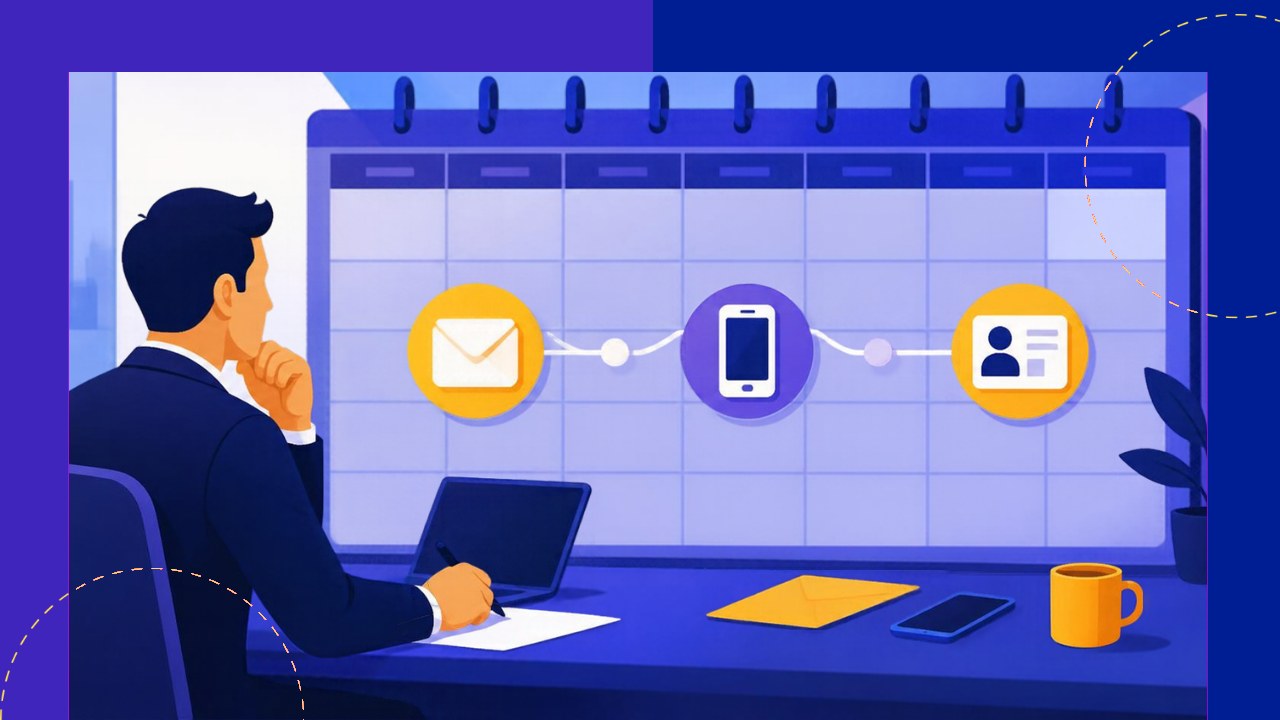
- Single-channel outreach stalls because most outsourcing buyers ignore the first touch, whichever channel it arrives on.
- Multichannel outreach works when email, LinkedIn and calls follow one planned sequence, each with a clear job, rather than running as separate efforts.
- A three-week cadence of about ten touches, with personalization matched to account value, gives most prospects several chances to respond without feeling chased.
- Fast reply handling, respectful opt-outs and measuring results by step and by channel turn a decent sequence into a reliable one.
- Sales Hub helps you build these sequences across email, LinkedIn and phone, with reply tracking and campaign analytics.
Your rep sends a great email. No reply. A week later, they call. Voicemail. Then they connect on LinkedIn and pitch the same thing again. The prospect now sees three unrelated messages from someone they barely remember.
That is not multichannel outreach. It is three single-channel attempts that happen to share a target. Real multichannel outreach means each touch builds on the last, so the email makes the call warmer and the call makes the LinkedIn message familiar.
This guide gives you a sample three-week cadence, the role each channel plays and how to measure it. If you still need to weigh the channels on their own merits, start with this comparison of email, LinkedIn and cold calling.
Give each channel a clear job
A sequence works when every channel has a defined purpose. Without that, reps repeat the same pitch everywhere and buyers tune out.
- Email carries the argument. It holds the trigger, the value and the ask in writing that buyers can forward.
- LinkedIn builds familiarity. Profile views, comments and short messages put a face to the name.
- Calls create urgency. A two-minute conversation can achieve what five emails cannot, and even a voicemail adds a human voice.
For example, a 50-seat BPO in Davao targeting US ecommerce brands might use email for the cost case, LinkedIn to share a short client story and calls to ask about peak-season staffing.
A sample 3-week multichannel cadence
The cadence below uses ten touches over 19 days. It assumes a single decision-maker at a mid-sized account. Adjust the spacing to your market, but keep the logic: alternate channels, and make every touch reference the one before.
Here is the day-by-day plan, with the goal of each step.
| Day | Channel | Action | Goal |
|---|---|---|---|
| 1 | Trigger-based opener with a soft ask | Introduce the reason for reaching out | |
| 1 | View profile, like or comment on a recent post | Make your name familiar | |
| 3 | Connection request, no pitch | Open a second channel | |
| 4 | Phone | Call, leave a short voicemail referencing the email | Add a human voice |
| 6 | Reply to the first email with one new detail | Stay visible in the same thread | |
| 9 | Short message sharing a useful resource | Give value with no ask | |
| 11 | Phone | Second call at a different time of day | Catch them live |
| 13 | Peer proof or short case summary | Reduce perceived risk | |
| 16 | Phone | Final call attempt | Ask directly about timing |
| 19 | Breakup email | Close the loop politely |
Notice the rhythm. After the opening touches, no channel appears twice in a row, and touches thin out toward the end.
How many touches is enough
Most outsourcing sellers stop too early. Two emails and a call rarely reach a busy COO. On the other hand, 20 touches in a month feels like harassment.
Eight to 12 touches over three to four weeks is a sensible range for cold accounts. After the breakup email, move the prospect into a quarterly nurture track. Then start a fresh sequence only when a new trigger appears, such as a funding round or a new leader.
Volume also has a deliverability cost. Google’s sender rules ask senders to keep spam rates reported in Postmaster Tools below 0.3%, so pushing extra emails to unengaged contacts can hurt every future campaign.
Match personalization to account value
Not every prospect deserves the same effort. Instead, sort accounts into three tiers and personalize accordingly.
- Tier 1 (top 20 accounts): every touch is hand-written, using news, job posts and the prospect’s own posts.
- Tier 2 (next 100 accounts): templates with a personalized first line and an industry-specific example.
- Tier 3 (wider list): industry templates with a relevant trigger, plus light LinkedIn engagement.
Keep LinkedIn steps manual at every tier. LinkedIn says it does not permit third-party software or browser extensions that automate activity, and accounts that use them risk restriction.
Handle replies fast and respectfully
A sequence is only as good as what happens when someone answers. Pause all remaining steps the moment a prospect replies on any channel. Nothing kills trust faster than an automated follow-up after a buyer has already said “call me Tuesday.”
Sort replies into four buckets: interested, not now, wrong person and not interested. Book the interested ones within the same day. Schedule “not now” replies for the month they name. Ask wrong contacts for a referral, then start a new sequence with the right person.
Respect opt-outs immediately. Under US law, the FTC says opt-out requests must be honored within 10 business days, and that applies to business email too. Most teams simply remove the contact the same day.
Measure sequence performance by step
Overall reply rate hides too much. Instead, track results at three levels:
- By step: which touch generates the most replies, and which gets ignored.
- By channel: how many meetings start from email, LinkedIn or phone.
- By outcome: meetings booked and opportunities created per 100 prospects.
Review the numbers every two weeks, change one step at a time and give each test enough volume to mean something. Over time, these numbers become part of a repeatable outsourcing sales framework your whole team can follow.
How Sales Hub helps you run multichannel outreach
Running ten touches across three channels by hand gets messy fast. Sales Hub is built for outsourcing sellers and supports each part of the process:
- Engage runs automated multichannel sequences across email, LinkedIn and phone, with personalized templates and reply tracking.
- Campaign analytics plus open, reply and click tracking show which steps work.
- Explore and Enrich supply triggers such as recent funding or new C-suite hires, plus verified contact details.
Start on the Free Forever plan, or try the 7-day trial for $7 to test a full sequence.






 Independent





