
How to build an ideal customer profile for a BPO

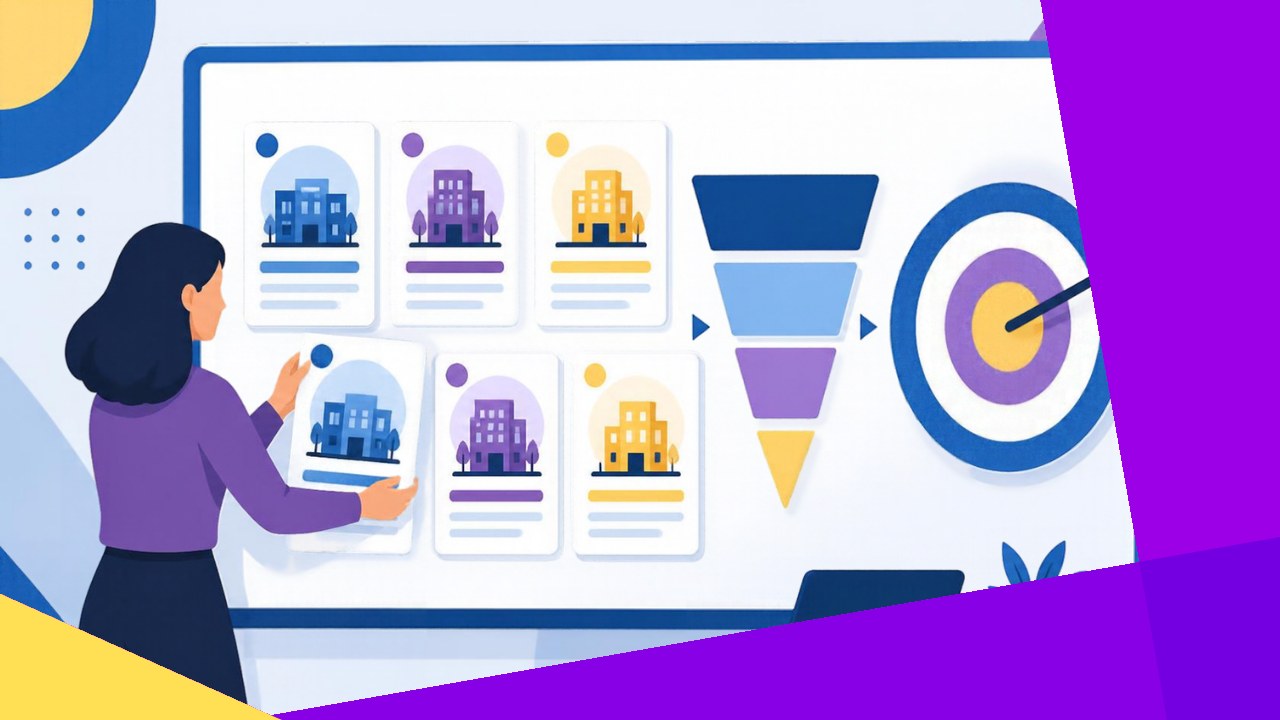
- Most BPOs chase any company with a budget, which spreads sales effort thin and fills the pipeline with deals that never close.
- An ideal customer profile for a BPO fixes this by defining the companies you win most often, using firmographics, technographics, offshore readiness, service fit and deal size.
- Your own closed-won and closed-lost data should shape the profile, not guesswork or the logos you wish you had.
- A profile only works once it becomes search filters your team uses every day, and it needs a quarterly review as your services and markets change.
- Sales Hub turns the finished profile into live prospect lists with filters such as offshore teams, remote hiring and recent funding.
Picture a 40-seat BPO in Cebu with two salespeople. One week they pitch a dental clinic in Ohio, the next a fintech in London. Every pitch starts from zero, and almost none close.
The problem is not effort. It is focus. An ideal customer profile for a BPO tells your team which companies to chase and, just as usefully, which ones to ignore. Buyers notice the difference, too: Gartner research cited by Salesforce found that 73% of B2B buyers actively avoid sellers who send irrelevant outreach.
Here is how to build one in seven steps.
What an ideal customer profile is (and is not)
An ideal customer profile (ICP) describes the type of company that gets the most value from your services. A buyer persona, by contrast, describes the person inside that company, such as a COO or a head of customer support.
A great persona inside the wrong company still produces a dead deal. So start with the company, then map the people. It also helps to agree as a team on what counts as a qualified outsourcing lead before you begin.
7 steps to build your BPO ideal customer profile
Work through these in order. Each step narrows the field.
1. Start with your closed-won and closed-lost deals
Pull your last 20 to 30 closed deals, both won and lost. Note the industry, headcount, location, service, contract value and cycle length for each. Then look for patterns.
You might find that your three best accounts are all US healthcare companies with 200 to 500 staff, while every enterprise deal stalled in procurement. That is your profile starting to take shape.
2. Define your firmographics
Firmographics are the basic facts about a company: industry, employee count, revenue band, location and growth stage. Keep the ranges tight. “Mid-market” means nothing, while “US and Australian companies with 100 to 1,000 employees” gives your team something to search for.
3. Add technographics
Technographics describe the tools a company runs. Your agents work inside the client’s systems, so clients on platforms your team already knows usually ramp faster and churn less.
4. Score offshore readiness
Some companies are ready to outsource now, while others are years away. Signals include existing offshore staff, repeated support job postings, recent funding and fast hiring. A company already working with an offshore team is a far warmer target. This guide to spotting companies that are ready to outsource covers the internal pain points in more depth.
5. Match service fit
Map your strongest services against what each segment needs. A back-office finance specialist should not chase voice support just because that market looks bigger.
Deloitte’s outsourcing research found that skilled talent and agility now join cost reduction as key drivers for outsourcing. So if your edge is specialist talent, aim at companies that hire for skill, not only for price.
6. Set a target deal size
Decide your minimum and ideal contract size in seats and monthly value. A five-seat deal can cost almost as much to win and onboard as a 30-seat one. Therefore, many BPOs set a floor (say, eight seats) and treat anything smaller as a nurture lead.
7. Review the profile every quarter
Each quarter, compare new wins and losses against the profile. Did a new industry start closing? Did a market slow down? Adjust the ranges and retire criteria that no longer predict wins.
How to turn your ICP into prospecting filters
A profile that lives in a slide deck changes nothing. The real test is whether a rep can turn it into a list of 200 named companies by lunchtime.
The table below shows how each ICP element becomes a searchable filter.
| ICP element | Example criterion | Prospecting filter |
|---|---|---|
| Firmographics | US healthcare, 200 to 1,000 staff | Industry, headcount, country |
| Technographics | Runs a major helpdesk platform | Tech stack |
| Offshore readiness | Already has offshore staff | Companies with offshore teams |
| Growth signals | Hiring fast or newly funded | Recent funding, job postings in the past 24 hours |
| Service fit | Needs chat and email support | Open roles in customer support |
| Deal size | Eight seats or more | Headcount in the target department |
Once the filters are set, add the persona layer. HubSpot’s research shows that 25% of sales professionals say getting in direct contact with decision-makers is one of their biggest challenges. Naming exact target titles, such as COO, shrinks that problem.
Avoid two classic traps: a profile so broad it fits everyone, and one built around logos you merely hope to win.
Finally, connect the profile to your wider plan. Your ICP should shape messaging, pricing and channels, which is why it sits at the heart of any BPO go-to-market strategy.
How Sales Hub turns your ideal customer profile into live prospect lists
Once your ICP is written down, the work shifts to finding companies that match. Sales Hub, a sales intelligence platform built for the outsourcing industry, maps closely to the steps above. Its Explore tool searches 10M+ verified business contacts with filters across 50+ data points.
- Offshore readiness: filter for companies with offshore teams, companies hiring remote roles and competitors of companies that already offshore.
- Growth signals: target recent funding, site expansion, new C-suite hires and job postings from the past 24 hours.
- Firmographic depth: the Enrich tool adds revenue, headcount and recent news.
You can test your ICP filters on the free plan, which includes 50 credits per user per month and a strategy call with the OA team.






 Independent





