
Employee monitoring technology: the pros and cons

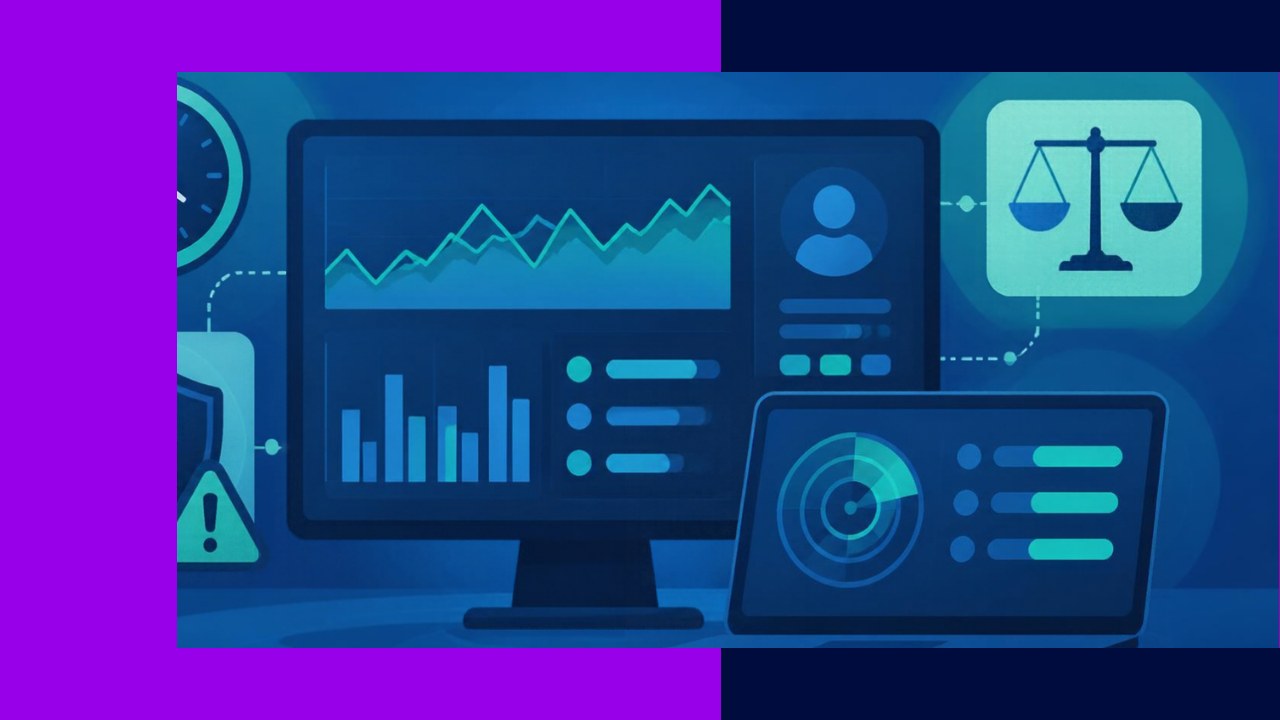
- Employee monitoring technology is a broad category of tools that track work activity, from time logs to screen and network monitoring.
- Used well, it lifts productivity, strengthens security, and supports fair reviews; used badly, it erodes trust, morale, and privacy.
- The difference comes down to transparency, legal compliance, and a clear business reason for every tool you switch on.
Employee monitoring technology covers the tools that record and measure how people work, such as time trackers, activity loggers, screen capture, and network monitoring software. Managers reach for it to understand output, protect data, and keep remote teams on track. Yet the same tools can feel like surveillance when they go too far.
So the real question is not whether to monitor. It is how much, with which tools, and on what terms. Get that balance right and the technology helps both sides. Get it wrong and you pay for it in trust.
This guide breaks down the main types of tools, the clear benefits, and the honest trade-offs. It also shows how to deploy monitoring in a way that stays legal and fair.
What counts as employee monitoring technology
The category is wider than most people expect. At the light end sit simple time-tracking apps and project tools that log tasks. In the middle sit activity monitors that record app usage, websites, and idle time. At the heavy end sit screen recording, keystroke logging, email scanning, and GPS tracking.
Each tool answers a different question. A time tracker asks how long work takes. An activity monitor asks where attention goes. Security tools ask whether sensitive data is leaving the building. So the trade-offs differ as much as the tools do.
Most modern platforms bundle several features together. That is convenient, but it also lets you switch on far more surveillance than you need. For a fuller view of the options, our rundown of monitoring platforms built for distributed teams compares common feature sets.
The pros: why companies monitor
Productivity and visibility
Good data replaces guesswork. When managers see where time actually goes, they spot bottlenecks, uneven workloads, and tasks that eat hours. Remote teams benefit most, because output is harder to gauge from a distance. Done openly, this is about fixing broken processes, not catching slackers.
Security and compliance
Monitoring also protects data. Network and endpoint tools flag unusual downloads, risky file transfers, and logins from strange locations. For firms handling customer records or financial data, that early warning matters. It can turn a reported breach into a blocked threat.
Fairer reviews and accountability
Clear records help managers judge performance on facts rather than impressions. That supports honest feedback and protects staff from bias. In fact, Gallup found that “62% are very or somewhat comfortable with their employer using activity data to help managers support team effectiveness and goals,” according to its research on employee data use. Framing matters, though. People accept monitoring when it clearly helps them.
The cons: what it costs
Privacy and trust
Heavy monitoring sends a message, and it is rarely a good one. The same Gallup study found only one in five employees fully trust leaders to use their data responsibly. When people feel watched rather than supported, they disengage.
Morale and behavior
Surveillance can also backfire in surprising ways. Research published in Harvard Business Review found that monitoring employees makes them more likely to break rules, partly because people feel less responsible for their own conduct. Instead of better behavior, you may get resentment and workarounds. Stress rises, and creative work often suffers.
Legal and compliance limits
The law does not give employers a free hand. Rules vary by country and by state, and the penalties are real. That turns careless monitoring into a liability rather than a safeguard. We cover the fixes next.
Pros and cons at a glance
| Pros | Cons |
|---|---|
| Clear visibility into how work gets done | Can feel like surveillance and invade privacy |
| Early warning on security and data risks | Erodes trust when staff are not consulted |
| Objective data for fair performance reviews | May lower morale and even prompt rule-breaking |
| Helps manage remote and hybrid teams | Legal exposure if notice and consent are skipped |
How to monitor ethically and legally
The goal is simple. Collect what you genuinely need, tell people clearly, and nothing more. Here is a practical way to stay on the right side of the line.
Start with a business reason
Every tool should answer a real question, such as protecting client data or balancing workloads. If you cannot name the reason, do not switch it on. Narrow monitoring is easier to defend and easier to trust.
Be transparent and get consent
Tell employees what you track, why, and how the data is used. Many places also require it in writing. A Venable legal briefing advises employers to obtain signed acknowledgments and written consents before monitoring or recording communications, and some states mandate advance notice. When in doubt, check local law with counsel.
Limit scope and protect the data
Avoid capturing personal messages or off-hours activity. Restrict who can see the records, and delete them on a set schedule. The less data you hold, the smaller your risk if something goes wrong.
Tie it to outcomes, not surveillance
Use the data to coach and improve, not to punish. This mindset tends to raise performance rather than fear. For a deeper look at measuring output the right way, see our guide to tracking how your team performs. Results beat raw activity counts almost every time.
Frequently asked questions
Is employee monitoring legal?
In many countries, yes, but with conditions. Employers usually need a legitimate business purpose, and often notice or consent too. The standard is strictest for personal communications and in regions with strong privacy laws, such as the EU under GDPR. Always confirm the rules in each jurisdiction where your staff work before you deploy a tool.
What is the difference between monitoring software and tracking tools?
Tracking tools tend to measure time and tasks, which staff often see and even use themselves. Monitoring software can go further, capturing screens, keystrokes, or network traffic in the background. The line is roughly visible versus hidden, and consent should scale with how intrusive the tool is.
Does monitoring actually improve productivity?
Sometimes, and mostly through better process insight rather than pressure. Short-term output can rise when people know they are watched, but the gain often fades and morale drops. Lasting improvement comes from acting on the data, for example by removing bottlenecks, rather than from the watching itself.
How do I introduce monitoring without hurting trust?
Involve employees early and explain the problem you are solving. Pilot the tool with one team, gather feedback, and adjust the scope together. Share what you learn openly, and show that the data helps them, not just management. Transparency at the start prevents most of the backlash later.






 Independent





