
Digital HR transformation: the complete guide

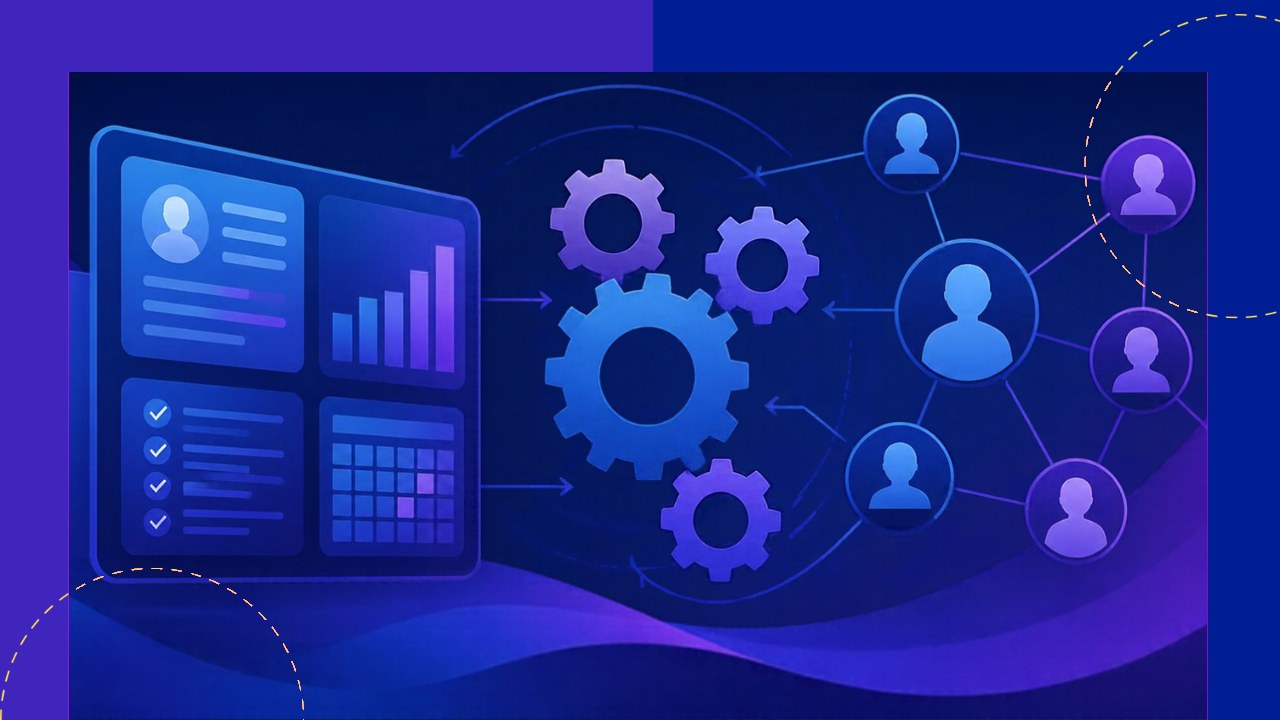
- Digital HR transformation swaps manual admin for connected software and data, so the HR team can focus on people instead of paperwork.
- Start with the processes that touch everyone: recruiting, onboarding, payroll, benefits, and employee self-service.
- Tools alone do not deliver results. Clean data, steady change management, and clear metrics decide whether the shift works.
Digital HR transformation is the move from paper forms and scattered spreadsheets to connected software that runs hiring, onboarding, payroll, and people data in one place. It is not a single purchase or a one-off project. Instead, it is an ongoing change in how the HR team works, decides, and supports employees.
Many HR teams still lose their days to manual admin. They chase signatures, re-key the same data, and field the same questions over and over. That work is slow, and it buries the real value HR can add. A digital approach automates the routine, so the team can spend more time on strategy and people.
This guide covers the HR tech stack, the processes worth automating first, and the change management that makes the shift stick.
What digital HR transformation actually means
At its core, this is about modernizing HR through technology and data. Four ideas sit underneath it. First, connect your systems so information flows without re-keying. Next, automate manual steps like approvals and reminders. Then, give employees self-service tools they can use on their own. Finally, use analytics to guide decisions instead of guesswork.
Note the difference from simply buying software. A new tool can still leave old habits in place. Real transformation changes the workflow around the tool, not just the login screen.
The HR tech stack: your foundation
Every digital HR setup needs a system of record. Usually that is an HRIS (human resources information system) or a broader HCM (human capital management) platform. In plain terms, it stores employee records, job details, pay data, and time off in one database. Everything else connects to it.
Around that core sit specialized tools: an applicant tracking system for hiring, a payroll engine, a benefits portal, and a learning platform. Because each one serves a different job, it helps to understand the main categories of HR software before you buy. A clear view keeps you from paying for overlap.
The real payoff comes from integration. When these tools share data, a new hire is entered once and appears everywhere. As a result, errors drop and staff stop copying records by hand.
Processes worth automating first
You do not need to digitize everything at once. Focus on the workflows that touch the most people and eat the most time.
Recruiting and hiring
An applicant tracking system posts jobs, screens resumes, and schedules interviews from one place. It also keeps candidates updated automatically. Adoption here is rising fast. According to SHRM research on automation and AI in HR, “Nearly 1 in 4 organizations report using automation or artificial intelligence (AI) to support HR-related activities, including recruitment and hiring.”
Onboarding
Digital onboarding sends offer letters, collects tax forms, and assigns training before day one. New hires complete paperwork online, so their first day is about the job, not the copier. A smooth start also lifts retention early on.
Payroll and benefits
Automated payroll pulls hours and pay rates straight from the system of record. That cuts manual entry and reduces costly errors. Benefits enrollment moves online too, where employees pick plans and see costs clearly. Fewer forms reach the HR inbox as a result.
Employee self-service
Self-service lets staff update details, request time off, and download payslips on their own. Managers approve requests in a few clicks. Because routine questions drop, the HR team gets hours back each week.
Turn people data into people analytics
Once your systems share data, you can finally measure what matters. People analytics tracks turnover, time to hire, absence, and pay gaps. Instead of hunches, leaders see patterns. For example, a spike in resignations in one team is a signal to act early. Good data also strengthens the case for HR at the budget table.
Manage the change, not just the tools
Technology is the easy part. People and habits are harder. Deloitte’s 2026 Global Human Capital Trends report notes that “Seven in ten business leaders prioritize becoming fast and nimble to adapt to changing market needs over the next three years.” That agility depends on how well teams adopt new ways of working.
So treat every rollout as a change project. Explain why the change helps, train people in small steps, and name an owner for each system. Clean your data first, because messy records will break even the best platform.
| Area | Traditional HR | Digitally transformed HR |
|---|---|---|
| Records | Spreadsheets and paper files | Single connected system of record |
| Hiring | Manual resume sorting | Applicant tracking and automated screening |
| Employee requests | Emails to HR | Self-service portal |
| Decisions | Gut feel | People analytics |
Where outsourcing fits
Not every team has the staff or budget to build all of this in-house. Many work with an outsourcing provider to run payroll, benefits administration, or an employee help desk. An offshore partner can also handle data entry during a system migration. This frees your core team to lead the change rather than staff it. The skills in demand are clear too. The U.S. Bureau of Labor Statistics notes that HR management roles now “require an understanding of human resources programs, such as compensation and benefits plans; human resources software,” and it projects steady growth in the field through 2035.
Frequently asked questions
How long does digital HR transformation take?
There is no fixed timeline. A single process, like onboarding, can go live in a few months. A full stack rollout often runs one to two years in phases. Most teams start small and expand once each phase proves its value, which spreads cost and lowers risk.
What is the difference between an HRIS and an HCM?
An HRIS handles core records: employee data, payroll, and time off. An HCM adds talent features such as performance reviews, learning, and succession planning. Smaller firms often begin with an HRIS and upgrade later, once headcount and complexity grow.
Does digital HR transformation cut jobs?
Usually not. It shifts work rather than removing it. Staff move from data entry toward advising managers and improving the employee experience. In short, the goal is better use of people, not fewer of them.
How do we measure success?
Pick your metrics before you start. Track time to hire, payroll error rate, self-service adoption, and employee satisfaction. Then compare each figure against your baseline every quarter. Clear numbers show progress and help justify the next round of investment.






 Independent





