
A practical guide to HIPAA-compliant workflows

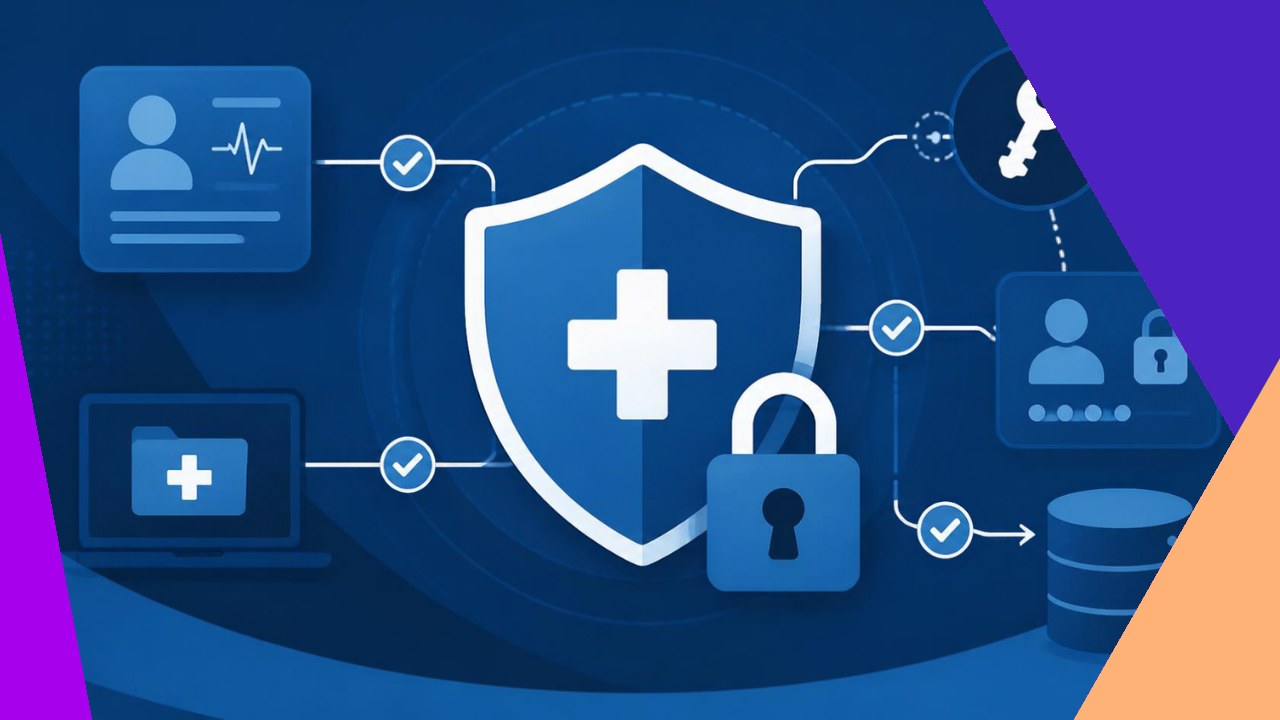
- HIPAA-compliant workflows build privacy rules into each step, so protected health information stays limited, logged, and locked by default.
- Focus on five design controls: minimum necessary access, role-based permissions, audit trails, encryption plus secure messaging, and a rehearsed breach response.
- Map every point where staff or vendors touch patient data, then attach a safeguard and a business associate agreement to it before the work goes live.
Most privacy incidents do not start with a hacker. They start with a form emailed to the wrong address, or a login that still works for someone who left months ago. That is why HIPAA-compliant workflows matter. Instead of trusting people to recall the rules, you design the process so the safe path is the easy path. The result protects patient data at every handoff, whether the task runs in your clinic or with an offshore partner.
A workflow is simply the ordered steps a task follows, plus who touches the data along the way. To make one compliant, ask three questions at each step. Who needs this information? How is it protected while it moves and rests? And how do you later prove the rules held?
Start with the minimum necessary standard
The Privacy Rule limits how much protected health information (PHI) a workflow should expose. In practice, staff should see only the data a task requires. A scheduler needs a name and a time slot, not a full diagnosis history.
To design for this, break each task into fields rather than whole records, then show only the fields that step needs. As federal guidance on HIPAA basics explains, “The HIPAA Privacy Rule covers protected health information (PHI) in any medium, while the HIPAA Security Rule covers electronic protected health information (ePHI).” The minimum necessary idea applies to paper intake forms and screen views alike.
Control access by role, not by person
Role-based access control is the backbone of a compliant workflow. You group permissions into roles, then assign people to roles. When someone joins, changes jobs, or leaves, you update one role instead of dozens of systems.
1. Define the roles first
List the jobs that touch data: front desk, coder, biller, clinician, supervisor. For each role, write down the exact systems and fields it can reach.
2. Apply least privilege
Give each role the smallest set of rights that still lets the work happen. If a biller never edits clinical notes, remove that right. Narrow access shrinks the damage a single mistake causes.
3. Review access on a schedule
Set a recurring check, perhaps quarterly, to confirm each active login still maps to a current role. Remove stale accounts at once, before an unused login becomes an open door.
Build audit trails into every step
An audit trail is a time-stamped record of who viewed or changed data. It turns “we think the process worked” into proof. If a regulator asks who opened a chart, the log answers.
Design your systems to log access automatically, not on request. Capture the user, the record, the action, and the time. Then store those logs where staff cannot quietly edit them. Regular review also flags odd behavior early, such as one account reading hundreds of charts overnight.
Encrypt data and move it through secure channels
Encryption scrambles data so only authorized systems can read it. You want it in two states: at rest in a database, and in transit between systems. A CDC overview of HIPAA notes that covered entities must “Ensure the confidentiality, integrity, and availability of all e-PHI,” and encryption is a direct way to do that.
Secure messaging matters just as much. Replace regular email and consumer chat apps with a channel built for PHI. Confirm the tool encrypts messages and controls who can join a thread. Many practices that use outsourced clinical support roles route all patient data through one approved, logged platform, not scattered inboxes.
Embed business associate agreements in the workflow
A business associate agreement (BAA) is a contract that binds any outside party handling PHI to HIPAA rules. The key design move is timing. Sign the BAA before data ever flows.
Make the BAA a gate in your process. No vendor, software, or offshore team touches live PHI until the signed agreement is on file. This covers billing services, transcription tools, and cloud storage alike. If you are weighing outsourced healthcare support functions, treat the BAA as step one of onboarding.
Match each safeguard to a workflow control
HIPAA groups protections into three safeguard types. The table links each one to a step you can design.
| Safeguard type | What it covers | Workflow control to build |
|---|---|---|
| Administrative | Policies and training | Role definitions, scheduled access reviews, staff sign-off |
| Physical | Facilities and devices | Locked screens, device rules for remote and offshore staff |
| Technical | Systems and data | Encryption, audit logging, secure messaging channels |
The rule treats administrative, physical, and technical safeguards as one set. A workflow that ignores any single column leaves an open door.
Plan the breach response before you need it
Even strong workflows fail sometimes, so the last design step is a rehearsed response. Decide in advance who gets called, how you contain the exposure, and how you record what happened. A clear playbook turns panic into a checklist.
Run a risk assessment to find the weak points first. The federal Security Risk Assessment Tool was “designed to help healthcare providers conduct a security risk assessment as required by the HIPAA Security Rule.” Repeat that assessment yearly, and after any major workflow change, so your controls keep pace with the work.
Frequently asked questions
How often should we retrain staff on a compliant workflow?
Beyond onboarding, most practices retrain at least once a year and again whenever a workflow changes or a near miss occurs. Short, task-specific refreshers stick better than one long annual session. Tie each session to the exact role a person holds, since a coder and a scheduler face different risks.
Does a HIPAA-compliant workflow need to be fully paperless?
No. The rules apply to paper and electronic records alike, so a mixed process can still comply. The catch is that paper is harder to log. If you keep physical forms, add controls like locked storage, sign-out sheets, and a shredding schedule to match the audit trail your digital systems provide.
Who is accountable when an offshore team causes a violation?
The covered entity keeps ultimate responsibility, which is why the BAA and access design matter so much. A signed agreement makes the vendor liable for their own conduct, yet your practice must still show reasonable safeguards. Document your access limits, training records, and monitoring to prove due diligence.
What is the fastest first step for a small clinic starting out?
Map one high-risk workflow end to end, such as patient intake, and mark every point where PHI appears. That single map usually reveals two or three quick wins, like an unencrypted form or a shared login. Fix those first to build momentum before you tackle the whole practice.






 Independent





