
Omni-channel customer support: a step-by-step checklist

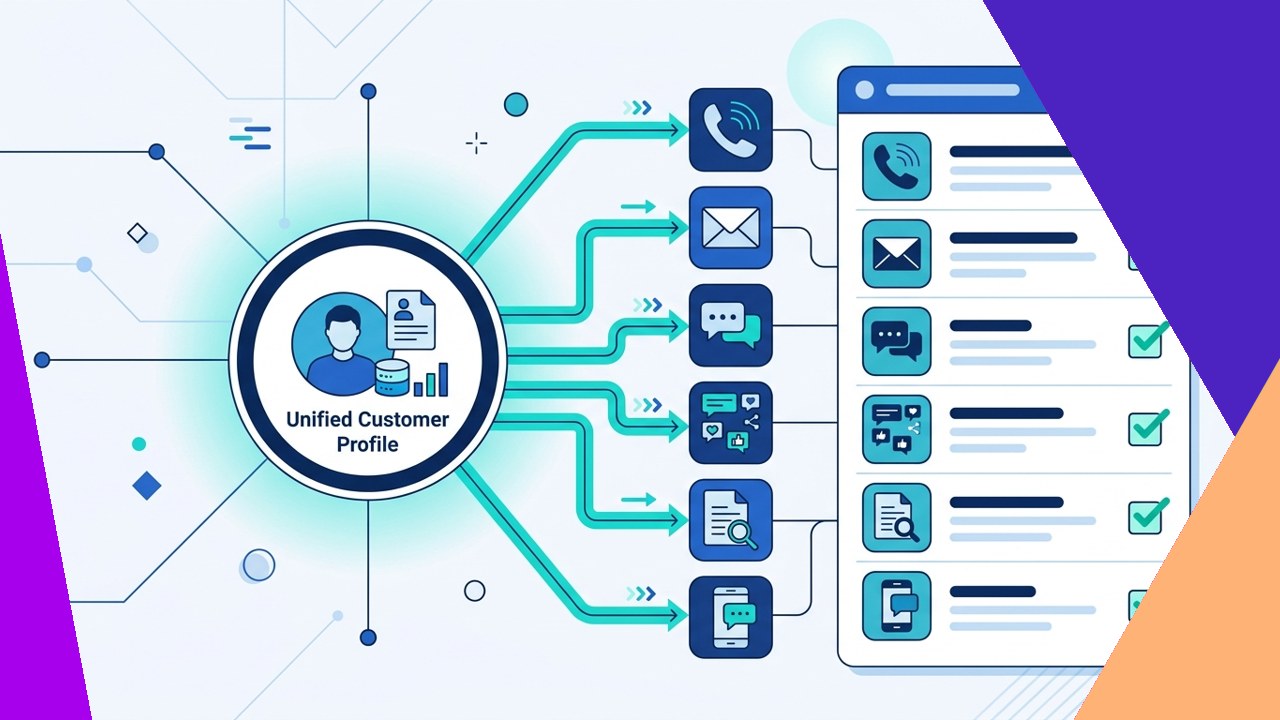
- Omni-channel customer support links every channel to one shared customer view.
- Start by mapping journeys and unifying data, then choose a platform.
- Track resolution, effort, and satisfaction, then refine the setup each quarter.
Omni-channel customer support connects phone, email, chat, social, and self-service into one continuous conversation. Customers switch channels often, so they expect an agent to remember the last message. A connected setup carries that context across every touchpoint. As a result, people repeat themselves less and resolve issues faster.
Building this model is a project, not a single purchase. The checklist below runs in order for a reason. First you map, then you unify data, then you pick tools. Because skipping a step usually creates silos later, follow the sequence closely.
This guide stays action-oriented. Work through the seven steps to launch support that feels joined-up to the customer.
Plan your omni-channel foundation
1. Map customer journeys and channels
Start with how people actually reach you. List every channel, then note the top reasons customers use each one. For example, billing questions may cluster in email, while urgent issues spike on phone. Sketch a few common journeys from first contact to resolution. Because channels serve different jobs, match each one to its best-fit task. The table below shows a simple starting point.
| Channel | Best-fit use case | Typical response expectation |
|---|---|---|
| Phone | Urgent, complex, or emotional issues | Immediate |
| Live chat | Quick questions during a purchase or task | Under a minute |
| Detailed requests and document sharing | Within hours | |
| Social media | Public questions and brand mentions | Within an hour |
| Messaging apps | Ongoing, casual back-and-forth | Minutes to hours |
| Self-service and knowledge base | Simple, repeat questions | Instant |
2. Unify customer data and context
Next, connect your channels to one customer record. Each agent should see prior tickets, orders, and past chats in a single view. Because context follows the customer, no one starts from zero. This step matters most, so do not rush it. Harvard Business Review found that shoppers who use several channels tend to spend more than single-channel buyers. Shared data is what makes those journeys smooth.
3. Choose the right platform
Only now should you shop for tools. Pick a platform that ties your channels to that unified record. Look for one shared inbox, clear reporting, and simple integrations. Check that it connects to your CRM and order system too. However, do not buy features your team will never use. In short, let your map and data needs drive the choice, not a vendor demo.
Operate, staff, and improve
4. Set consistent routing and service levels
Now decide who answers what, and how fast. Route each contact by skill, language, or priority. Then set clear service-level targets, known as SLAs, for every channel. For example, chats might target one minute and emails four hours. Also define how issues move between channels without losing history. Because customers judge you on consistency, keep quality steady across all channels.
5. Train agents across channels
Your people make the model work. Train agents to handle several channels, not just one. Give them the same scripts, tone, and product knowledge everywhere. As a result, a chat reply reads like a phone call sounds. Some teams also extend coverage to nights and weekends through an offshore partner. If you go that route, share your playbooks fully.
6. Add self-service
Many customers prefer to help themselves first. Build a searchable knowledge base, clear FAQs, and simple chatbots. Because most people want answers with minimal hassle, reducing effort is the goal here. Harvard Business Review argues that reducing customer effort predicts loyalty better than trying to delight. Good self-service also frees agents for the hard cases.
7. Measure and iterate
Finally, treat launch as the start, not the finish. Track resolution rate, response time, customer effort, and satisfaction. Also count how often customers switch channels for one issue. Then review the numbers each quarter and fix weak spots. For instance, if chat wait times climb, adjust staffing or routing. In short, small, steady changes keep the experience connected over time.
Frequently asked questions
What is the difference between multichannel and omni-channel support?
Multichannel support offers many channels that work in silos. Omni-channel support connects those channels to one shared record. As a result, context follows the customer from chat to phone to email without repeats.
How many channels should we offer?
Offer only the channels your customers actually use. Start with two or three, then add more once each runs well. Because every channel needs staffing and upkeep, quality beats quantity here.
Should we build the team in-house or outsource it?
It depends on your volume, budget, and how central support is. In-house teams win on control and deep brand knowledge. An outsourced team often wins on cost and coverage. This breakdown of an in-house team versus an outsourced one can help you decide.
Which metrics prove omni-channel support is working?
Watch first-contact resolution, customer effort, and satisfaction scores together. Also track how often customers switch channels for one issue. Fewer switches usually signal a smoother, more connected experience.
Key takeaways
- Follow the steps in order: map journeys, unify data, then choose a platform.
- Shared customer context is the core of true omni-channel customer support.
- Set clear SLAs per channel, and train agents to work across all of them.
- Add self-service to cut effort, then measure and refine every quarter.






 Independent





